
What it does
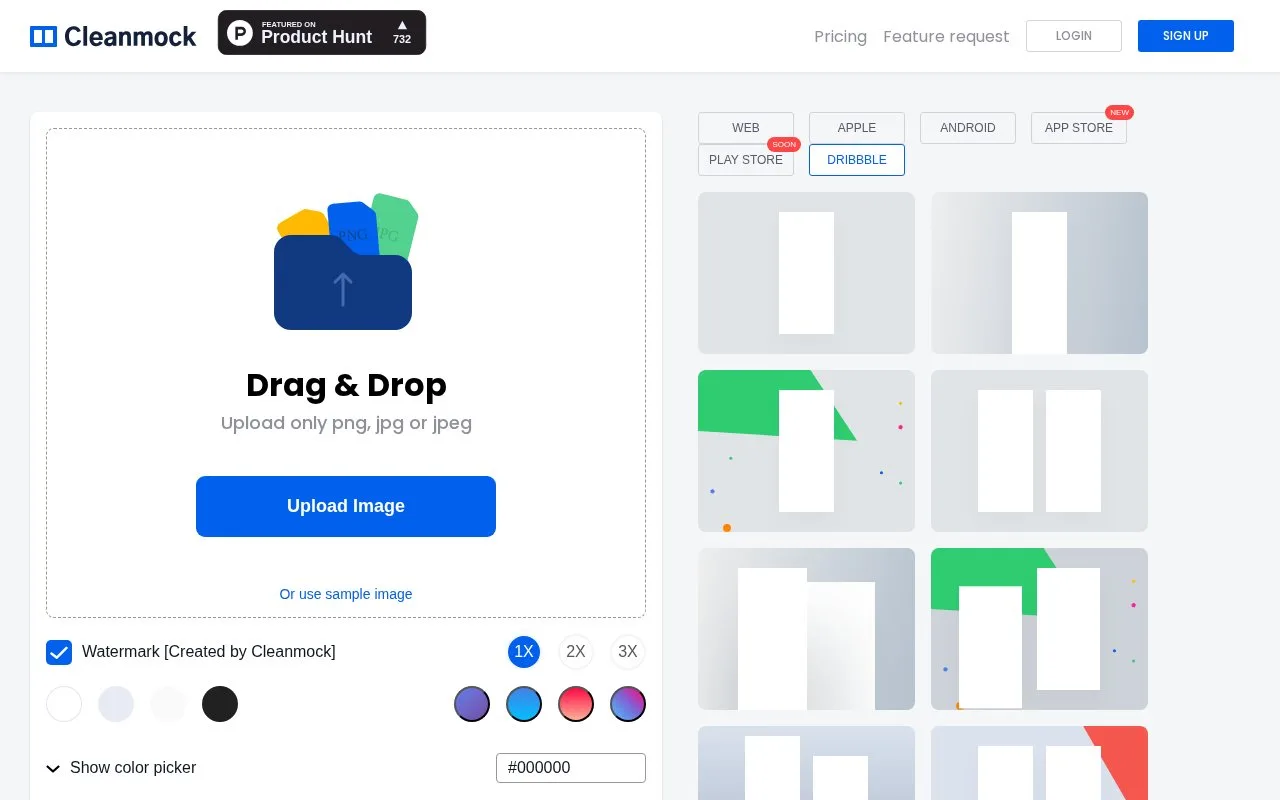
Cleanmock is a compact screenshot mockup editor with web, Apple and Android presentation options. It accepts PNG and JPEG images, includes scale controls and a download action, and offers a paid tier for watermark removal and other output options.
Cleanmock puts its main controls close to the image: upload a PNG or JPEG, choose a presentation style, adjust the colour and select an output scale. That suits a quick portfolio preview where you already have the screenshot and need a surrounding frame.
Check the watermark before treating a free export as final artwork. Premium is advertised with watermark removal, custom background colours, high-resolution images and unlimited downloads. Check the chosen output scale after editing, especially when small interface text needs to stay readable.
Strengths
- Image upload, scale and download controls are visible in a compact editor.
- Web and mobile presentation styles are provided.
Watch out for
- Watermark-free output is a paid feature.
Best for
- Quick framed screenshots from an existing image
Sources
- Mockup your designs simply and beautifully. (Oct 25, 2026)