
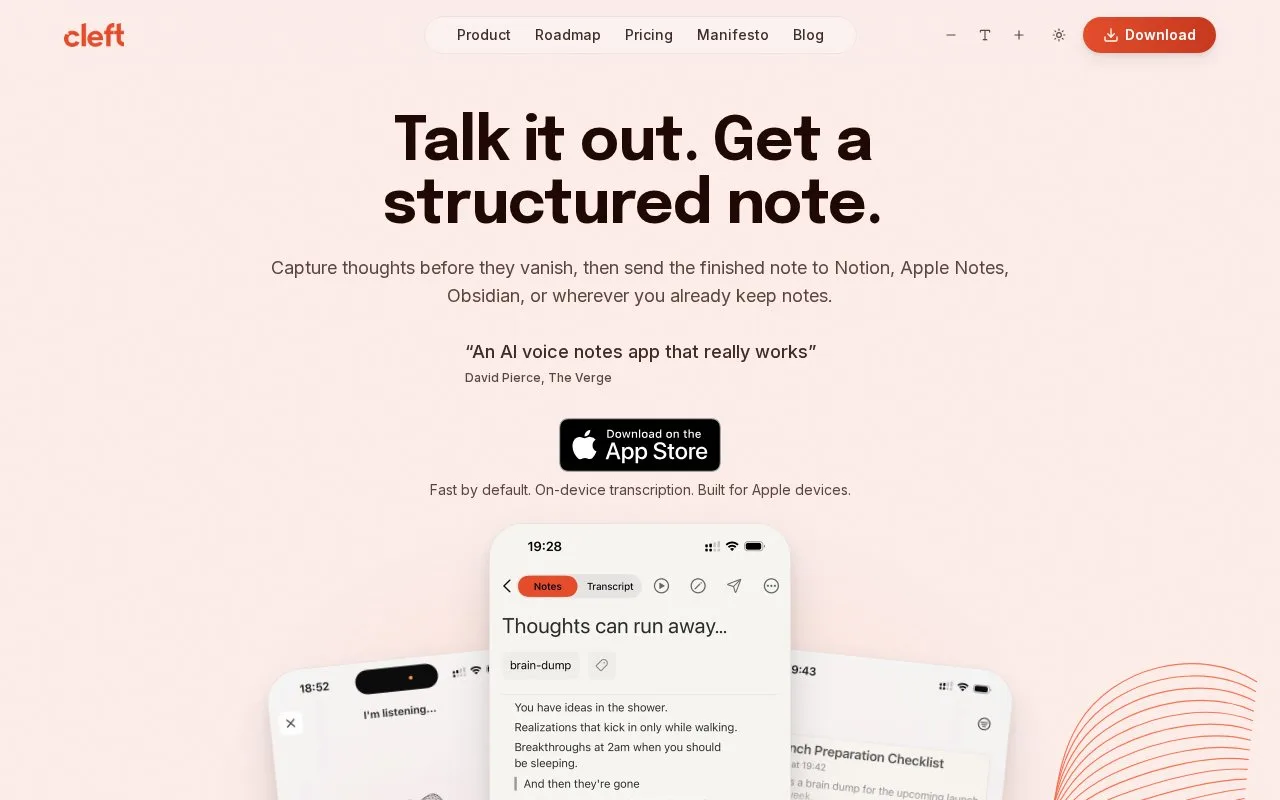
Cleft turns spoken thoughts into structured notes on Apple devices. Record an idea, choose the note's style and review the text before editing it or sending it to another app. It suits people who find speaking easier than typing and want to keep using the notebooks where they already organize their work.
Checked against the site's own pages on .
Our take
This is a useful option when thoughts arrive faster than you can type them. Keep your existing notebook. Cleft's role is capturing and shaping an idea before you file it, rather than asking you to adopt a new organization system. Someone who needs every processing step to stay offline should check the distinction between local transcription and online AI formatting first.
Features
-
Recording with local transcription
Start a voice note, pause when needed and finish when the thought is captured; the recording guide says audio is transcribed on the device before a finished note is prepared.
-
A choice of note styles
Switch between Structured, Structured Prose and Clean Transcript according to whether you need organized points, flowing paragraphs or text closer to what you said.
-
Capture from Apple devices
The product supports notes from iPhone, iPad, Mac, Apple Watch and CarPlay, so a thought captured away from the desk can be reviewed on another device.
-
Keep your existing notebook
Finished text can be shared or exported, while the paid plan adds integrations such as Notion and Zapier for sending captures into an established workflow.
Pricing
- Model
- Freemium
- Free tier
- Basic costs $0 and includes recordings up to 5 minutes.
- Paid plans
- Cleft Plus is listed at $39.99 per year in USD; regional App Store prices may differ.
Best for
- People who prefer speaking an idea before editing it
- Apple-device users capturing thoughts away from a keyboard
- Writers turning spoken drafts into working notes
- People sending captures into an existing note-taking setup
Not for
- People who require every AI processing step to work without internet access
- Buyers looking for a replacement knowledge-management system
Limits
- Plus recordings have a 30-minute ceiling.
- Custom AI guidance is limited to 500 characters on the paid plan.
- The help center says an internet connection is needed for AI processing, even though transcription can work offline.
FAQ
- Can Cleft voice notes be edited after recording?
- Yes. Its recording guide says the finished note is ready to edit, share or export, and the original transcript can also be reviewed.
- What happens to my notes if I stop paying for Plus?
- You keep access to existing notes. The FAQ says they remain available for viewing and editing, while paid capabilities such as longer recordings are restricted for new captures.
Sources
- cleftnotes.com/ (opens in a new tab) Capture workflow, note styles and Apple-device support
- cleftnotes.com/pricing (opens in a new tab) Annual price, plan limits and paid integrations
- learn.cleftnotes.com/user-guides/recording-voice-notes (opens in a new tab) Recording controls, local transcription and editing
- learn.cleftnotes.com/user-guides/faq (opens in a new tab) Free plan, downgrade behavior and online processing
- cleftnotes.com/about (opens in a new tab) The product's capture-first purpose