
What it does
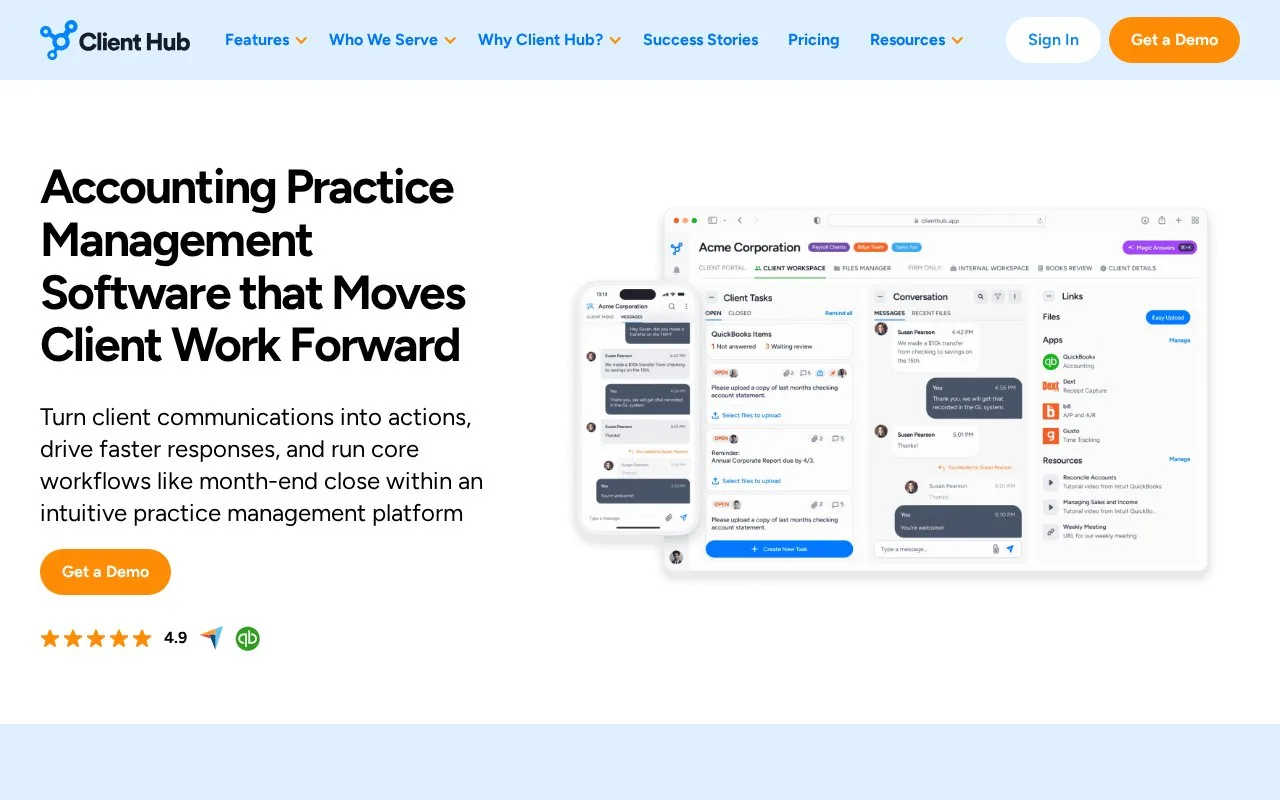
Client Hub converts client communication into owned actions and combines document requests, recurring work and month-end close in a practice workspace. Its QuickBooks Online integration lets clients explain uncategorized transactions before the accountant reviews them. Plans charge per firm user and include unlimited clients, with a guided 14-day trial.
Resolve the transaction behind a client question
Client Hub connects the question sent to a client with the accounting task waiting on its answer. Recurring workflows, document requests and reminders keep follow-up attached to the work.
With QuickBooks Online connected, an administrator chooses which accounts to monitor. Eligible expenses, checks and deposits appear in the client's QuickBooks Items card. For an expense or check, the client supplies details and, if the firm's settings allow it, an expense account. The accountant reviews the answer and selects Close to send the updates and attachments back to QuickBooks.
Deposits need a separate update in QuickBooks, and journal entries are not supported by this feature. A task can also close in Client Hub while its QuickBooks update fails because the accounting period is closed. Review the error before treating the accounting work as finished.
Send requests before recurring work begins
Inside a recurring Job, add Client Tasks above the first internal task. Turn on Autopilot, choose how many days before the job starts to publish them, and select the sender. Client tasks placed after an internal task need manual publication. Completing the current Job creates the next occurrence with its client requests.
Auto-Remind Client adds a response deadline and starts daily reminders after that deadline. Reminders stop when the request is Answered or Closed, with no more than one reminder a day to each client user even when several requests are waiting.
Plans and access
Annual prices are $49 per firm user per month for Solopreneur, $59 for Practice Manager, and $79 for Practice Manager with QBO/Xero tools, billed annually. All include unlimited clients and storage.
Start with a demo and guided 14-day trial. The firm workspace and client portal use accounts; clients with several companies can reach their workspaces from one login.
Strengths
- Uncategorized expenses can carry client responses and attachments back to QuickBooks
- Autopilot schedules document requests before a recurring job starts
- A client user receives at most one automatic reminder per day
Watch out for
- Uncategorized deposit responses are not written back to QuickBooks automatically
- Journal entries are excluded from the uncategorized-transaction workflow
- A closed QuickBooks period can prevent a completed client task from syncing
Best for
- Bookkeeping firms repeatedly asking clients about uncategorized transactions
- Practices collecting documents before monthly or quarterly jobs
Sources
- Client Hub accounting practice management (Oct 27, 2026)
- Client Hub pricing and plans (Oct 27, 2026)
- QuickBooks Online integration for uncategorized transactions (Oct 27, 2026)
- Publish client tasks automatically with Autopilot (Oct 27, 2026)
- Use Auto-Remind for client tasks (Oct 27, 2026)