
What it does
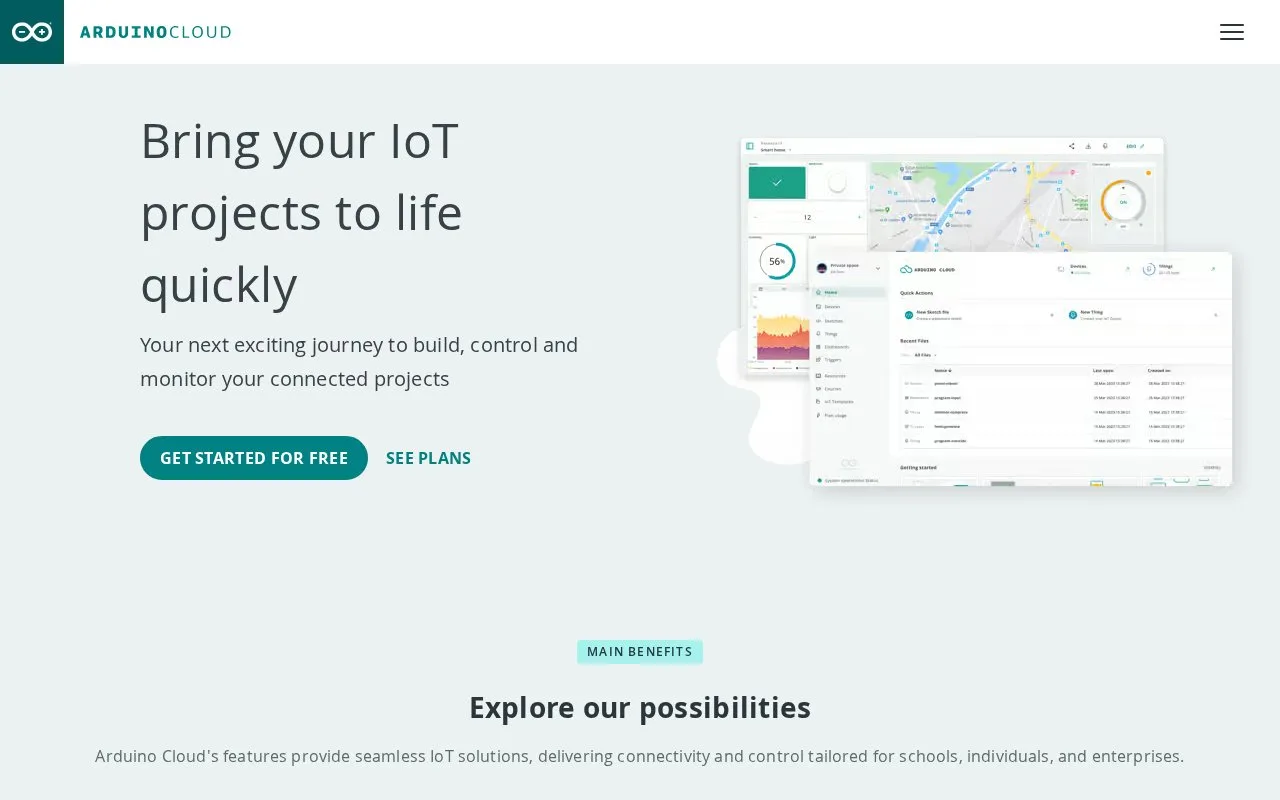
Arduino Cloud Editor is the browser-based sketch editor in Arduino Cloud. It can open saved sketches or start a new one, and cloud storage keeps the project available from the account. The editor supports reading, editing, and verifying sketches in the browser. Uploading a sketch to a physical board on a desktop system also needs the separate Arduino Cloud Agent to bridge the browser and USB device.
Open the Cloud Editor from Arduino Cloud and create a sketch or select one already saved in the account. Edit the sketch in the browser and use Verify to compile it. For an upload to a connected board, first install the Arduino Cloud Agent for the computer's operating system, connect the board over USB, and use the editor's hardware workflow. The agent supplies the local connection; it is not the editor itself. The documentation steps are illustrative, and no board was connected or sketch compiled for this listing.
The free plan has a daily ceiling
Arduino describes the Cloud Editor as free to use, while the Cloud plan page limits the free account to two Things, 25 compilations per day, and one day of cloud data retention. Paid Cloud plans add different quotas and collaboration features. A free account is enough to explore the documented editor workflow, but frequent builds or longer data retention may call for a different plan.
This is a web application rather than the separate Arduino IDE 2 desktop program. The online editor is useful when a project benefits from cloud-saved sketches and browser access; hardware work still depends on a compatible board and the installed local agent.
Strengths
- Lets users create or reopen sketches from a browser and stores progress in Arduino Cloud.
- Supports verifying code online and uploading to connected boards through a companion local agent.
- The free Cloud plan includes access with a defined compilation allowance.
Watch out for
- The free plan limits users to 25 compilations per day and one day of cloud data retention.
- Desktop uploads to physical hardware require the separate Arduino Cloud Agent and a compatible board.
Best for
- Arduino learners who want to edit and compile sketches without installing the full desktop IDE
- Makers who want cloud-saved sketches available from a browser
- Classrooms or teams using Arduino Cloud to share sketch projects
Sources
- Software | Arduino (Oct 25, 2026)
- Open the Cloud Editor - Arduino Help Center (Oct 25, 2026)
- Arduino Cloud Plans & Pricing: Start for Free (Oct 25, 2026)
- Install the Arduino Cloud Agent - Arduino Help Center (Oct 25, 2026)
- Sign up for an Arduino Cloud plan - Arduino Help Center (Oct 25, 2026)