
What it does
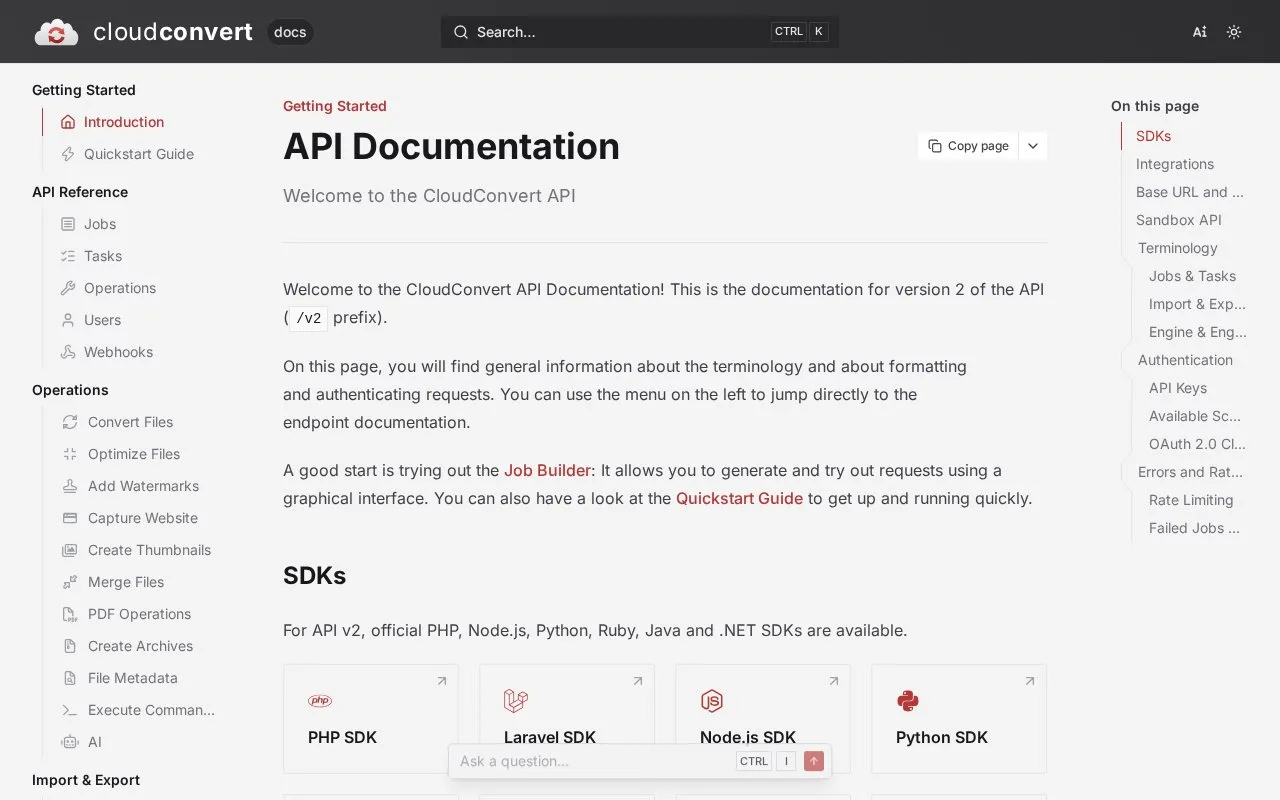
CloudConvert API v2 is a hosted REST service for file conversion and related operations, not a general-purpose HTTP client. A job links tasks such as importing a file from a URL or object store, converting it, and exporting the result to a download link or storage provider. Developers can define the workflow with raw requests or an official language SDK, then use webhooks or the job status endpoint to learn when processing finishes. The API is useful when an application needs repeatable file transformations without running its own conversion engines. Pricing is credit-based, and the sandbox uses a limited set of approved files.
Build a job from input to output
The version 2 API treats file processing as a job containing named tasks. Its quickstart demonstrates an import/url task, a convert task, and an export/url task in one request. For a real integration, replace the illustrative source address with a file your application can provide, select an output format supported for that input, and choose an export operation. The docs also describe storage-specific imports and exports for S3, Azure, Google Cloud, and OpenStack. These examples are documentation, not requests run for this listing.
A job starts asynchronously. The quickstart recommends a webhook for completion notifications; the API also provides status endpoints. The generated export URL is valid for 24 hours, so transfer the output to your own storage or retrieve it within that window. Official SDKs are listed for PHP, Node.js, Python, Ruby, Java, and .NET.
Test the integration and budget the workload
Requests use a bearer API key, and the docs let account owners restrict a key with scopes. A sandbox endpoint supports unlimited development jobs and tasks without consuming credits, but it accepts only a limited set of whitelisted files. That is useful for checking job structure, not for validating every production file.
The pricing page describes a free allowance, one-time credit packages, and monthly subscriptions. A successful job consumes credits based on processing time and the conversion type's base cost, so the bill for a particular format is not determined by request count alone. Some job and task creation endpoints are dynamically rate-limited and can return 429 with a Retry-After value. The API docs advise against automatically retrying tasks because CloudConvert already retries transient failures. Imported files are stored temporarily, making the export step part of the data-handling plan rather than an optional detail.
Strengths
- A job can connect several operations, such as importing, converting, and exporting, instead of requiring a separate service for each step.
- The sandbox and official SDKs provide supported ways to develop an integration before using live credits.
Watch out for
- Sandbox files are limited to a whitelist, so development tests do not cover arbitrary production inputs.
- Export URLs expire after 24 hours, and credit use varies with conversion type and processing time.
Best for
- Adding document or media conversion to a backend workflow
- Building multi-step jobs that move files between a source and a storage destination
- Testing job orchestration against the sandbox before enabling live processing
Sources
- API Documentation - CloudConvert (Oct 25, 2026)
- Quickstart Guide - CloudConvert (Oct 25, 2026)
- Pricing | CloudConvert (Oct 25, 2026)
- API Documentation - CloudConvert (Oct 25, 2026)