
What it does
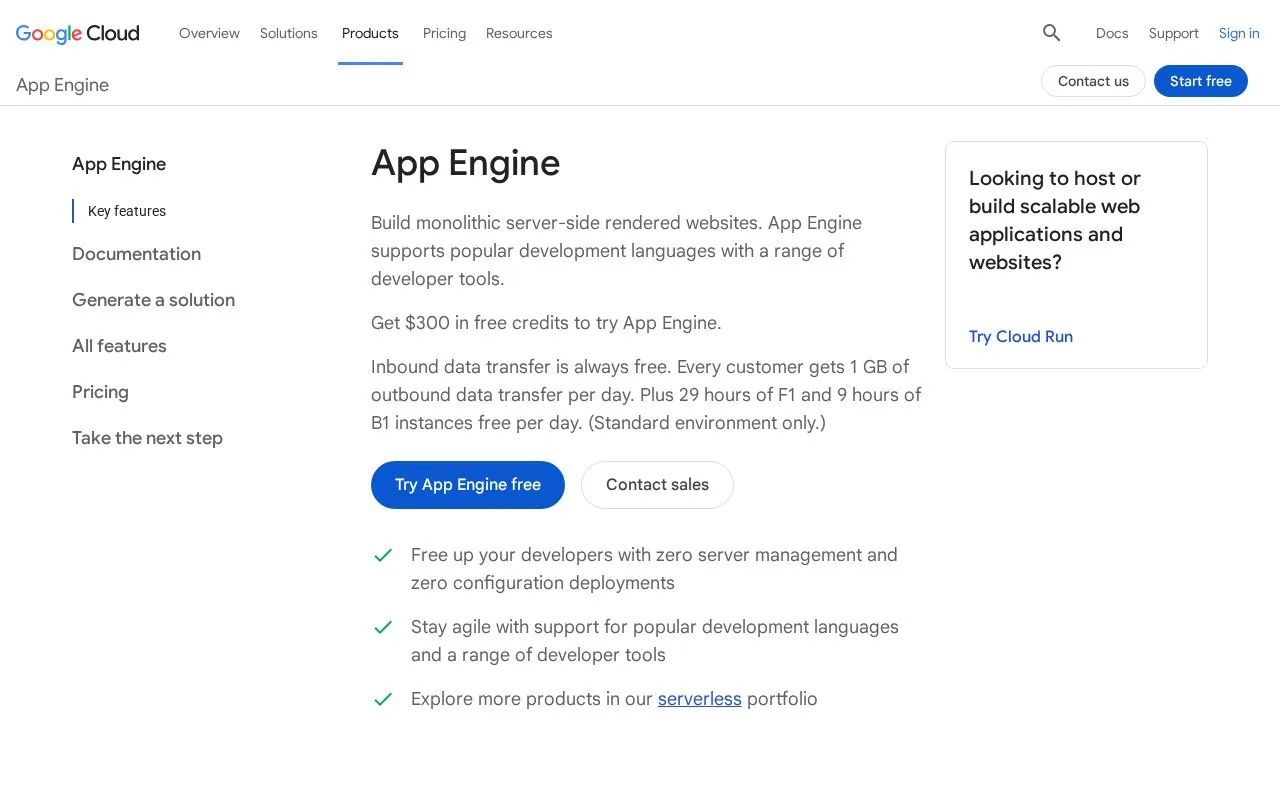
Google App Engine hosts application services in Google Cloud and provides a managed deployment path rather than asking teams to configure virtual machines. In the standard-environment workflow documented here, each service has an app.yaml configuration file; the gcloud deployment command submits the version, while Cloud Build creates the container image. This record covers App Engine's application runtime, not Google Compute Engine virtual machines.
From app.yaml to a deployed version
App Engine suits a service whose runtime and deployment configuration fit its standard environment. Before deployment, the Google Cloud project must be set up for App Engine and the deploying account needs the required permissions. Work locally with the development tools for the application's language; Google's guide recommends ordinary Python tools rather than relying on its older local development server.
From the directory containing a service's app.yaml file, the documented gcloud app deploy command deploys that service configuration. Cloud Build builds the container image in the region of the Google Cloud project. App Engine organizes deployments as versions of application services, so teams can manage a service's configuration and releases within the project instead of treating each release as a separately configured VM.
The same documentation names the App Engine Admin API for programmatic deployment. That makes it possible to integrate an App Engine release into a scripted workflow, while leaving the runtime infrastructure managed by Google.
A Google Cloud service, not a VPS
Plan for a Google Cloud project, IAM permissions and App Engine-specific configuration. The standard-environment documentation describes a particular managed runtime and per-service configuration, not unrestricted root access to a server. That is the main tradeoff: less host administration in exchange for adapting the app to App Engine's supported runtime and configuration model.
I opened Google's pricing page, but the public-page fetch returned only its title in this check. No current price, quota or free-tier claim is made here; confirm those details in the live pricing page and consider any other Google Cloud services your application uses before estimating cost.
Strengths
- Deploying a service version from app.yaml is handled by the gcloud workflow, with Cloud Build creating the container image.
- The service model separates application versions and services from the virtual machines that run them.
- An official Admin API is available for programmatic deployment.
Watch out for
- An App Engine project must be configured and the deployer needs the required Google Cloud permissions.
- Each standard-environment service needs App Engine configuration, including an app.yaml file.
Best for
- Hosting a Google Cloud web service when a managed runtime is preferable to administering VMs
- Versioned deployments of services configured for App Engine's standard environment
- Automating deployments through Google Cloud tooling or the App Engine Admin API
Sources
- App Engine Application Platform | Google Cloud (Oct 25, 2026)
- Test and deploy your application | App Engine standard environment | Google Cloud Documentation (Oct 25, 2026)
- App Engine pricing | Google Cloud (Oct 25, 2026)