
What it does
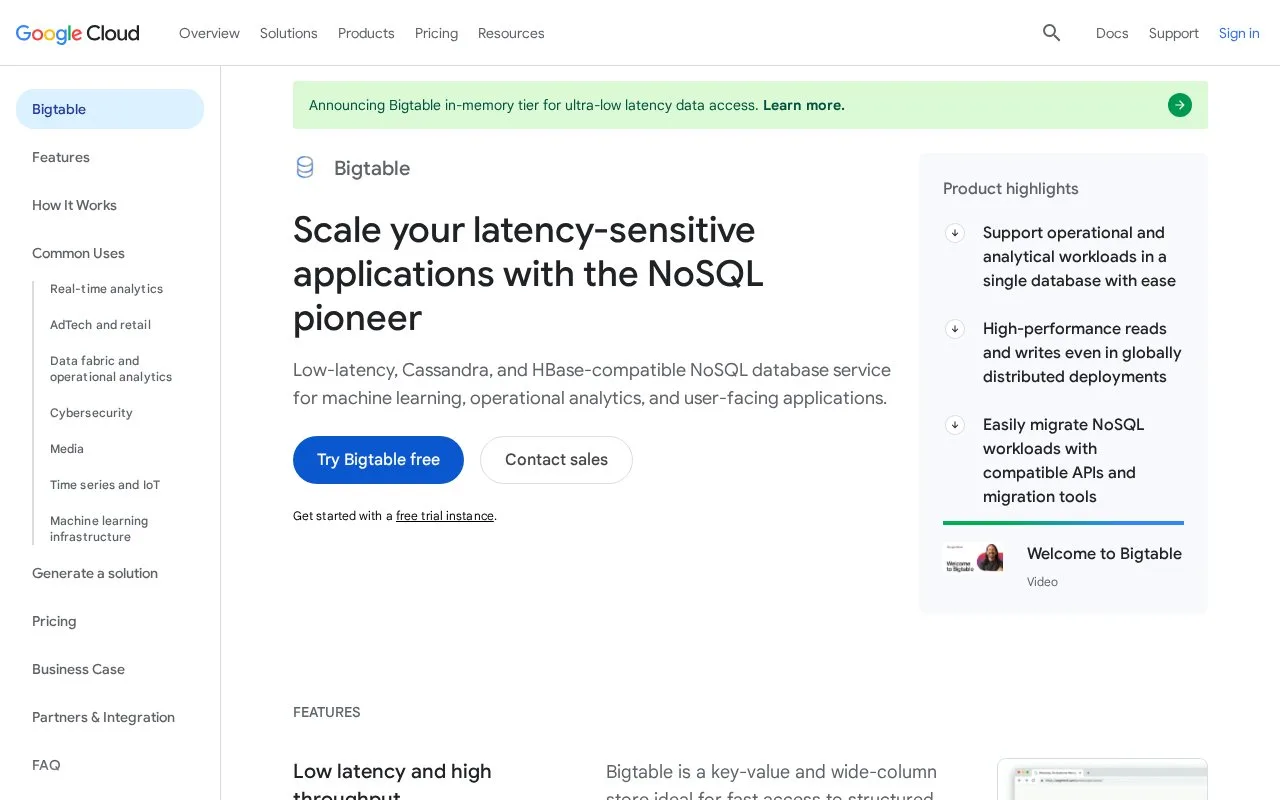
Google Cloud Bigtable is a managed key-value NoSQL database. Its cbt CLI quickstart has users select or create a Google Cloud project, enable billing and the Bigtable APIs, grant the required IAM role, then create an instance and read and write table data.
The cbt CLI quickstart shows the operational prerequisites before the first data operation: choose a Google Cloud project, enable billing and Bigtable APIs, and grant the required IAM permissions. Then create an instance and work with table data from the command line. That sequence is useful for a team evaluating a managed key-value database, although it is more involved than a local-only database tutorial.
The product suits workloads that fit Bigtable’s key-value model. Its pricing page response contained only the page title, so current pricing, billing dimensions, and rates are left unresolved rather than inferred from the setup guide.
Strengths
- The cbt quickstart covers instance creation, table data operations, and basic administration.
- The official docs describe Bigtable as a key-value service optimized for high-throughput, low-latency access and very large tables.
Watch out for
- The CLI workflow requires a Google Cloud project with billing enabled, Bigtable APIs enabled, and the required IAM permissions.
Best for
- Google Cloud teams evaluating a managed key-value database.
- Applications with large-scale operational, user-facing, or analytics data workloads.
Sources
- Bigtable: fast, flexible NoSQL | Google Cloud (Oct 25, 2026)
- Quickstart: Create an instance and write data with the cbt CLI | Bigtable | Google Cloud Documentation (Oct 25, 2026)
- Bigtable pricing | Google Cloud (Oct 25, 2026)
- Bigtable overview | Google Cloud Documentation (Oct 25, 2026)