
What it does
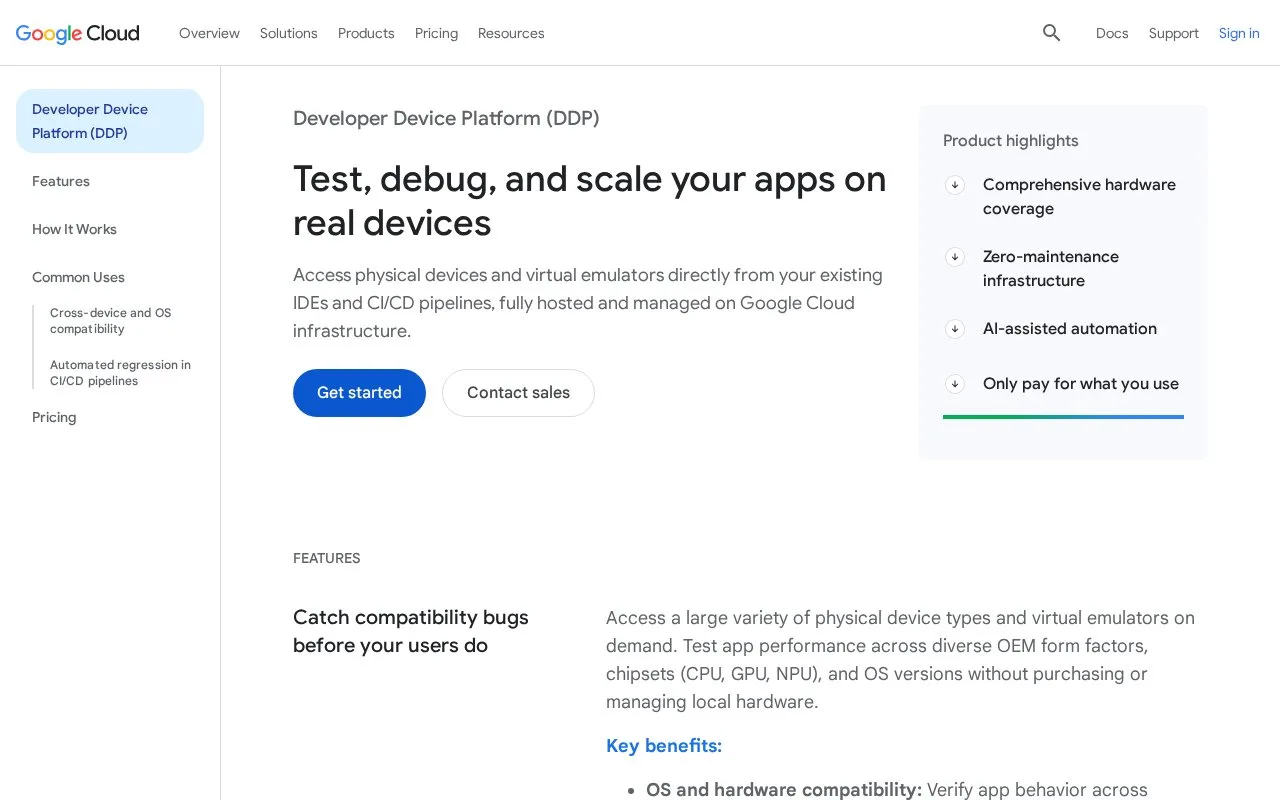
Developer Device Platform (DDP) is Google's cloud service for orchestrating automated mobile tests and executables on remote devices. Its Device Run workflow accepts Android instrumentation tests or executables and iOS XCTest packages, targets devices from a catalog, and can execute across multiple devices in parallel. Developers control runs through the Google Cloud CLI and service APIs, while the platform allocates device environments and returns run results.
Supply a test and choose devices
The documented entry point is a Google Cloud project with billing enabled, the required APIs and IAM roles, and the Google Cloud CLI installed and authenticated. A run needs an Android instrumentation package or executable, or an iOS XCTest package, plus the project ID and target device selection. Device Run supports physical and virtual Android devices and physical iOS devices. Identical suites can be scheduled against multiple device IDs, with run output returned synchronously or monitored later when submitted asynchronously.
This model suits mobile teams that want a device matrix without building a local device lab. It focuses on executing a team's own automation, not authoring test cases; Android and iOS tests still need to be built with supported frameworks before submission. The quickstart also explains how to list available device models and check project permissions.
Preview status and billing
At the time checked, Google labels DDP as Preview and subjects it to pre-GA terms. The documentation warns that preview features may be available as-is and have limited support. Its pricing guide describes pay-per-minute billing, but points to a separate pricing table for current rates; no per-device amount is quoted here. Verify both the current device catalog and project-level billing before moving an existing test pipeline.
Strengths
- Device Run supports Android instrumentation, Android executables, and iOS XCTest on physical or virtual device targets as documented.
- Tests can be targeted by device and run concurrently across multiple devices, supporting a broader mobile compatibility matrix.
- The Google Cloud CLI and documented service interfaces provide a route for connecting runs to automated delivery workflows.
Watch out for
- The service is marked Preview and its pre-GA terms warn of limited support; behavior and availability may change.
- Using the documented workflow requires a Google Cloud project with billing enabled, CLI setup, and appropriate IAM roles.
Best for
- Mobile developers running Android instrumentation or iOS XCTest across cloud device targets
- CI workflows that need parallel execution across physical or virtual mobile devices
- Teams migrating device testing into Google Cloud and willing to adopt a preview service
Sources
- Developer Device Platform | Google Cloud (Oct 26, 2026)
- Developer Device Platform Device Run Overview | Google Cloud Documentation (Oct 26, 2026)
- Quickstart: Prepare for Developer Device Platform | Google Cloud Documentation (Oct 26, 2026)
- Pricing and billing questions | Developer Device Platform | Google Cloud Documentation (Oct 26, 2026)