
What it does
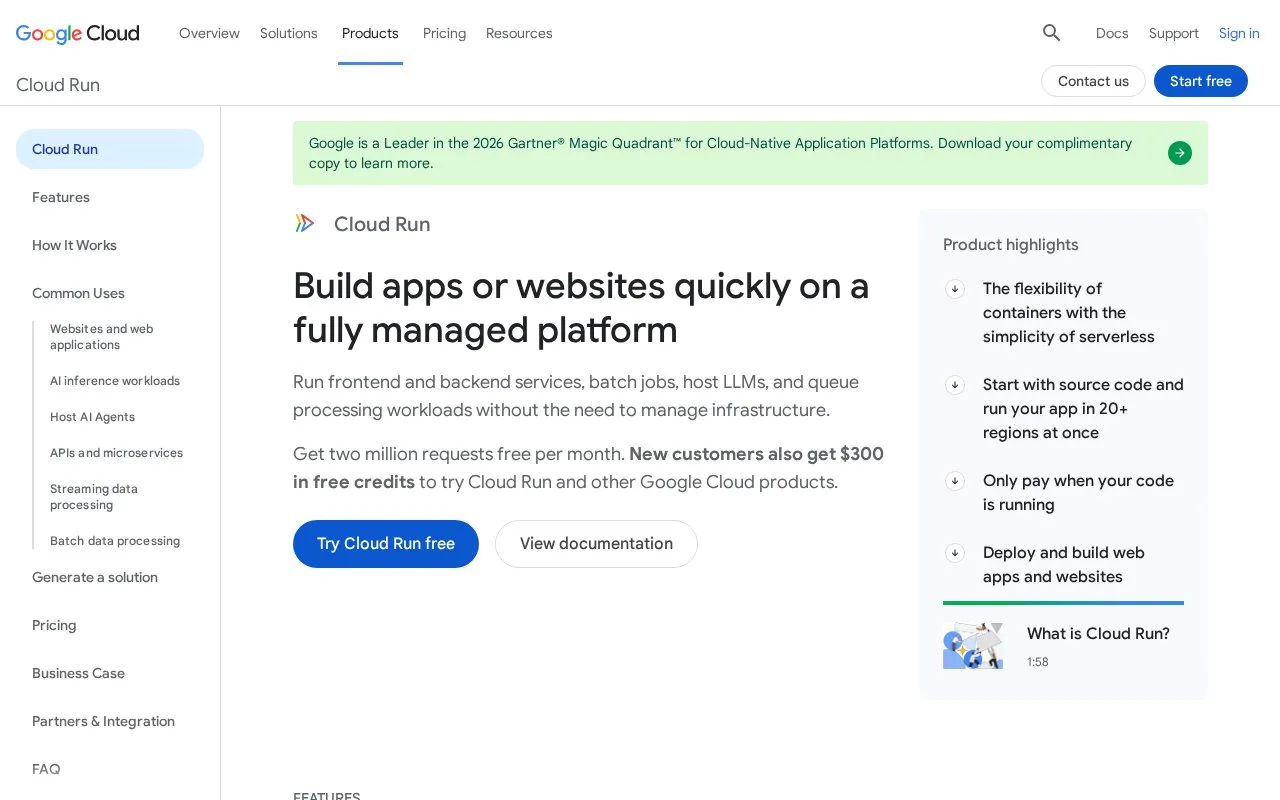
Cloud Run is Google's managed application platform for code, functions, and containers. Developers can deploy source code for supported runtimes or provide a container image; Cloud Run runs it in sandboxed instances and manages service deployment and scaling. The service family also includes jobs and worker pools, covering HTTP applications and background work without requiring a general-purpose virtual machine.
Source deployment still has a build step
The official Python quickstart uses a Flask application. It requires a Google Cloud project, enables the Cloud Run Admin API and Cloud Build APIs, and assigns the required project permissions before deployment. Cloud Run builds and deploys the service from source and provides a URL to open. For another runtime, decide whether source-based deployment should build the container or whether your team will supply an image.
Scale-to-zero is a latency choice as well as a cost choice
Cloud Run can remove the last instance when there are no requests. With no minimum instances configured, its overview says unused service time is not charged; it also describes a free tier and pay-per-use CPU and memory billing. A request after scale-to-zero may have to wait for a new instance to start, so teams with a strict response-time target should review minimum-instance settings. The opened pricing route returned only its title, so current rates are not quoted.
Strengths
- Source-based deployment can build a container for supported runtimes, while custom container images are also supported.
- The service can scale to zero when no requests arrive and minimum instances are not configured.
- The quickstart documents the APIs and project permissions needed for deployment.
Watch out for
- A request after scale-to-zero may wait for a new instance to become ready.
- Deployment depends on a Google Cloud project, enabled APIs, and appropriate IAM permissions.
Best for
- Hosting an HTTP application or API without managing virtual-machine operating systems.
- Running containerized services that should adjust instance count with incoming traffic.
- Deploying background jobs or worker workloads in the Cloud Run service family.
Sources
- Cloud Run | Google Cloud (Oct 25, 2026)
- What is Cloud Run | Google Cloud Documentation (Oct 25, 2026)
- Quickstart: Deploy a Python (Flask) web app to Google Cloud with Cloud Run | Google Cloud Documentation (Oct 25, 2026)
- Cloud Run pricing | Google Cloud (Oct 25, 2026)