
What it does
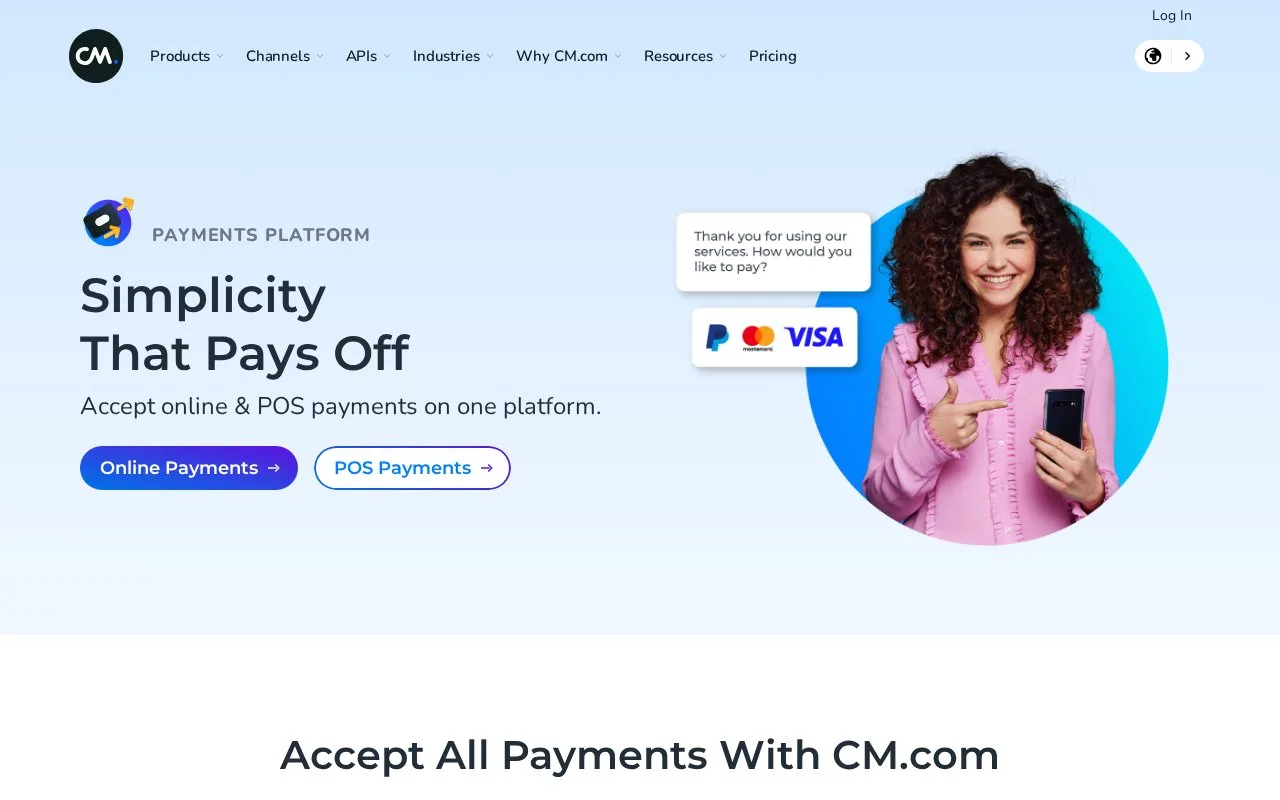
CM.com combines online and point-of-sale payments in one merchant platform, alongside its customer-communication and commerce services. Payment links and QR codes can bring a remote or on-site customer to checkout. Online processing is charged per transaction with a monthly invoice minimum, and merchants need an account.
For accounts using the Ecommerce Portal, open Orders and choose New order. Select URL to create a shareable checkout address, then enter the order identifier, currency, amount and customer information. The resulting link appears immediately and remains on the order details page until the customer starts payment.
Find the order again through Quick search or combine criteria in Advanced search. Open its row to inspect the payment actions and available detail tabs. For the bank deposit, use Reporting, Default Reports and the Payout details report, which lists the transactions included in one payout.
The online tariff has no setup fee but a EUR 50 minimum monthly invoice. A EUR 0.14 processing charge is added to the payment-method fee:
| Published method | Total per-transaction charge |
|---|---|
| Dutch iDEAL / Wero | EUR 0.29 |
| Bancontact | EUR 0.39 |
| Visa or Mastercard, low-risk businesses | 1.85% + EUR 0.14 |
Businesses processing more than 2,000 monthly transactions can request volume pricing. Confirm the method, business classification and contract before applying one of these examples to a forecast.
A developer starts by creating a CM.com account and requesting a payment test account. Completing that registration provides the API key needed for integration. Ask CM.com to confirm merchant eligibility, supported methods and payout terms for the operating country.
Strengths
- Refund requests in the Ecommerce Portal require approval by a user with the appropriate Orders permission.
- Mobile Order and recurring payments support collection beyond a conventional webshop checkout.
Watch out for
- PayPal acceptance requires the merchant to arrange its own PayPal contract.
Best for
- Businesses sending checkout links through customer communications
- Retailers comparing online and venue payment collection
Sources
- CM.com: Merchant payment channels and products (Oct 27, 2026)
- CM.com: Remote links and QR checkout (Oct 27, 2026)
- CM.com: Ecommerce Portal orders, refunds and reporting (Oct 27, 2026)
- CM.com: Online payment-method fees and invoice minimum (Oct 27, 2026)
- CM.com: Payment test-account setup (Oct 27, 2026)
- CM.com: Payments Platform Developer Hub (Oct 27, 2026)