
What it does
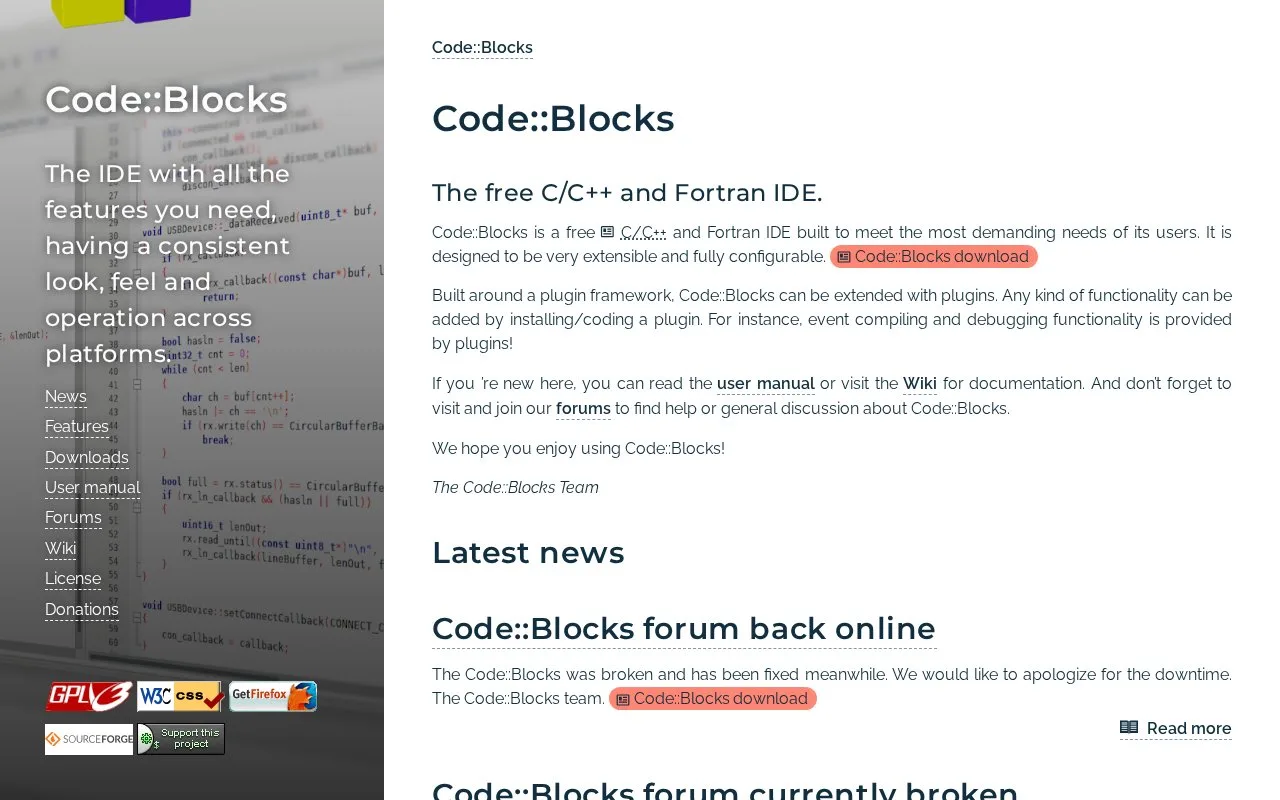
Code::Blocks is a desktop IDE for C, C++, and Fortran. Its project and workspace tools use a custom build system, and its plugin framework supplies or extends features such as compiler and debugger integrations. The project publishes builds for Windows, Linux, and macOS and supports multiple compiler toolchains rather than bundling a single language runtime as the product's only build path.
Code::Blocks is organized around projects, build targets, and workspaces. A practical starting point is to open or create a C/C++ project, select a compatible compiler toolchain, and use the IDE's custom build system to compile it. The official feature list says the build system supports parallel builds, multiple targets, workspace-level project dependencies, and several compiler families.
For debugging, the IDE interfaces with GNU GDB and also supports Microsoft CDB with a documented feature caveat. Its debugger includes breakpoints, watches, call stack, disassembly, memory views, and thread switching. The user manual is an actively updated community document and describes project management, build targets, and debugging. Code::Blocks is free and licensed under GPLv3; the SDK is a separate LGPLv3 exception that allows linking from closed-source plugins. Remember that the IDE is not itself a compiler: the selected toolchain determines the language standard, platform, and compiler behavior available to the project.
Strengths
- The custom build system supports parallel builds, multiple build targets, and dependencies between projects in a workspace.
- Compiler integrations include GCC, MSVC++, clang, and other documented options.
- The debugger exposes breakpoints, watches, call stacks, disassembly, memory dumps, and thread selection.
Watch out for
- Users need a compatible compiler toolchain; Code::Blocks is an IDE and the compiler determines actual build support.
- The official site says Microsoft CDB support is not fully featured.
- The IDE is GPLv3, while its SDK uses LGPLv3; the license distinction matters to plugin authors.
Best for
- C, C++, and Fortran projects that need a configurable desktop IDE and multiple build targets
- Learners or maintainers who want an IDE-level build and debugger interface without adopting one compiler vendor's environment
Sources
- Code::Blocks (Oct 25, 2026)
- Features - Code::Blocks (Oct 25, 2026)
- User Manual - Code::Blocks (Oct 25, 2026)
- Binary releases - Code::Blocks (Oct 25, 2026)
- License - Code::Blocks (Oct 25, 2026)
- Code::Blocks User Manual, Version 2.1.21 (Oct 25, 2026)