
What it does
CodeEdit is a community-built editor for macOS projects, including projects that do not target Apple platforms. Its project README lists syntax highlighting, completion, project search and replace, snippets, a terminal, task running, debugging, Git integration, code review, and extensions. The app is free and open source under the MIT License. The project explicitly describes the current app as in development and not recommended for production use, so it is best approached as a preview rather than a settled replacement for a team's primary editor.
A native editor to explore, not a production default
CodeEdit aims to give Mac developers a native editor for work outside Xcode's Apple-platform focus. The project README lists familiar editing and project features, including syntax highlighting, completion, search and replace across a project, snippets, terminal access, task running, debugging, Git integration, and code review. A reasonable first evaluation is to download the official disk image, move the app to Applications, and try those project tools on a noncritical codebase.
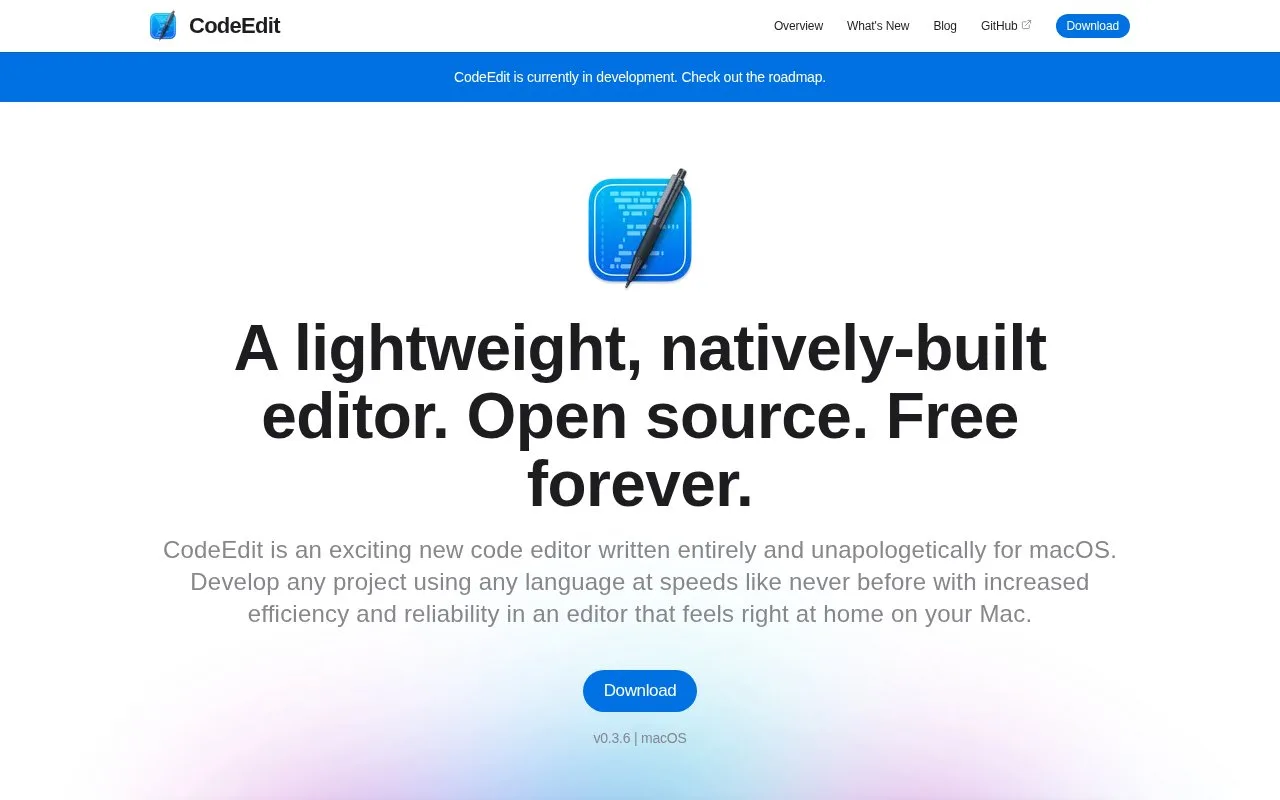
That caution is important: the same README says the app is currently in development and is not yet recommended for production use. The website advertises release 0.3.6 and frames the project as something contributors can help shape. Teams that need a stable editor should treat this as an early preview and confirm its current capabilities before relying on it.
The project is MIT-licensed and says it is intended to remain free. The official extension documentation host did not load during this check, so this guide does not make a claim about extension compatibility or a complete workflow for installing community extensions.
Strengths
- The native macOS app combines project search, task running, debugging, Git integration, and code review with text editing.
- The editor's source repository is published under the MIT License and the project describes the app as free.
Watch out for
- The maintainers say CodeEdit is still in development and do not recommend it for production use yet.
- The available download is for macOS; the project page does not list Windows or Linux builds.
Best for
- Mac developers evaluating a native editor for projects outside Apple's platform stack
- Developers interested in trying or contributing to an early-stage editor project
Sources
- CodeEdit | A native code editor for macOS (Oct 26, 2026)
- CodeEdit for macOS (Oct 26, 2026)
- CodeEdit/LICENSE.md at main · CodeEditApp/CodeEdit · GitHub (Oct 26, 2026)
- Download CodeEdit (Oct 26, 2026)