
What it does
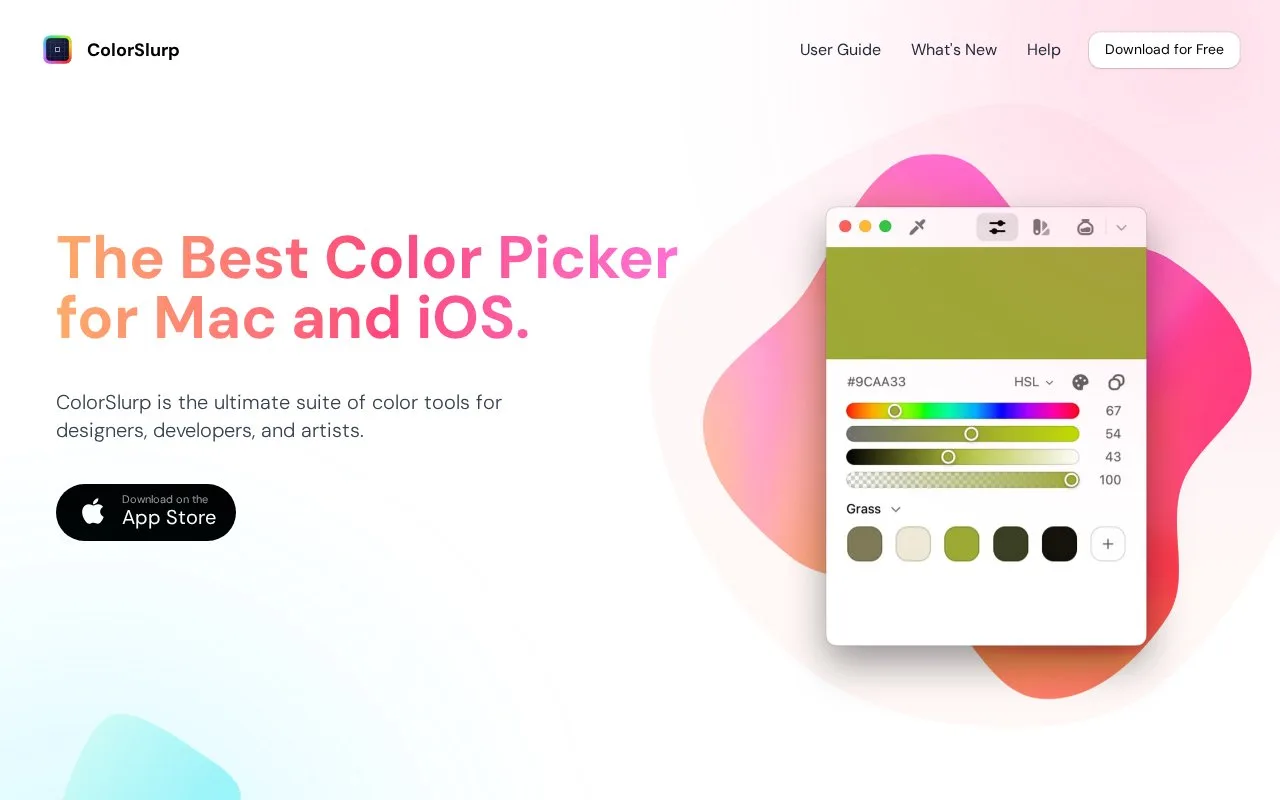
ColorSlurp combines screen sampling, palette organisation and colour editing on Mac and iOS. It supports modern spaces such as OKLCH and Display P3, image-based palettes and contrast tools. A free app is available, with advanced features in Pro.
The magnifier moves with the pointer or arrow keys; a long press slows it for a small target. Adjust its size and zoom, collect colours, then name them and group them into a palette or project. A custom format can shape the copied value around the code you need.
Palette exports include ASE, Procreate, Sketch, PDF, CSS and JSON. On iOS, the camera can find dominant colours or sample a chosen point. These are Pro features, alongside the contrast checker, image palette generator and unlimited palettes.
One Pro subscription covers supported devices. The developer confirms that an older one-time Pro purchase can still be restored using the original Apple ID. The current Mac release requires macOS 14.6 or later.
Strengths
- Palettes connect desktop sampling with mobile camera colours
- Design-file and code exports support several handoff routes
- Magnifier speed and size can be adjusted
Watch out for
- Palette export and the contrast checker require Pro
- The current Mac release needs macOS 14.6 or later
Best for
- Designers maintaining related colours across Mac and iOS work
Sources
- ColorSlurp tools and exports (Oct 27, 2026)
- ColorSlurp developer App Store listing (Oct 27, 2026)