
What it does
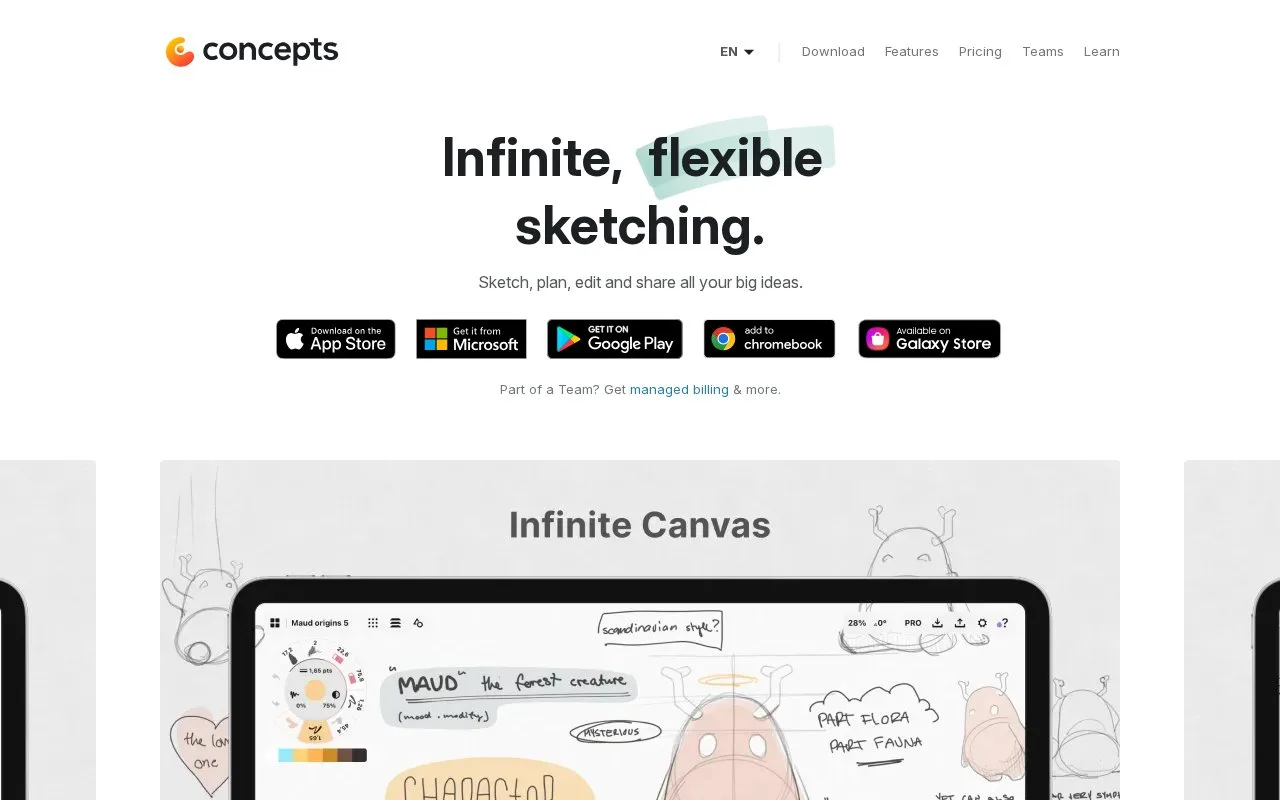
Concepts combines an infinite canvas with vector-based strokes and drawing guides. Its free Basic level and paid options provide different editing, layer and export capabilities.
On iPad, start with the plus button in the Gallery. The canvas has no fixed edge, and the tool wheel holds configurable drawing tools. Tap an active tool again to adjust its brush settings. The status bar gives access to layers, precision controls, import, export and workspace settings, including the artboard and grid.
Basic includes five layers and JPG export. Selection and editing of vector strokes require paid access; Essentials adds unlimited layers and formats including PNG, PSD, SVG and DXF. Essentials is a one-time purchase for one platform, while a Pro subscription covers supported platforms and has a seven-day trial. Some tools still differ between devices.
You can draw without a Concepts account. An optional account synchronizes purchases, palettes and brush presets, but it does not synchronize your drawings. On iOS, drawings can be saved in the Gallery's iCloud Drive section for that separate purpose.
Strengths
- Vector strokes remain adjustable.
- The infinite canvas accommodates related sketches.
Watch out for
- Basic is limited to five layers and basic JPG exports.
- Some capabilities differ by platform.
Best for
- Visual ideation
- Evolving concept sketches
Sources
- Concepts App: Infinite, Flexible Sketching (Oct 27, 2026)
- Concepts Manual: Quick Start (Oct 27, 2026)
- Do I need to create a Concepts account? (Oct 27, 2026)
- What does a free account do, and how do I make one? (Oct 27, 2026)