
What it does
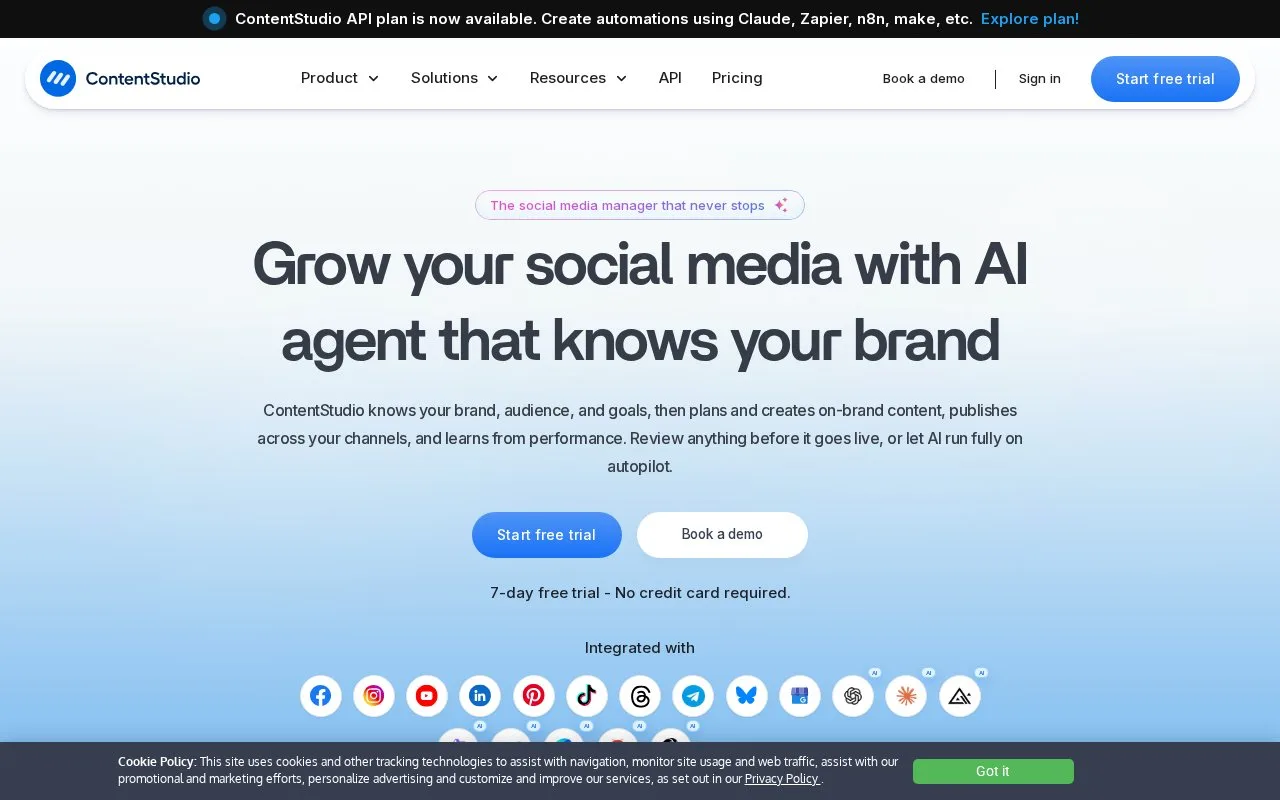
ContentStudio combines social content creation, scheduling, approvals, inbox handling and analytics. Dedicated workspaces separate client accounts, schedules, media and team members, with API options for external automation. A seven-day trial needs no card; continuing afterward requires a paid plan.
ContentStudio's client workflow can begin before the first post is written. Clients connect their accounts through a link, and dedicated workspaces separate profiles, media, schedules and team members. Review links let clients give feedback and approve posts without creating a full management login.
The content library collects blogs, news and newsletters for editorial use. A team can select material, add its own commentary and take the draft through approval in the same workspace. Automated branded reports support the later client review.
| Plan | Social accounts | Workspaces | Users | Selected inclusions |
|---|---|---|---|---|
| Standard | 5 | 1 | 1 | Publishing, analytics, media library and API access |
| Advanced | 10 | 2 | 2 | Adds inbox, approvals, CSV scheduling and scheduled reports |
| Agency Unlimited | Chosen account allowance | Unlimited | Unlimited | Adds EasyConnect and client management |
| Enterprise | Custom | Unlimited | Unlimited | Tailored access, security and onboarding |
Subscriptions have monthly, quarterly and annual options. Agency Unlimited still has a selected social-account allowance. Additional account, user and workspace capacity is offered on eligible plans.
The seven-day trial needs no card. There is no permanent free plan; paid access is required afterward. Account data is retained for up to 90 days after subscription expiry, then permanently deleted.
The account owner registers with an email, password and workspace name, verifies an email code, and sets the workspace time zone during onboarding. Social sign-in is also available. Approvers have a separate Sign in without a password option that sends them a login email.
Strengths
- Account-connection and no-login review links reduce client setup steps
- Dedicated workspaces separate each client's media and publishing operation
Watch out for
- The unified social inbox is excluded from Standard
- Account data is deleted after 90 days following subscription expiry
- Unlimited agency workspaces do not remove the selected social-account allowance
Best for
- Agencies onboarding clients into a shared publishing process
Sources
- ContentStudio: Unified Social Media Management Tool (Oct 25, 2026)
- ContentStudio pricing and plan comparison (Oct 27, 2026)
- ContentStudio sign-in and registration (Oct 27, 2026)