
What it does
Copier is a Python library and command-line tool for rendering project templates from local folders or Git URLs. Template authors can define questions and use answers to shape generated paths and file contents. For projects that keep the answers file and use Git, Copier can also compare a generated project with a newer template and apply updates. It is useful when a team repeats repository setup or expects its starter template to evolve, rather than for a one-off folder copy with no follow-up.
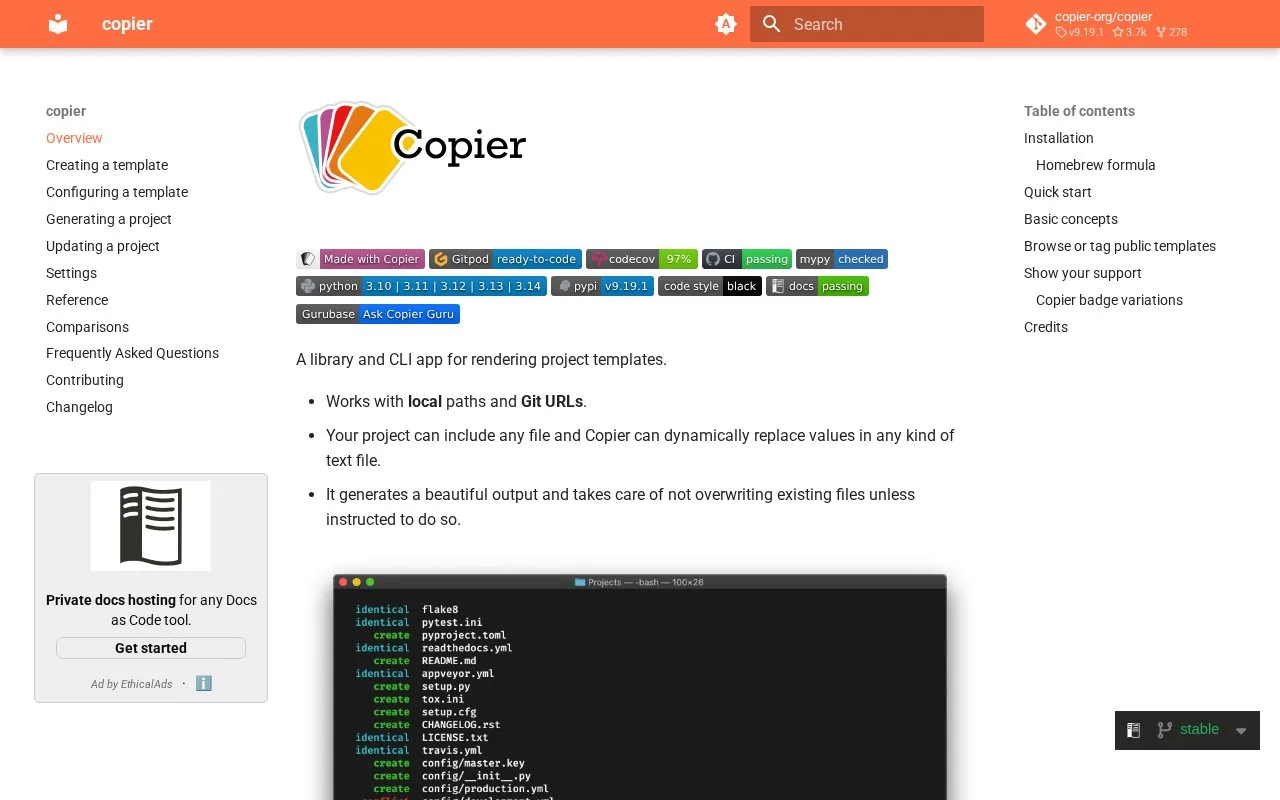
Copier's useful distinction is that a generated project can remain connected to its template. A template contains files and paths that can use Jinja placeholders, plus a copier.yml questionnaire. The answers are recorded in .copier-answers.yml, giving later updates a basis for reconciling template changes with project-specific edits. The overview shows both local and Git-based templates.
For a first project, the documentation requires Python 3.10 or newer and Git 2.27 or newer. Install Copier as a standalone CLI with pipx install copier or uv tool install copier. A template maintainer can start with a small copier.yml, ask for a project name, and include that answer in a generated filename or source file. The documented copy operation is:
copier copy path/to/project/template path/to/destination
This is an example from the official documentation, not a command run for this listing. A template can also be read from a Git URL, and Python code can call Copier as a library.
Updates need a Git-aware project
The recommended copier update path expects the destination to have a valid answers file, both the template and destination to be Git repositories, and the template to have Git tags. Run it from a clean destination repository so changes are reviewable. Copier compares a fresh rendering with the current project and attempts to carry local edits forward. Where it cannot reconcile a change, it can leave inline conflict markers or rejection files; those need manual review before committing. The docs also warn that not every template is designed to support updates, and that the answers file should not be edited by hand. See the update guide before adopting a template for a long-lived codebase.
Strengths
- Templates can read answers and use them in both file contents and generated paths.
- A generated project can be updated from an evolved Git template instead of being treated as a disposable scaffold.
- The same project template can be used from the CLI or Python library, with either a local path or Git URL.
Watch out for
- The documented update workflow relies on an answers file and Git-versioned template and destination repositories; it is not automatic for every template.
- Template updates can leave conflicts or rejection files that a maintainer must inspect and resolve.
- The CLI setup requires Python 3.10 or newer and Git 2.27 or newer.
Best for
- Teams maintaining a shared starter template for new repositories.
- Projects that want to incorporate template improvements after initial scaffolding.
Sources
- Copier documentation (Oct 26, 2026)
- Updating a project (Oct 26, 2026)
- copier-org/copier official repository (Oct 26, 2026)
- Copier MIT License (Oct 26, 2026)