
What it does
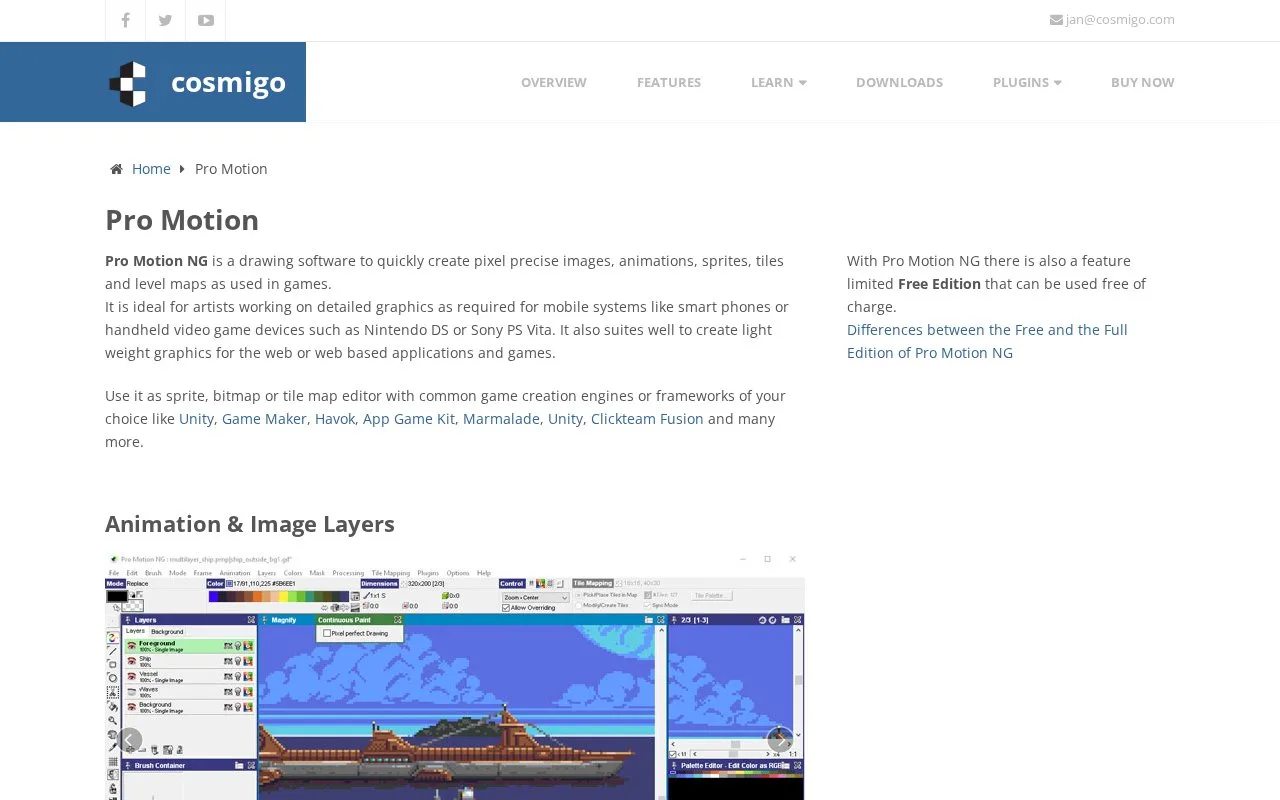
Pro Motion NG creates pixel images, animation, sprites and tile-based level maps. Its tools include reusable bitmap brushes, palette editing, drawing constraints and onion skins. A limited Free Edition is available alongside the Full Edition.
Edit tiles inside the level
Choose Tile Maps when creating a project and set the map dimensions in tiles. Modify/Create mode edits tile artwork in place; Pick/Place mode arranges existing tiles on a snapped grid. Changing a shared tile updates every instance, including mirrored copies.
Connected projects can share a tileset, allowing an arranged tile sheet and test maps to stay synchronized. Save the arranged sheet as a PNG for a game engine. Once an engine has assigned tile indices, changing the sheet’s width will change those indices and can break existing maps.
Understand the limits
All maps within one project have the same dimensions. Differently sized maps need separate connected projects, and the tileset cannot be edited unless all connected projects are loaded. The Free Edition also has a restricted feature set; the product page provides an edition comparison.
Strengths
- Tiles can be edited in context within a level
- Connected projects share changes to one tileset
- Palette and graphics constraints support defined hardware targets
Watch out for
- Maps within one project must share the same dimensions
- Connected tileset edits require all linked projects to be loaded
- The Free Edition restricts some tools
Best for
- Artists creating reusable tiles for a game engine
- Pixel graphics with palette or hardware constraints
Sources
- Pro Motion NG features and edition comparison (Oct 27, 2026)
- Pro Motion NG tile mapping primer (Oct 27, 2026)