
What it does
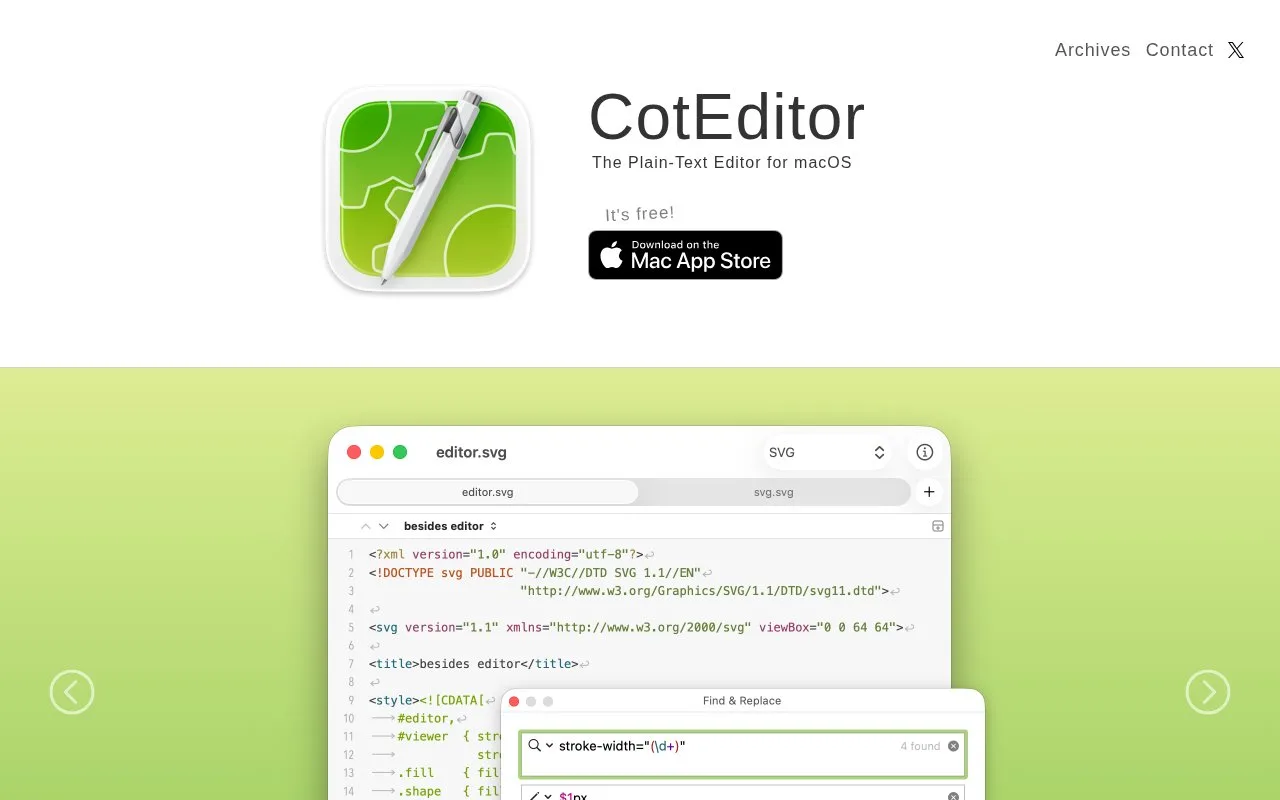
CotEditor is a macOS-native plain-text editor for notes, code, and other text formats. It includes syntax highlighting for common languages, regular-expression find and replace, split views, an outline menu, Unicode inspection, automatic backups, and scripting through languages such as Python, Ruby, AppleScript, or JavaScript. The project publishes source code separately from its Mac App Store and direct-download builds.
CotEditor is oriented toward text files rather than an integrated build environment. A useful first pass on a source file is to choose its syntax definition, split the view when comparing distant sections, and use the ICU regular-expression engine for a project-specific text replacement. The outline menu can extract matching lines from a document and jump to them; the character inspector helps inspect Unicode details when text contains unfamiliar symbols. Scripts can automate editor tasks in several supported languages. The website labels the app free, and the source code is Apache-2.0 licensed; image resources in the repository have a separate CC BY-NC-ND license. The current release archive lists macOS 26 or later for the latest release, while older system versions require archived builds that the project says are unsupported.
Strengths
- The official site documents regex find/replace, split editing, outline navigation, and Unicode inspection.
- Scripting is documented for multiple languages, including Python, Ruby, AppleScript, and JavaScript.
- The official site says CotEditor is free and open source.
Watch out for
- The current release archive lists macOS 26 or later; older macOS releases are archived and no longer supported by the project.
Best for
- Editing plain-text source or configuration files on macOS
- Text-heavy tasks that benefit from regular-expression replacement, encoding checks, or scripting
Sources
- CotEditor - Text Editor for macOS (Oct 25, 2026)
- coteditor/CotEditor README (Oct 25, 2026)
- Archives - CotEditor (Oct 25, 2026)
- CotEditor source LICENSE (Oct 25, 2026)