
What it does
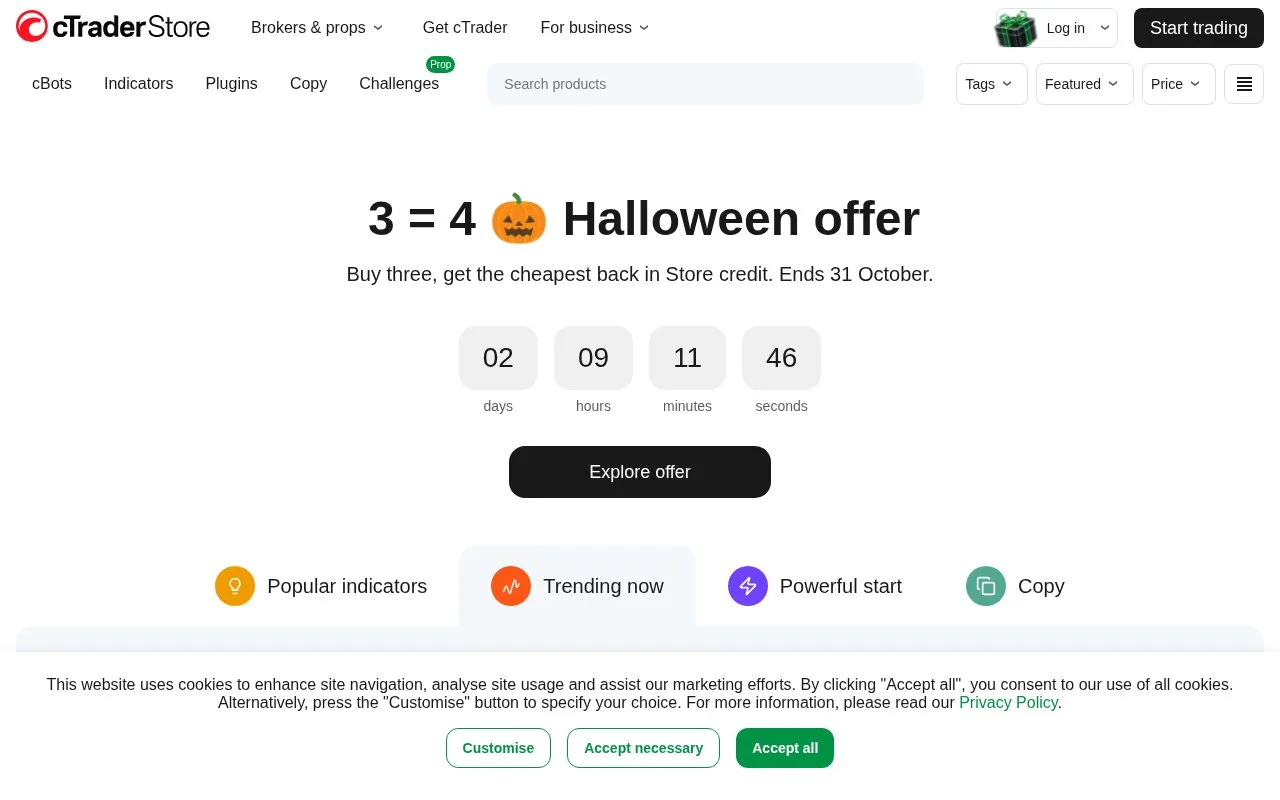
cTrader provides charting, trading and an algorithm environment for forex and contracts for difference. Its cBots are trading programs that can be tested on historical data or run through a broker account. The platform has desktop, browser and mobile versions, plus a store of free and paid algorithms and indicators.
cTrader gives developers and algorithm users a way to inspect how a cBot behaves before running it on a live account. In Windows or Mac, select a cBot instance and open Backtesting. Choose the date range, then use the settings cog to set starting capital, commission per million traded units, the historical-data source and fixed or random spreads. A local CSV file can supply custom historical data.
Visual mode replays the chart at an adjustable speed. Without it, the test runs to a final report. The Equity and Trade statistics tabs help show whether a result depended on a few trades or concealed a large fall in account value. Keep the settings consistent when comparing variations, since a changed spread or data source can alter the simulated execution.
Accounts and execution
Create a cTrader ID with an email and password, then confirm the email. The same ID can connect several broker accounts. The cross-broker app can create a demo account with virtual funds; a live account requires registration with a supported broker, whose instruments, eligibility and charges apply.
Cloud cBots can run from all cTrader apps, while local execution and historical backtesting use Windows or Mac. A local instance stops when the desktop app closes. Stopping a bot does not automatically close positions it has already opened.
Spotware provides free cloud execution, subject to instance limits that can vary by broker. The Store separately contains free and paid tools, and some sellers offer limited trials. Those tool prices are separate from brokerage costs. Developers can also use the public Open API, an application programming interface for their own trading applications and data displays.
Strengths
- Exposes historical-data, commission and spread assumptions
- Combines visual replay with equity and trade statistics
- Offers cloud and local bot execution with distinct controls
- Provides a public API for custom trading applications
Watch out for
- Historical backtesting and local cBot execution require Windows or Mac
- Stopping a cBot does not close its open positions
- Live trading requires a separate broker account and its terms
Best for
- Developers testing cBot behaviour on historical data
- Traders comparing algorithms in a demo environment before live use
Sources
- cTrader platform downloads (Oct 27, 2026)
- How to backtest a cBot in cTrader (Oct 27, 2026)
- cTrader trading accounts (Oct 27, 2026)
- cTrader ID (Oct 27, 2026)
- cTrader cBot FAQ (Oct 27, 2026)
- cTrader Store introduction (Oct 27, 2026)
- cTrader Open API (Oct 27, 2026)
- cTrader free cloud execution announcement (Oct 27, 2026)