
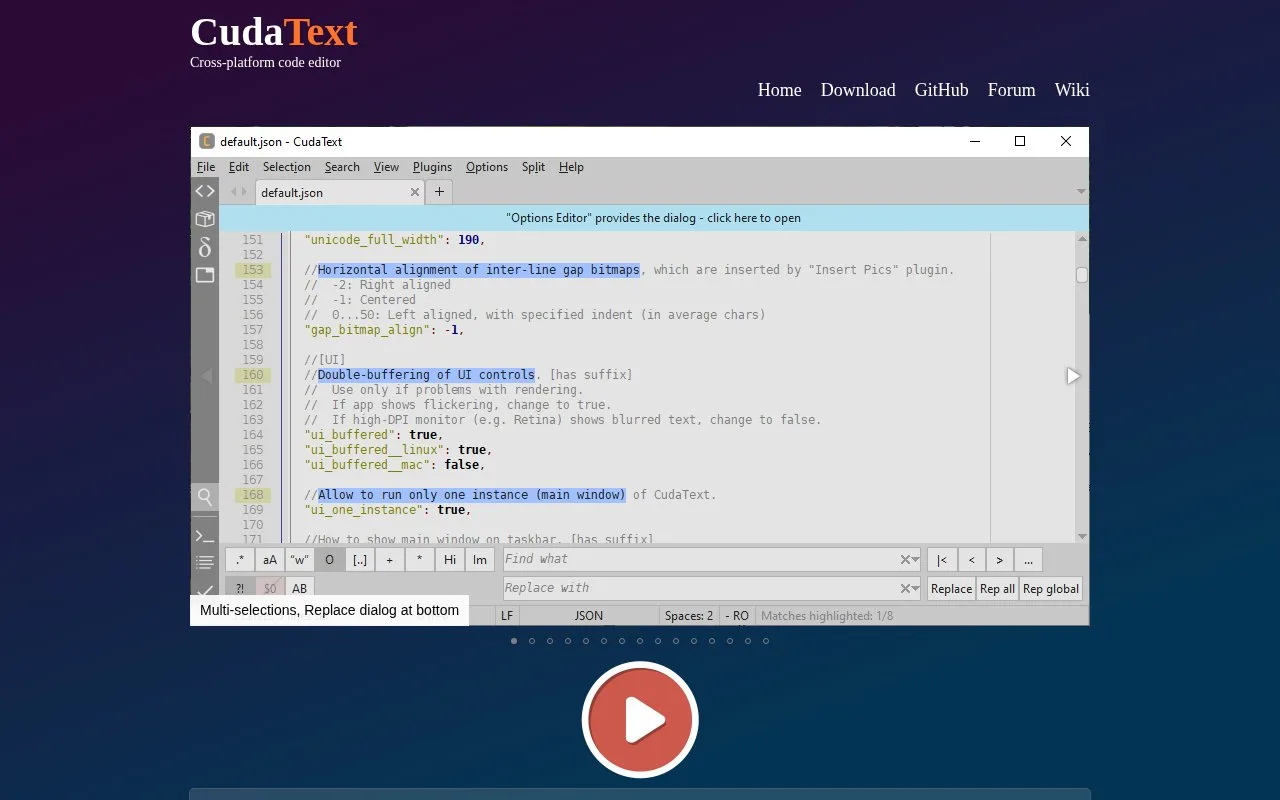
What it does
CudaText is an open-source cross-platform text editor with syntax highlighting, code folding, a code tree, multi-caret editing, regular-expression search, and split tab groups. Its product site also lists a command palette and add-ons for project management, LSP, external tools, linters, and formatters. It is a file editor with extensibility rather than a full project IDE.
Open a source file and use the code tree, folding, multiple carets, regular-expression search, or split views for file-centric editing. The command palette and JSON-based configuration provide shortcuts for frequent actions; add-ons can supply a project manager, LSP support, external tools, linters, and formatters. The official download page links platform-specific packages and describes how to install them.
The runtime differs by platform: the Windows package includes the Python engine, while Linux and macOS packages do not. Install Python separately on those systems before relying on Python-based add-ons. The editor is free for commercial use under its published open-source license.
Strengths
- The core editor combines multi-caret editing, code folding, regex search, split views, and a command palette.
- Optional add-ons extend the editor with project, LSP, linter, formatter, and external-tool workflows.
- The official download page lists builds for Windows, Linux, macOS, and several additional operating systems.
Watch out for
- Python-based add-ons need a separately installed Python runtime on Linux and macOS; those packages do not include the engine.
- The product page says code-tree support depends on the available language lexer, and project features are add-ons rather than a bundled full IDE.
Best for
- Developers who prefer a fast, file-focused editor with configurable shortcuts and multiple selections
- Users who want to add language-server, linting, or project tools only when needed
Sources
- CudaText - Home (Oct 25, 2026)
- CudaText - Download (Oct 25, 2026)
- Alexey-T/CudaText repository (Oct 25, 2026)
- LICENSE - Alexey-T/CudaText (Oct 25, 2026)