
What it does
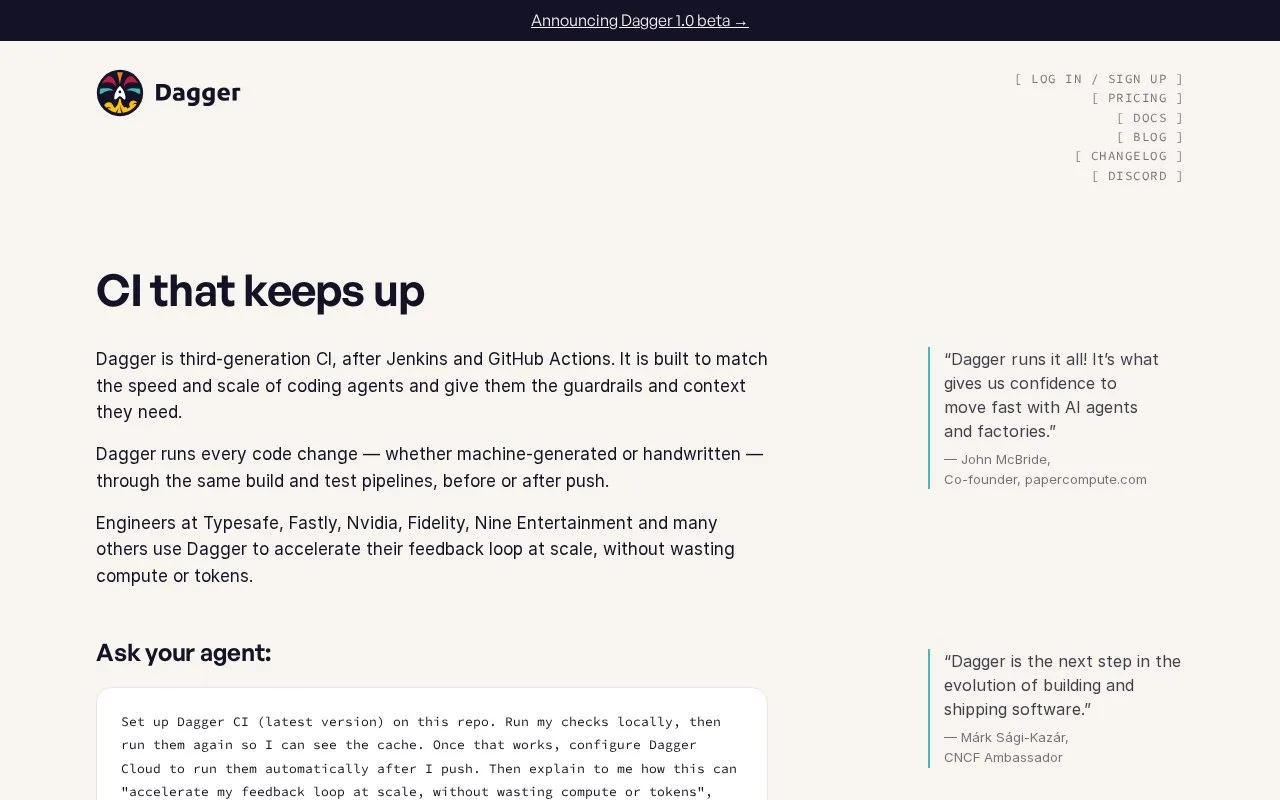
Dagger is a programmable CI system built around sandboxed functions and a content-aware execution graph. Its quickstart initializes a repository workspace, recommends or installs modules for the project's tools, and runs generators and checks locally. The docs also describe setting up cloud checks to run those same checks after a push.
Dagger's first workflow starts in the project repository rather than in a provider-specific YAML editor. The quickstart initializes a dagger.toml workspace, recommends modules for tools it detects, and then lists and runs the available generators and checks. A developer can use the local path to make sure the project has a relevant check before arranging Cloud Checks to run it after pushes.
The model treats CI steps as reusable functions and artifacts, with a local or shared remote engine. That can be attractive when the same build logic should work in more than one environment, but it asks the team to learn Dagger's module and workspace model rather than only writing shell commands in a hosted runner file. The current docs mark the version as 1.0-beta, so teams should check the selected documentation version and migration notes when adopting it. Dagger Cloud pricing is usage-based, with a monthly Starter plan also shown on its pricing page.
Strengths
- The documented quickstart initializes a repository workspace and helps discover modules for existing project tools.
- Checks can run locally or be configured as Cloud Checks after pushes, reusing the same project workflow.
- The docs describe sandboxed functions and an incremental artifact graph rather than requiring a provider-specific pipeline DSL.
Watch out for
- Teams must use Dagger's workspace and module model, which is a different setup from a plain shell-step pipeline.
- The current documentation selector labels the version 1.0-beta, so version and migration compatibility should be reviewed before standardizing.
Best for
- Teams that want build and test logic reusable both on developer machines and in remote CI checks.
- Projects that benefit from module-based checks and a shared pipeline definition rather than duplicated local and CI scripts.
Sources
- Dagger — CI that keeps up (Oct 25, 2026)
- Introduction | Dagger (Oct 25, 2026)
- Quickstart | Dagger (Oct 25, 2026)
- Pricing | Dagger (Oct 25, 2026)