
What it does
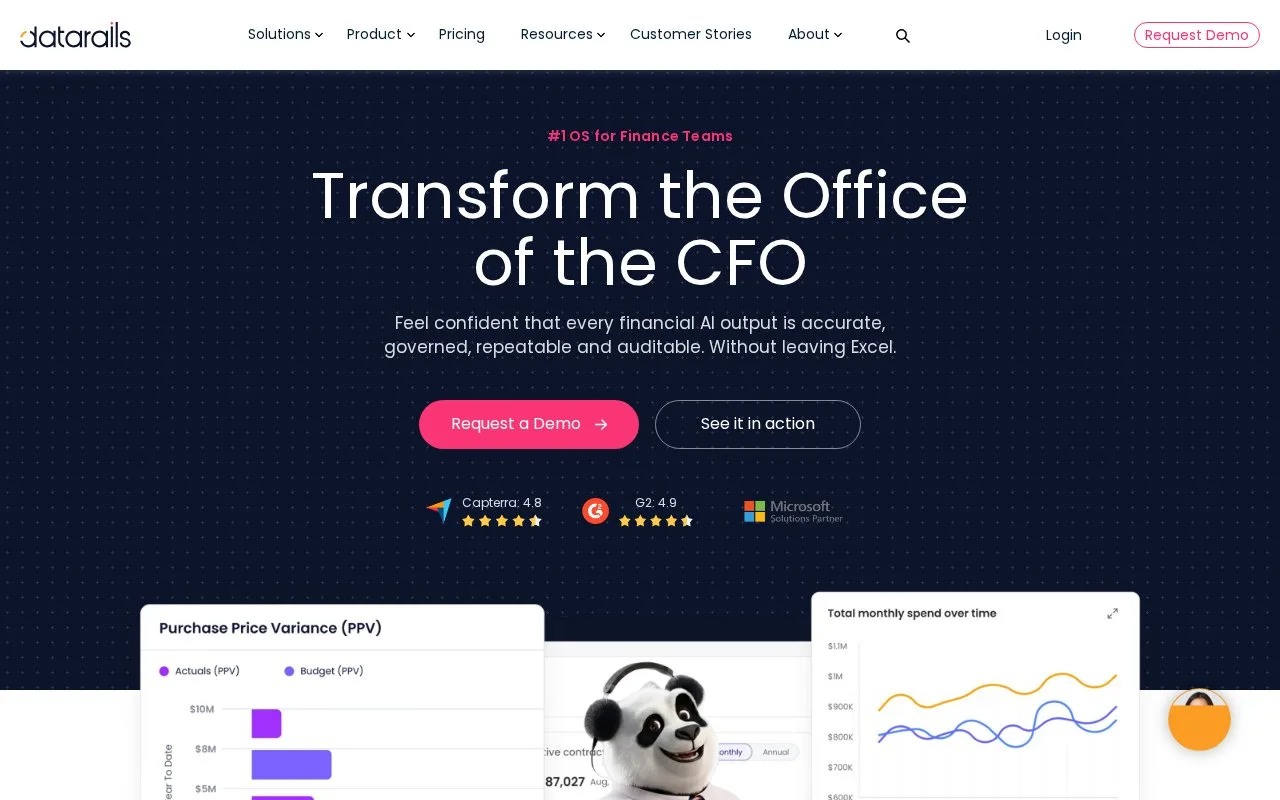
Datarails connects financial data with Excel-based planning, reporting and close processes. Its platform includes version control, permissions, audit trails and centralized business logic.
Datarails suits a finance team whose planning work already lives in Excel. It connects those models to a shared financial-data layer, with permissions, version history and a record of changes. Data Mapper aligns accounts, departments and cost centres with reporting structures; filters let users inspect a particular entity, department or period.
For a budgeting round, department owners use Submit Button to send their figures back. Version controls separate a working draft from an approved budget, while FileBox holds supporting documents. This makes the submission and review process part of the model’s use, rather than a collection of emailed workbook copies.
Close adds reconciliation and period-end work: assign owners and deadlines, follow completion, connect supporting files and route approvals. Cash, Spend and other modules serve separate finance tasks, so the package should reflect which processes the team needs.
| Package | Included users | Data integrations | Named package additions |
|---|---|---|---|
| Professional | 2 | 1 | Core planning and reporting |
| Premium | 5 | 2 | Spend tools for cards, bills and contracts |
| Expert | 15 plus 50 viewers | 3 | Cash, Close, Receivables and Desk |
All three packages use a custom quote. Begin with Request a demo and identify the connected systems, model owners and expected reviewers. The useful comparison is how those people submit, approve and inspect the same data, especially when the current workbook process depends on manual consolidation.
Strengths
- Excel models connect to shared versions and controlled data access
- Budget submissions can retain supporting documents
- Close tasks combine assigned owners, deadlines and approvals
Watch out for
- The published packages place limits on included users and integrations
- Close and other wider finance modules belong to the Expert package
Best for
- Finance teams retaining Excel models within a shared data process
Sources
- Datarails Excel planning and FinanceOS (Oct 27, 2026)
- Datarails Professional, Premium and Expert packages (Oct 27, 2026)
- Datarails Close reconciliation and task controls (Oct 27, 2026)