
What it does
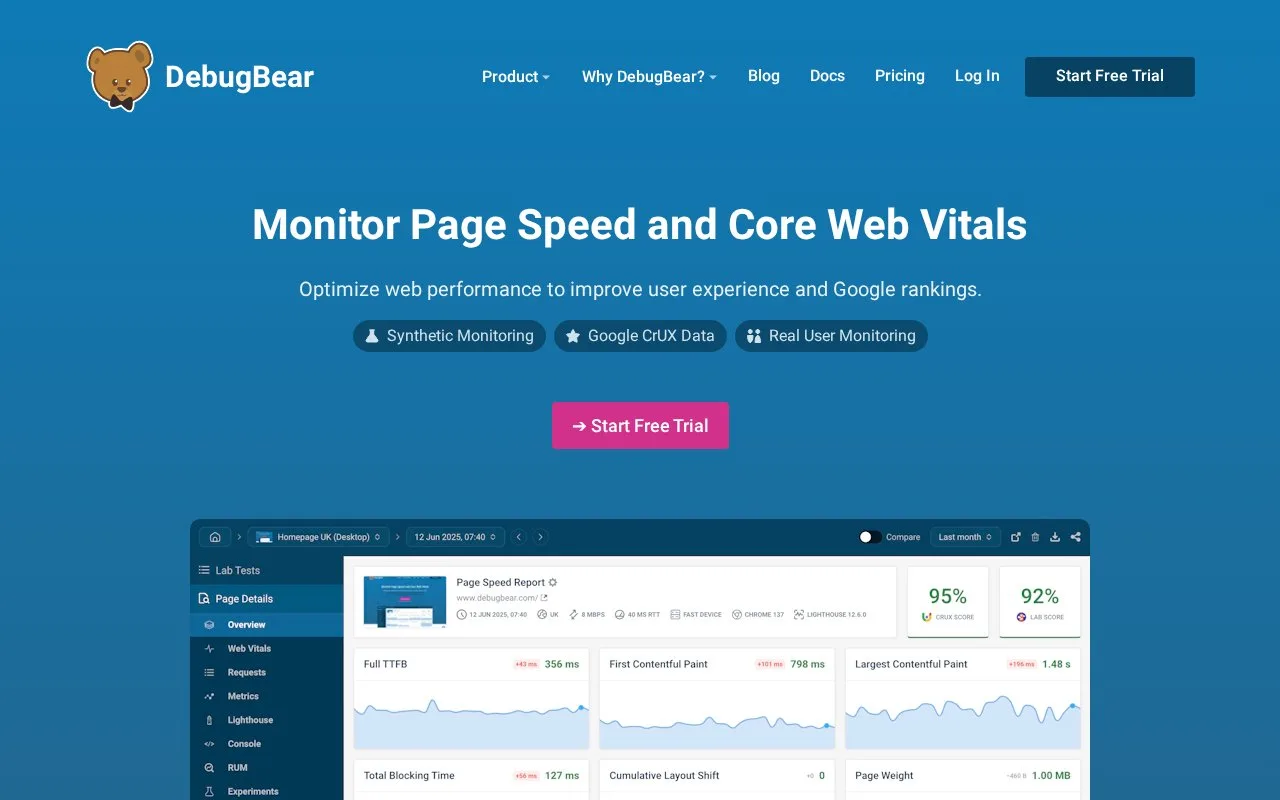
DebugBear monitors website performance with scheduled synthetic tests, real-user monitoring, and Google's Chrome User Experience Report (CrUX) data. Its lab tests provide detailed diagnostics and recommendations, while RUM and CrUX show how pages perform for visitors. The product also includes uptime monitoring, alerts, dashboards, and an API, making it useful to teams that want to track page-speed regressions and investigate what changed.
Pair a field signal with a repeatable test
Start with the pages that matter to users or search performance. DebugBear can run scheduled lab tests and retain Lighthouse results, collect real-user metrics, and display CrUX data. When a page's field metrics worsen, use a lab test to inspect the detailed performance breakdown and experiment with a possible optimization before releasing it. The official documentation distinguishes the two views: real-user monitoring reflects actual visitors, while lab data is more detailed and repeatable.
For a small first rollout, monitor a representative landing page and one important application route, then add alerts for meaningful changes in lab results, RUM, or uptime. Email is available for each project, and the documentation describes Slack, Microsoft Teams, and webhook options. Teams that already collect performance data elsewhere can use the API to create projects, trigger tests, retrieve results, and export RUM metrics.
DebugBear's site offers a free-trial entry point. The pricing page was accessible, but its retrieved page text exposed only navigation and the trial link, not current paid plan limits or amounts, so those are not summarized here.
Know which measurement answers which question
A lab test is useful for investigating a controlled page load; it is not a substitute for the broader distribution of real visitor conditions. Conversely, DebugBear's documentation notes that RUM is less detailed than lab data. Using both helps explain whether a real-world regression can be reproduced in a test, but the service is specialized for web performance and uptime rather than backend tracing or general infrastructure metrics.
Strengths
- Pairs scheduled lab tests and detailed Lighthouse diagnostics with RUM and CrUX data.
- Supports separate alerts for lab results, RUM, uptime, and JavaScript file-size changes.
- Provides a Node package and HTTP API for creating projects, triggering tests, retrieving results, and exporting RUM data.
Watch out for
- The documentation says real-user monitoring is less detailed than lab data, so it does not replace controlled tests when investigating a specific performance bottleneck.
Best for
- Finding which pages have poor Core Web Vitals and investigating the causes with lab detail
- Teams tracking web performance and uptime regressions with Slack, email, or webhook alerts
- Automating page-speed tests or exporting RUM data from a Node or HTTP workflow
Sources
- Web Performance And Core Web Vitals Monitoring | DebugBear (Oct 26, 2026)
- DebugBear Documentation (Oct 26, 2026)
- Set up web performance monitoring alerts | DebugBear (Oct 26, 2026)
- DebugBear API Documentation (Oct 26, 2026)
- Pricing | DebugBear (Oct 26, 2026)