
What it does
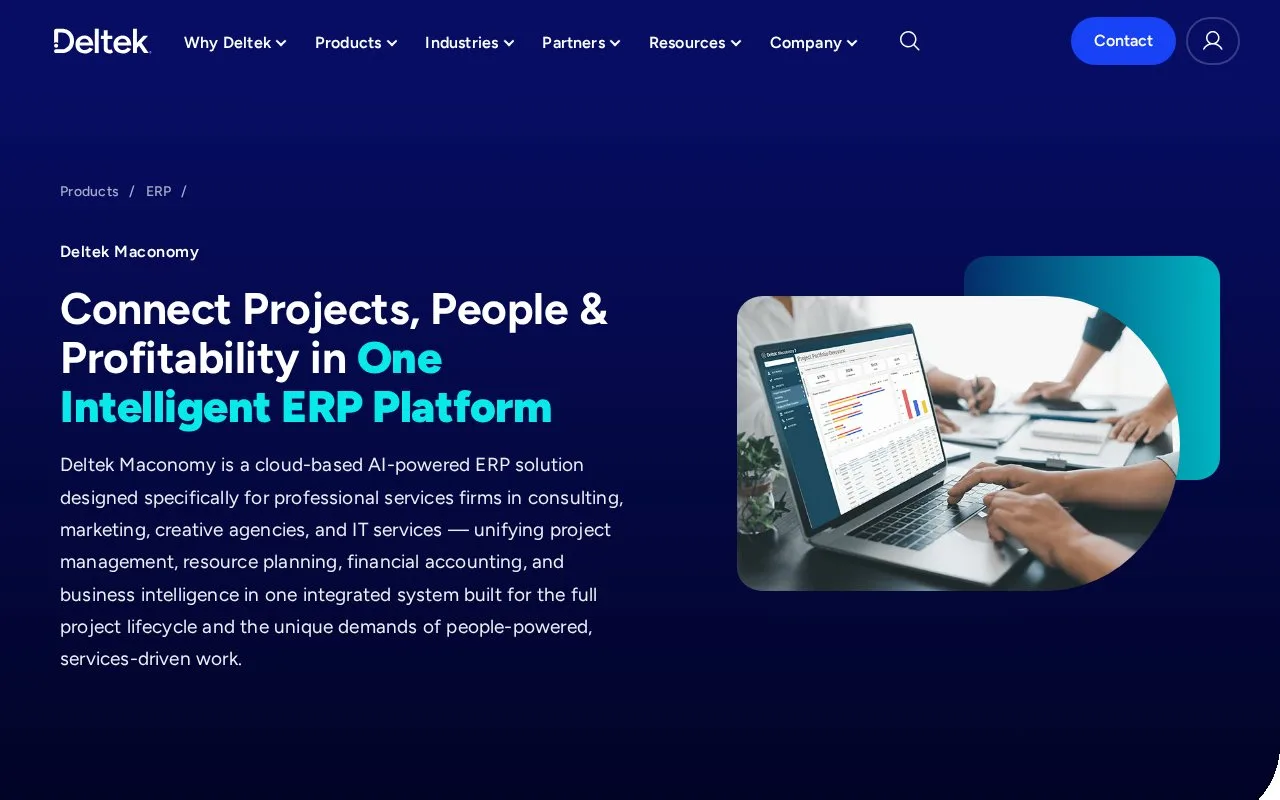
Deltek Maconomy brings project finances, time and expenses, billing and company accounting together for professional-services firms. Teams can review work in progress, revenue and project profitability across companies and currencies. Access is arranged through implementation, with user accounts and permissions set for the software the firm has licensed.
Maconomy suits businesses whose finances depend on people delivering projects, including consulting, marketing and IT services. It connects time and expenses with project costs, billing and revenue. Work-in-progress views show work already performed that has not yet completed its billing or accounting cycle.
The platform supports hourly, fixed-fee and progress billing. Company and project reporting can compare budgets with results, while multiple currencies and companies help firms operating across offices.
Prepare a payment-on-account invoice
In the web client, open Jobs > Invoice on Account and select the job. You can transfer an invoicing plan or add an entry in the Invoice on Account tab, then use Approve to create the invoice on account.
When the firm has configured approval hierarchies, its draft must also be approved before issue. Open Jobs > Invoice on Account > Invoice Editing, find the draft and choose Approve or Reject. Rejection requires a reason, giving the preparer a specific correction to make.
These controls make the firm's configured approval process relevant to the steps each person sees. Include an example job and its billing arrangement in the demonstration so the team can follow the approval route it will actually use.
Access after implementation
The cloud administrator receives the environment URLs and creates employees' user accounts before distributing access. A newly provisioned database starts empty and is populated during implementation. Administrator access covers the areas licensed to the organization.
Maconomy has a browser client and a Workspace Client for Windows and Mac. Deltek Touch for Maconomy provides mobile time entry on iOS and Android; users enter their organization's server URL when first connecting.
Use Request a demo to discuss the firm, project types, users and deployment requirements. The public product route is a sales demonstration, with licensing and implementation scoped for the organization.
Strengths
- Project time and expenses connect with billing and financial results.
- Invoice approval hierarchies can require review before a draft is issued.
- Browser, desktop and mobile time-entry access serve different staff roles.
Watch out for
- The initial cloud database needs implementation and data setup before use.
- User access depends on the organization's licensed areas and permissions.
- Approval hierarchies add review steps to issuing an invoice.
Best for
- Consulting and professional-services firms managing project margins
- Organizations billing projects across several companies or currencies
Sources
- Deltek Maconomy project ERP (Oct 27, 2026)
- Approve or reject a draft invoice on account (Oct 27, 2026)
- Create a Maconomy 2026.1 invoice on account (Oct 27, 2026)
- Provide access to Maconomy cloud environments (Oct 27, 2026)
- Configure Maconomy roles and accounts (Oct 27, 2026)