
What it does
GitLab SVGs supplies the icons and related SVG artwork used by the Pajamas design system. It combines small-grid design rules, GitLab UI component guidance and a build pipeline for sprites and optimized assets. Its project material uses MIT terms with third-party exceptions.
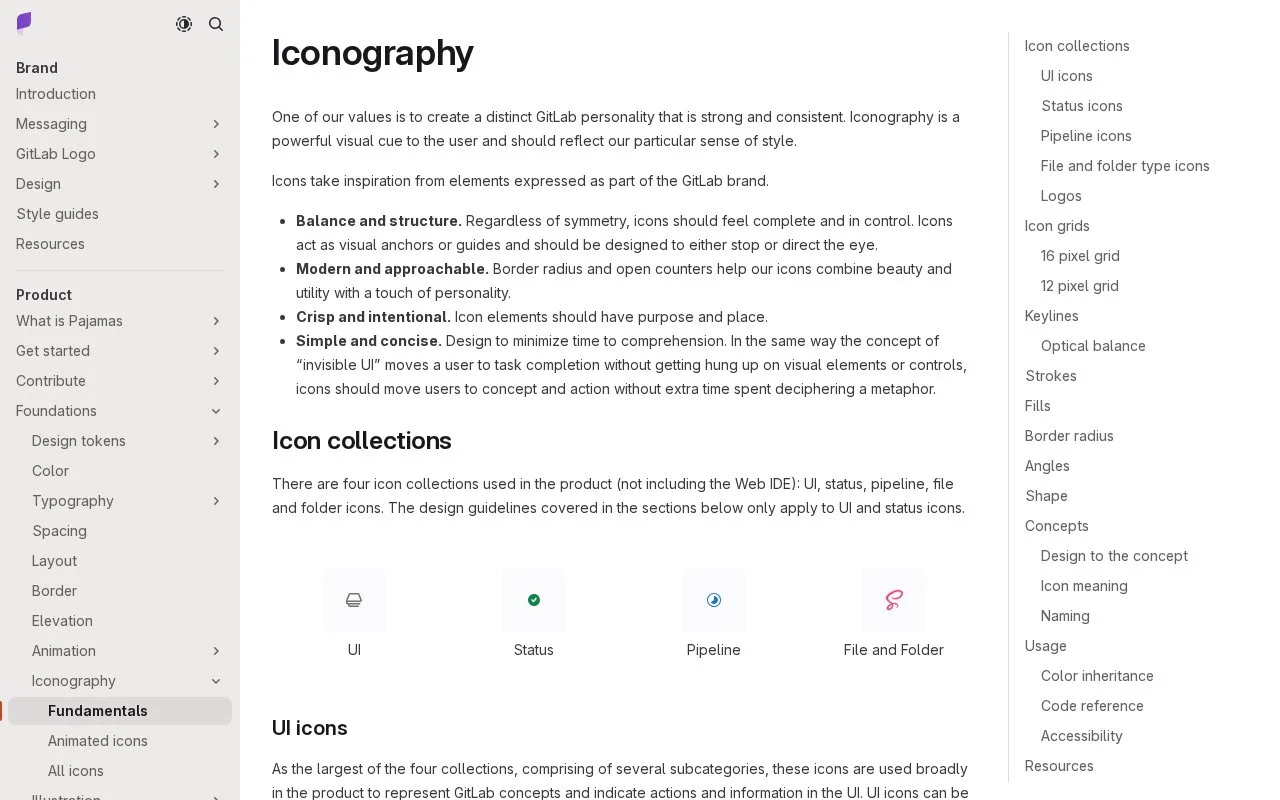
GitLab's UI icons use a 16-pixel grid; compact status indicators use a separate 12-pixel grid. Most drawings should stay at their intended size. A merge-request row can therefore use small state indicators beside standard action icons without scaling one drawing into both roles.
In a GitLab UI implementation, GlIcon selects an asset by name and inherits colour from its parent. Add ariaLabel when the symbol carries meaning; decorative icons are hidden from assistive technology by default. A 12-pixel status icon needs a larger target if it is interactive.
For asset production, install the dependencies in packages/gitlab-svgs and run yarn run svg to create the optimized output under dist. The project includes SVG sprites and illustrations. GitLab's MIT terms cover its own project material; third-party file icons and brand marks retain their separate terms and rights.
Strengths
- Distinct UI and status grids suit dense application screens.
- Component guidance covers inherited colour and meaningful labels.
- The asset build produces sprites and optimized SVG output.
Watch out for
- Most icons are intended for their native grid size.
- Third-party icons and marks have separate rights.
Best for
- GitLab UI implementations
- Teams maintaining compact actions and status indicators
Sources
- Iconography | Pajamas Design System (Oct 27, 2026)
- GitLab SVGs package README (Oct 27, 2026)
- Pajamas repository licence (Oct 27, 2026)