
What it does
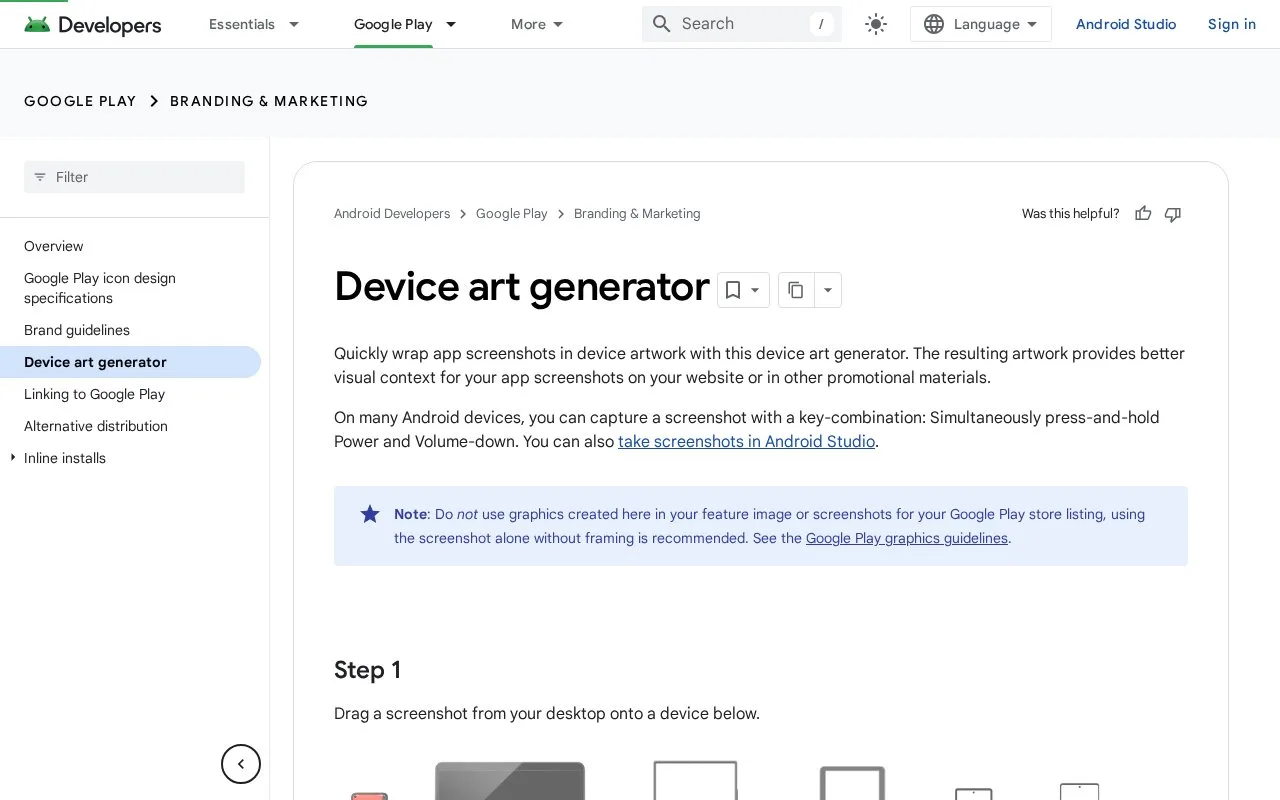
Google’s Android Device Art Generator places app screenshots inside device artwork for websites and promotional material. Its guidance distinguishes these framed presentations from the unframed screenshots recommended for Google Play listings.
Keep the raw screenshot for Google Play and a separate framed version for other promotion. Google explicitly says graphics made with this generator should not be used as the feature image or screenshots in a Play listing; it recommends an unframed capture there. The device-art tool adds context for an app website or other promotional material.
Take a screenshot of the app state you want to explain, then drag the file from your desktop onto a target device in the generator. A PNG with the device's screen aspect ratio is the documented input. Portrait and landscape captures are supported where the selected frame allows them. Adjust the shadow, screen glare and rotation, then drag the generated image back to your desktop to save it.
Google's content licence treats documentation and other site material separately, and excludes proprietary trademarks and brand features. Do not treat access to device artwork as permission to imply Google endorses the app.
Strengths
- Provides an official Android source for device-framed promotional screenshots.
- Explains where framed artwork should and should not be used.
Watch out for
- Generated frames are not intended for Google Play feature images or listing screenshots.
- The screenshot must match the target device's screen proportions.
Best for
- Framed Android app imagery for websites and promotional material.
Sources
- Device art generator | Branding & Marketing | Android Developers (Oct 27, 2026)
- Android Developers (Oct 27, 2026)
- Content License | Android Developers (Oct 27, 2026)