
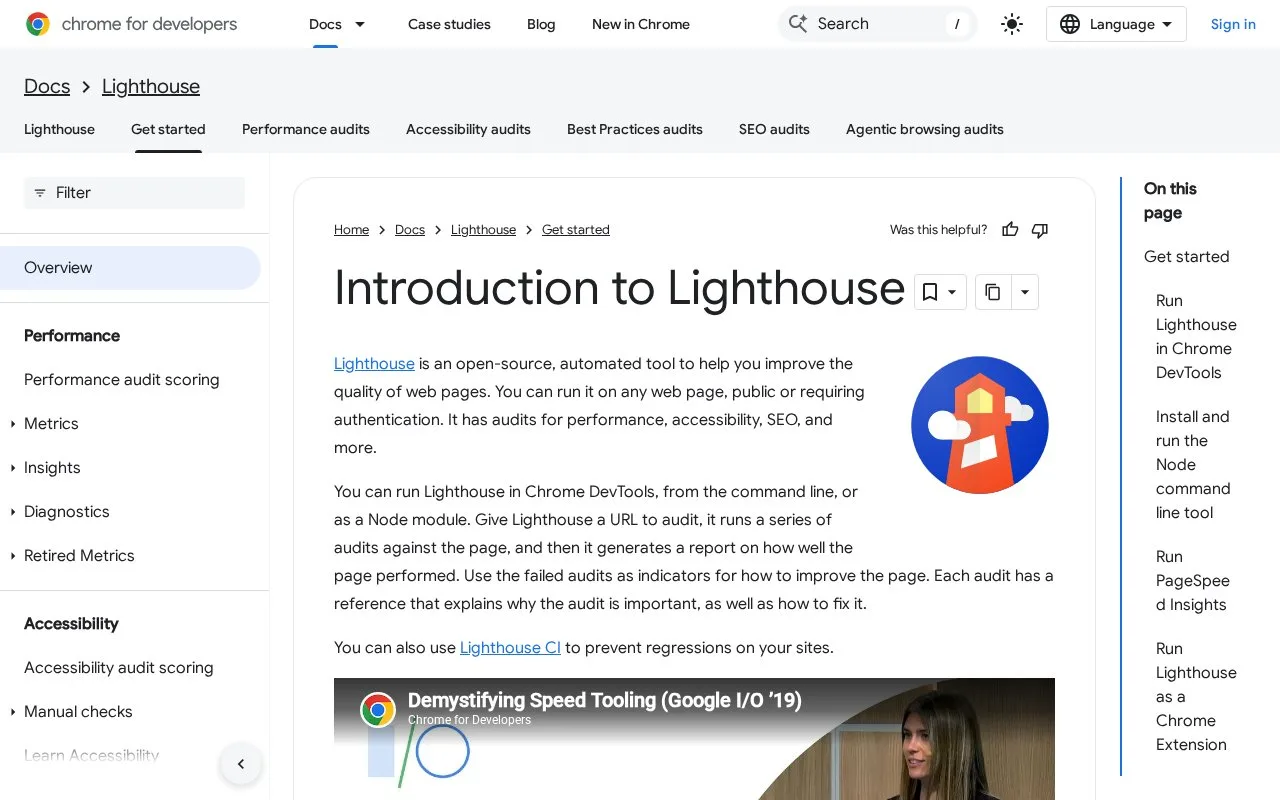
What it does
Lighthouse is Google's open-source automated audit tool for web pages, with checks for performance, accessibility, SEO, and other quality signals. It runs against a URL and produces a report with failed audits and links explaining why each issue matters and how to address it. The tool can run in Chrome DevTools, from the command line, as a Node module, or through a web UI.
For a one-off check, open the target page in Chrome, start DevTools, choose the Lighthouse panel, select audit categories, and run the report. The report pairs individual failures with explanations and suggested fixes. DevTools can audit authenticated pages; the CLI and Node workflows support scripts and continuous integration, but require Chrome installed on the machine. Lighthouse CI is an additional route for tracking regressions.
Use the Performance score as a diagnostic signal, not a permanent grade for a site: the official scoring guide attributes run-to-run variation to factors such as ads, network routing, hardware, browser extensions, and antivirus software. Re-run under consistent conditions when comparing changes.
Strengths
- A report links each failed audit to guidance about the issue and possible fixes.
- The same audit engine can be used interactively in DevTools or automated from scripts and CI workflows.
- DevTools supports audits on pages that require authentication.
Watch out for
- Performance scores can fluctuate with network, device, advertisement, and browser-extension conditions, so comparisons need controlled runs.
- The CLI and Node workflows require a local Google Chrome installation.
Best for
- Web teams looking for repeatable page-level audits of performance, accessibility, and SEO checks
- Developers who want a browser report for a single page or CI feedback for selected audit regressions
Sources
- Introduction to Lighthouse | Chrome for Developers (Oct 25, 2026)
- Lighthouse performance scoring | Chrome for Developers (Oct 25, 2026)
- LICENSE - GoogleChrome/lighthouse (Oct 25, 2026)