
What it does
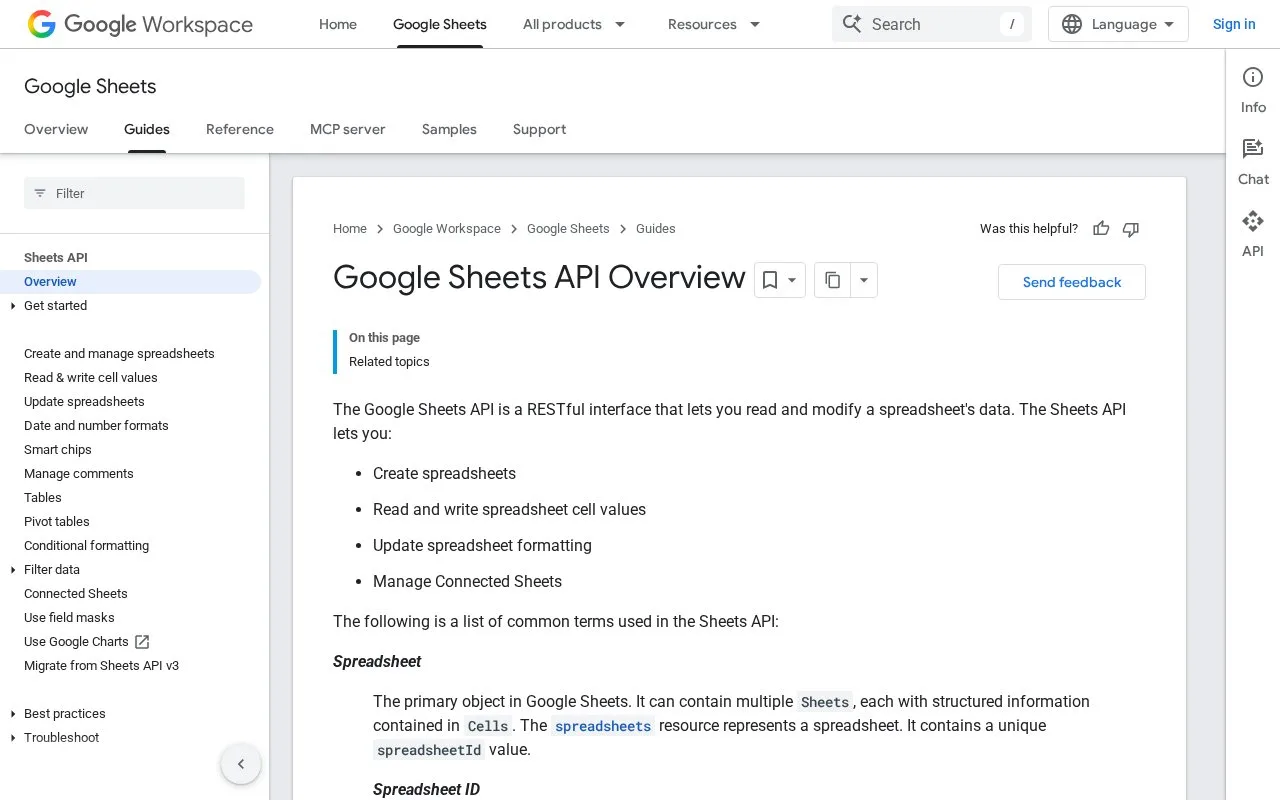
The Google Sheets API lets an application read and change spreadsheet data through resources such as `spreadsheets.values.get`, `update`, `append`, and batch operations. Its quickstarts use a Google Cloud project and OAuth to authorize a sample application. The API works with spreadsheet IDs and A1 ranges, making it useful for importing, updating, or reporting structured table values without driving the Sheets interface by hand.
A useful first exercise is to read a known range from a test spreadsheet, then update or append a small set of values. The official JavaScript quickstart guides project setup, API enablement, and OAuth; the values guide explains how a spreadsheet ID and A1 range identify the data. For multiple ranges, the documentation recommends batching requests where appropriate rather than issuing a separate call for every cell. The API is a good fit for application integrations and lightweight reporting, not for replacing a database under high-concurrency workloads. The usage-limits page describes per-minute quotas, recommends keeping request payloads within 2 MB, and explains that quota errors can return HTTP 429. It also states that standard API use is currently available at no additional cost, while charges for exceeding quota limits are planned later in 2026. Google Sheets API is distinct from Google Drive API: Sheets reads and writes spreadsheet cells, while Drive handles file operations. They can be used together when an application needs both spreadsheet data and file-level management, but their authorization scopes and limits should be reviewed separately.
Strengths
- The API exposes specific methods for reading, updating, appending, and batching spreadsheet values.
- The official quickstart provides a JavaScript OAuth path for connecting an application.
- The usage guide documents quota behavior and recommends batch operations to improve efficiency.
Watch out for
- Applications need a Google Cloud project, API enablement, and OAuth credentials for authorized access.
- Per-minute quotas and request-size guidance require client-side batching and backoff for larger workloads.
Best for
- Applications importing or updating rows in user-authorized Google spreadsheets.
- Lightweight reporting and workflow integrations that operate on spreadsheet ranges.
- Developers who can handle OAuth, range selection, batching, and API quota responses.
Sources
- Google Sheets API Overview (Oct 25, 2026)
- Read and write cell values (Oct 25, 2026)
- JavaScript quickstart (Oct 25, 2026)
- Usage limits and pricing (Oct 25, 2026)