
What it does
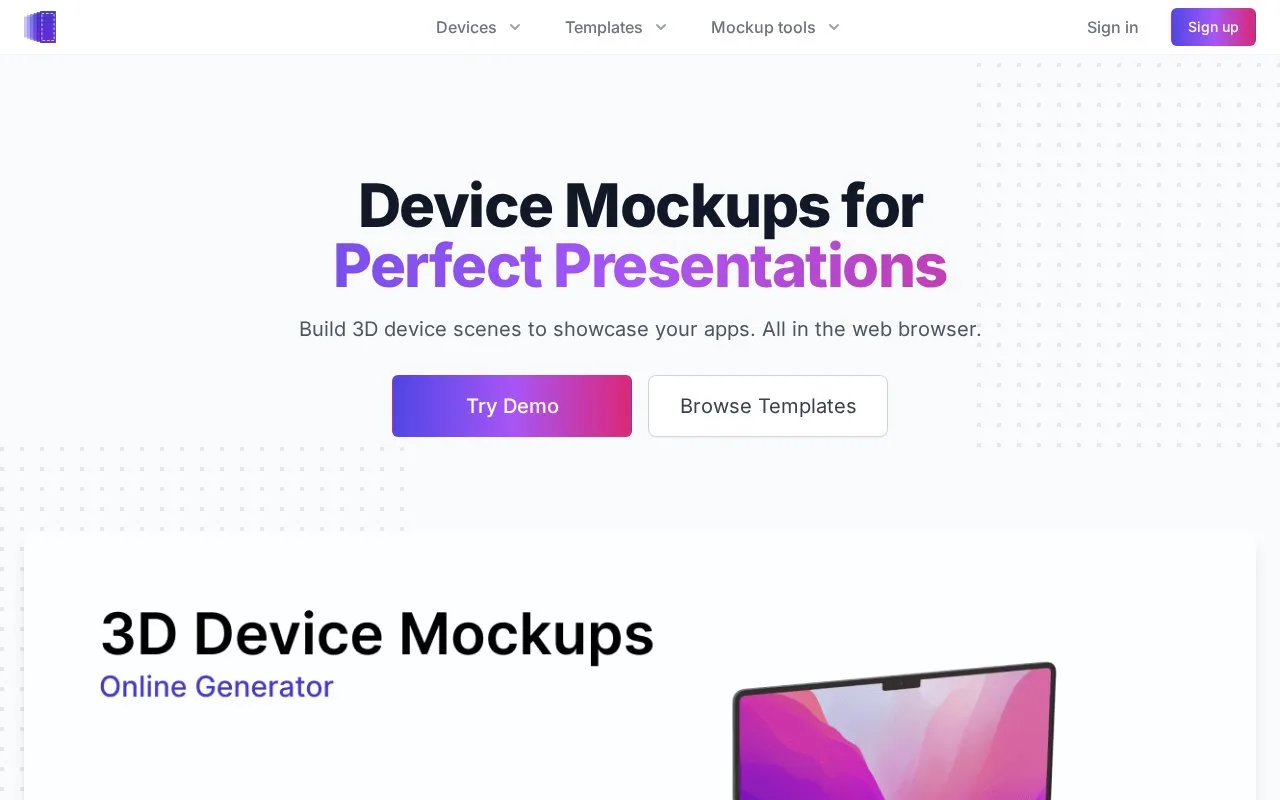
Device Frames creates 3D presentations with phones, tablets and laptops. Its browser editor supports moving and rotating devices, lighting and depth-of-field controls, screen videos and keyframed animation. Output options include still images and video, with transparent WebM animation support.
Start with a device template or arrange phones, tablets and laptops into a new scene. Position, scale and rotate each object, add screen media and set the lighting and depth of field. A screen can play uploaded video while the surrounding device moves through an animation. Keyframes set the device's position at chosen moments.
Still exports use PNG or JPG; video exports use MP4 or WebM. Transparent WebM carries an alpha channel, allowing the scene to sit over another background. The service advertises output up to 4K. Check small interface labels after applying perspective and blur, especially when several screens appear in the same composition.
| Plan | Output and use | Licence boundary |
|---|---|---|
| Community | Free static image exports and saved templates | Credit DeviceFrames wherever the asset appears |
| Standard | Paid image and video exports, transparency and environment controls | No credit required; assets must be less than 30% of a sold end product |
| Extended | Paid animation tools and derivative work | Allows charging for products built around the generated assets |
Community permits use in commercial pages and apps but excludes selling the creative assets themselves. Standard's percentage rule matters for a client video largely made from these scenes. Assets generated while a paid licence is active retain that licence after cancellation.
Strengths
- Device placement and environment controls support custom scenes.
- Keyframes and screen-video support enable animated presentations.
- Transparent WebM output supports layered web layouts.
Watch out for
- The free Community plan requires attribution and supports static image exports.
- Standard licensing limits how much of a sold end product can consist of DeviceFrames assets.
Best for
- App teams preparing custom device scenes and animations
Sources
- Device Frames - 3D Device Mockup Generator (Oct 27, 2026)
- License Information for DeviceFrames (Oct 27, 2026)