
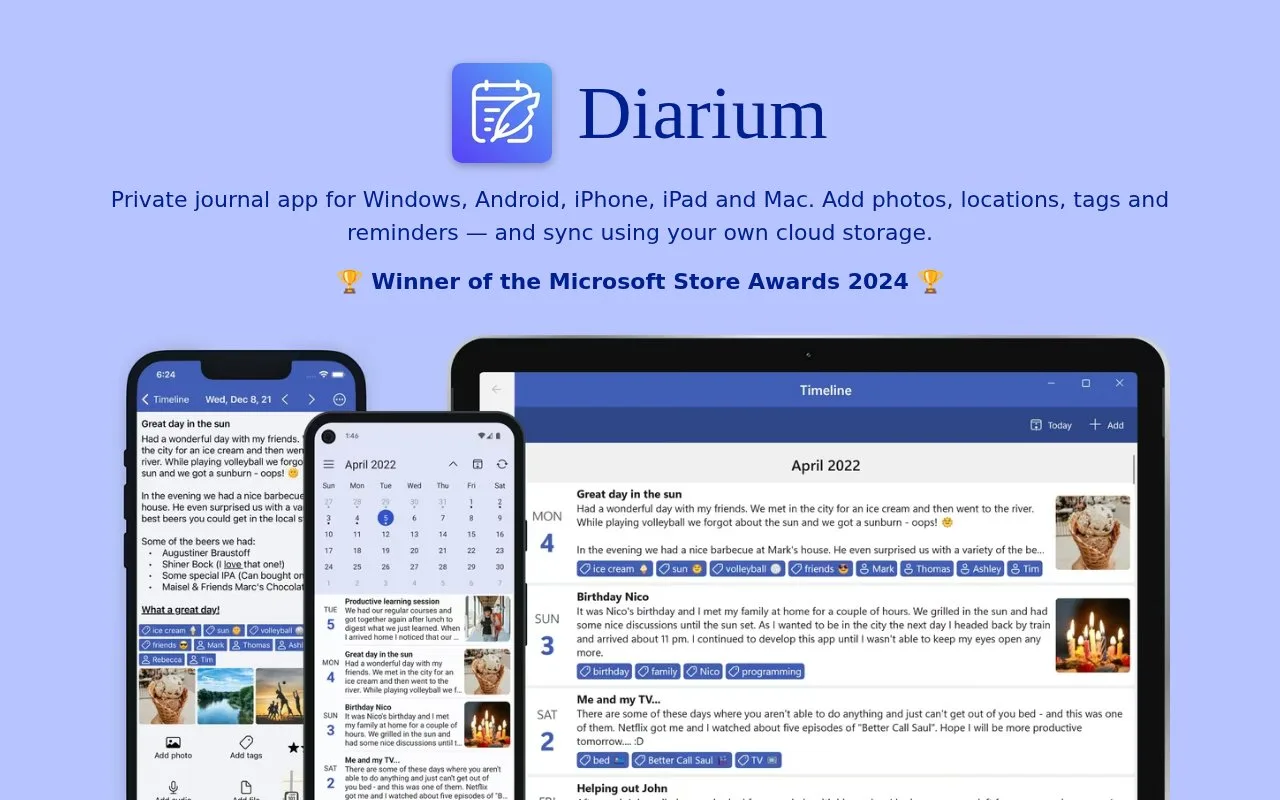
What it does
Diarium is a cross-platform personal diary and journaling app for Windows, Android, iPhone, iPad, and Mac. Entries can include rich text, photos, video, audio, files, locations, tags, reminders, and dictated text. The app works without creating an account; optional sync uses the user's own OneDrive, Google Drive, Dropbox, iCloud, or WebDAV storage. Diarium Pro is described as a one-time purchase per platform.
Keep a dated personal record
For a travel diary, create an entry for each day, add photos or a location, and use tags to mark places or themes. Diarium's official product page also describes calendar, timeline, map, and gallery views for revisiting older entries, plus “on this day” reminders. Journal templates and dictation are useful when the goal is a repeatable personal record rather than a blank-page note.
The product is diary-first, so it is a better fit for personal reflections and memories than for a linked research wiki. Its site says no account is needed to start and that optional synchronization uses the user's own cloud drive or WebDAV; it also lists Word, plain-text, HTML, and JSON export formats. Pro is a one-time purchase per platform, not a subscription. No purchase, sync, export, or account flow was tested, and exact regional prices were not checked.
Strengths
- Entries can combine rich text, photos, audio, video, files, locations, and tags.
- Calendar, map, gallery, and timeline views support browsing a diary by date or place.
- Optional sync can use the user's own cloud storage, and the product lists several export formats.
Watch out for
- Its dated-entry model is oriented toward journaling rather than general-purpose linked notes.
- Synchronization depends on a separately configured cloud drive or WebDAV service.
Best for
- Keeping a personal diary with media, locations, tags, and recurring templates
- Revisiting life events through calendar, map, gallery, and timeline views
Sources
- Diarium Journal App | Official Product Page (Oct 25, 2026)
- Diarium Journal App | Official Product Page (Oct 25, 2026)