What it does
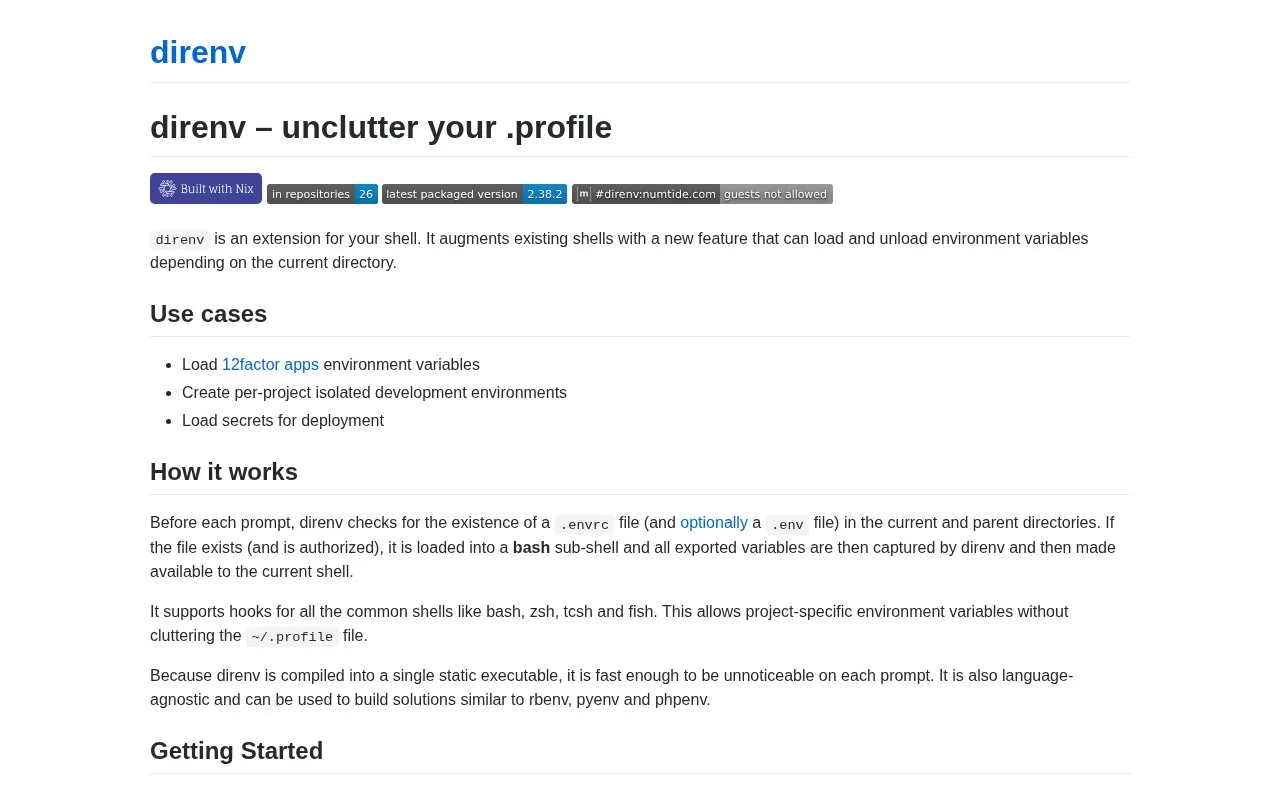
direnv is a shell extension for managing per-project environment variables. It checks for an authorized `.envrc` as the shell changes directories, evaluates that file in a controlled subprocess, and exports the resulting variables into the current shell. This keeps project configuration out of a shared profile and can support local development, toolchain selection, or deployment setup.
Keep project settings beside the project
Install direnv and add its hook to the shell you use. In a project directory, write an .envrc with the exports or helper commands that project needs. The official example has this shape:
export FOO=foo
Review the file before authorizing it with direnv allow. After that, direnv loads the environment when you enter the directory and unloads it when you leave. Its example demonstrates a variable becoming available inside the project and disappearing after changing directories.
The trust step matters because .envrc can run shell code. Do not automatically allow a file just because it came from a repository; inspect changes before granting permission. direnv supports common shells including Bash, Zsh, tcsh, and fish, and its repository license is MIT. The release page listed v2.38.2 at the time checked. direnv manages environment variables, not secret storage, so avoid committing sensitive values in a shared .envrc.
Strengths
- The official documentation explains directory-based loading and unloading of environment variables.
- The project supports hooks for Bash, Zsh, tcsh, and fish.
- The official repository carries an MIT license.
Watch out for
- An `.envrc` can run shell code and must be reviewed before authorization.
- direnv manages environment variables but is not a secret vault; sensitive values should not be committed.
Best for
- Keeping development variables scoped to a project directory
- Loading project-specific toolchain or deployment settings in supported shells
Sources
- direnv: unclutter your profile (Oct 25, 2026)
- direnv/LICENSE at master | GitHub (Oct 25, 2026)
- Releases | direnv/direnv (Oct 25, 2026)