
What it does
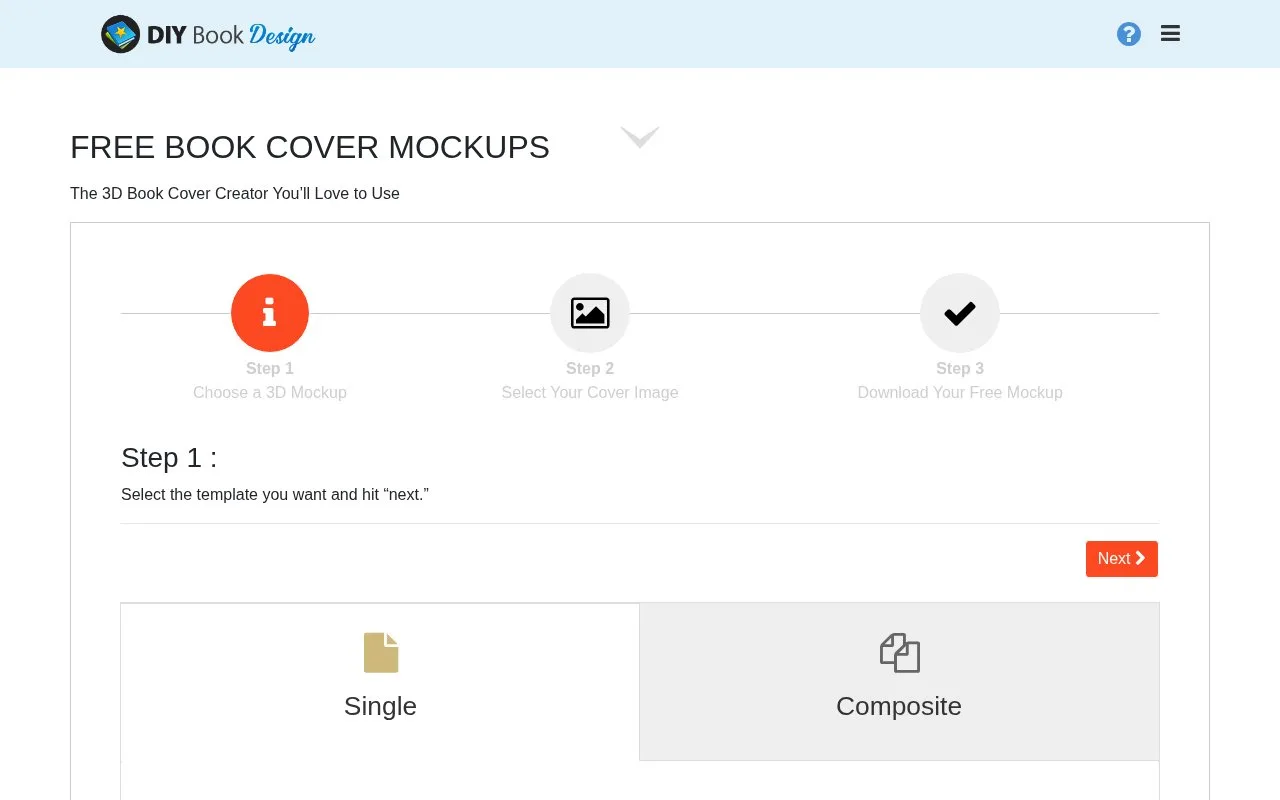
DIY Book Covers offers a free browser book-mockup creator. Choose a single or composite template, upload cover artwork as JPG or PNG and download a transparent PNG or a background JPG. Some templates may also need spine artwork.
This creator is for a cover you already have. The sequence is straightforward:
- Select a single or composite mockup template.
- Supply the cover image and spine artwork where the template needs it.
- Download a transparent PNG for another layout or a JPG for quick sharing.
For an author newsletter, a single readable book image may work better than a large composite of repeated covers. Keep your original cover at the correct proportions, and inspect the title after perspective is applied. The promotional image is separate from the flat cover file required by a book retailer or printer.
The creator explicitly requires no signup or email address. Its download screen offers an optional donation that can be skipped, and the page describes using the images in launch emails, social posts and advertising. Related cover-design tools are separate from this upload-and-mockup sequence.
Strengths
- Single and composite templates support different promotional layouts.
- Transparent PNG output can be placed on another background.
Watch out for
- Some templates require additional spine artwork.
Best for
- Authors turning a finished cover into a simple promotional mockup
Sources
- The 3D Book Cover Creator You’ll Love to Use (Oct 27, 2026)