
What it does
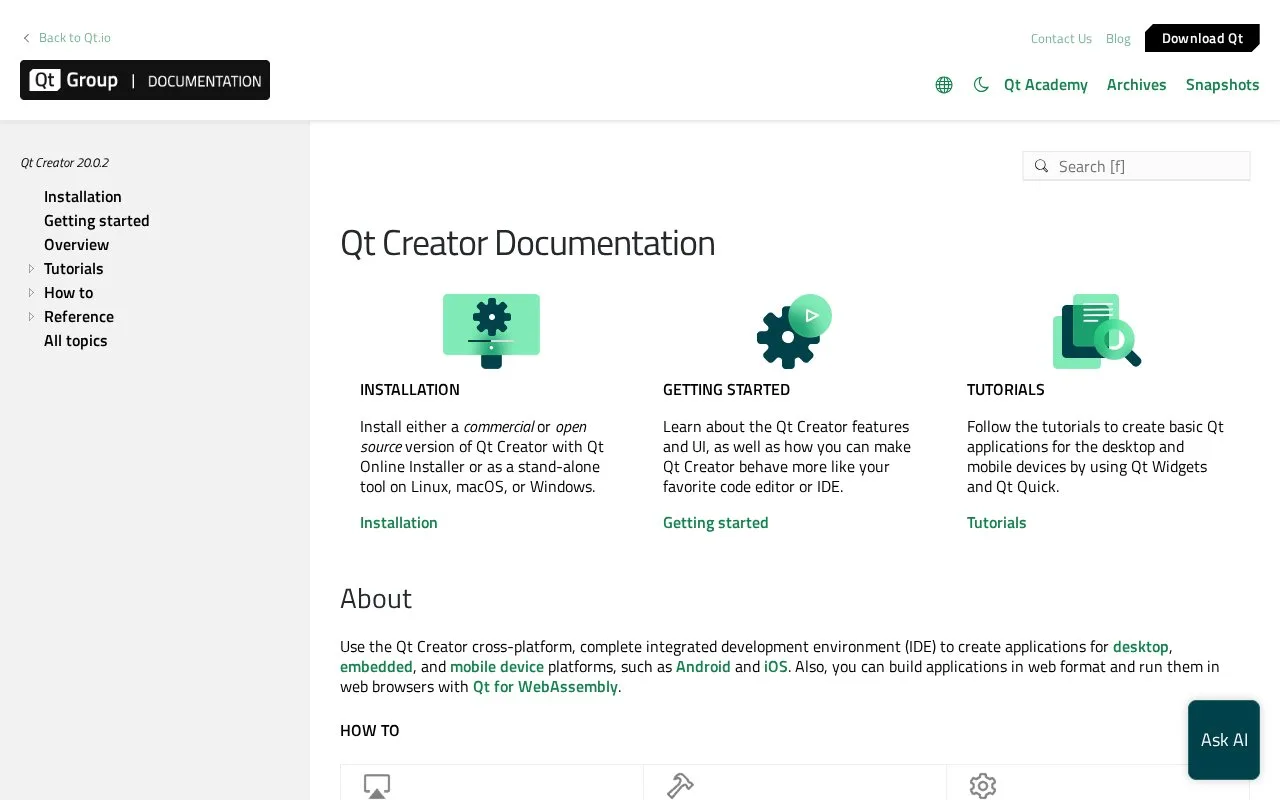
Qt Creator is an integrated development environment for creating Qt applications across desktop, embedded, and mobile platforms. Its workflow brings code editing, project creation, build and run configuration, debugging, profiling, testing, Git integration, and device deployment into one IDE. The project is available under a commercial license or GPLv3 with a Qt Company exception, and standalone binaries are documented for Windows, Ubuntu Linux, and macOS.
Qt Creator is most useful when a project uses Qt or QML and needs a connected path from source to target device. Begin by installing the IDE through Qt's online installer or using a standalone binary; then create a Qt Widgets or Qt Quick project and configure a kit for the compiler, Qt version, and target you intend to build for. The manual groups its core workflow into editing, debugging, code analysis, testing, build/run, device development, and Git.
For example, a small Qt Quick application can be edited and run locally first, then configured for a mobile or embedded target once the required kit and toolchain are available. The IDE also supports WebAssembly builds for browser execution according to its documentation. These workflows are Qt-centered: Qt's own portfolio treats Qt Creator as its IDE and describes integrations for other environments separately.
The project repository says Qt Creator is offered under commercial licenses or GPL version 3 with the Qt Company GPL Exception 1.0. Its standalone packages list Windows 10 or later, Ubuntu 22.04 or later for x86_64 (or Ubuntu 24.04 for ARM64), and macOS 14.4 or later; building from source can change supported platforms according to the Qt version used. The public Qt pricing page covers multiple Qt offerings, but it does not establish a separate current Qt Creator price, so check the applicable license terms before choosing a distribution.
Strengths
- Documents the full Qt development cycle, from project creation and code editing through testing and deployment.
- Supports QML and C++ workflows for desktop, embedded, and mobile applications.
- Provides an open-source GPLv3-with-exception distribution as well as commercial licenses.
- Official standalone binary packages are listed for Windows, Ubuntu Linux, and macOS.
Watch out for
- The workflow is designed around Qt projects and requires selecting suitable kits and toolchains for target platforms.
- License choice affects how Qt Creator can be used and distributed; review the GPLv3-with-exception or applicable commercial terms for the project.
Best for
- C++ and QML developers building Qt-based desktop or embedded applications
- Teams maintaining Qt applications across desktop, mobile, and embedded targets
- Developers who want a Qt-aware editor, debugger, build workflow, and device tooling in the same IDE
Sources
- Qt Development Tools | IDE Support, Agentic AI & More (Oct 25, 2026)
- Qt Creator Documentation (Oct 25, 2026)
- qt-creator/qt-creator: A cross-platform Qt IDE (Oct 25, 2026)
- qt-creator/LICENSES/LICENSE.GPL3-EXCEPT at master (Oct 25, 2026)
- Qt Pricing & Plans for Each Stage of Software Development (Oct 25, 2026)