
What it does
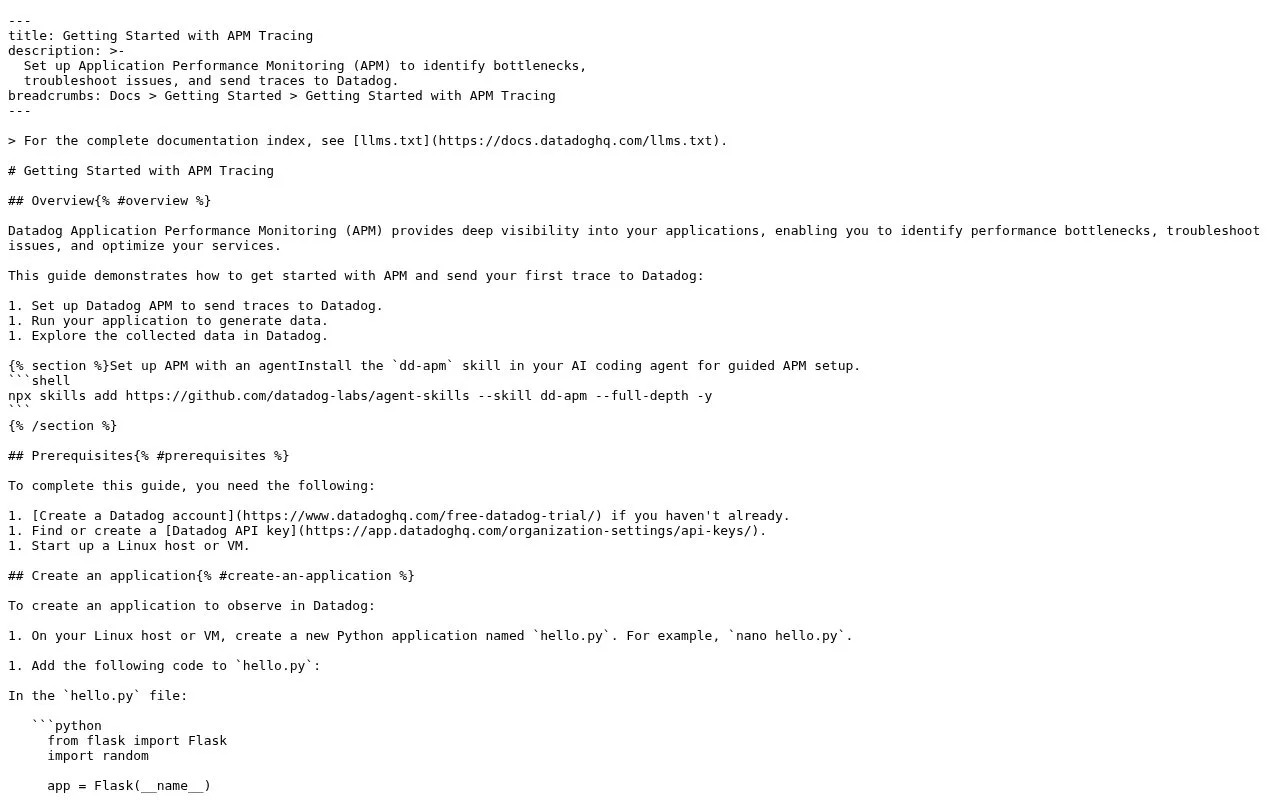
Datadog Application Performance Monitoring traces requests across instrumented services so an operator can inspect where time is spent and which dependencies are involved. Its getting-started guide requires a Datadog account, API key, and a Linux host or virtual machine, then walks through sending traces and exploring the collected data. APM helps diagnose a problem after telemetry is available; it does not repair the application automatically.
The setup guide requires an account, API key, and Linux host or VM. After those prerequisites, follow the trace path:
- Configure the service to send traces to Datadog.
- Run the application so it generates telemetry.
- Inspect the collected traces and service data.
For a multi-service request, tracing is most useful when each relevant component is instrumented and reports compatible service metadata. This makes APM a diagnostic tool after telemetry exists, rather than a simple binary uptime check.
The official guide also points to language-specific instrumentation. Datadog’s pricing page offers a free trial, but its current APM plan rates were not readable in the fetched page text, so this record leaves ongoing pricing unresolved. Budget against the current APM pricing table before enabling production telemetry.
Strengths
- The setup guide lists the account, API key, and Linux host prerequisites.
- The workflow sends traces from an application and then explores collected telemetry.
- APM focuses on diagnosing request and service performance rather than only checking reachability.
Watch out for
- Application instrumentation and an agent or host setup are required before traces can be analyzed.
Best for
- Investigating latency across instrumented application services
- Correlating service traces with operational telemetry
Sources
- Tracing | Datadog Docs (Oct 25, 2026)
- Pricing | Datadog (Oct 25, 2026)