
What it does
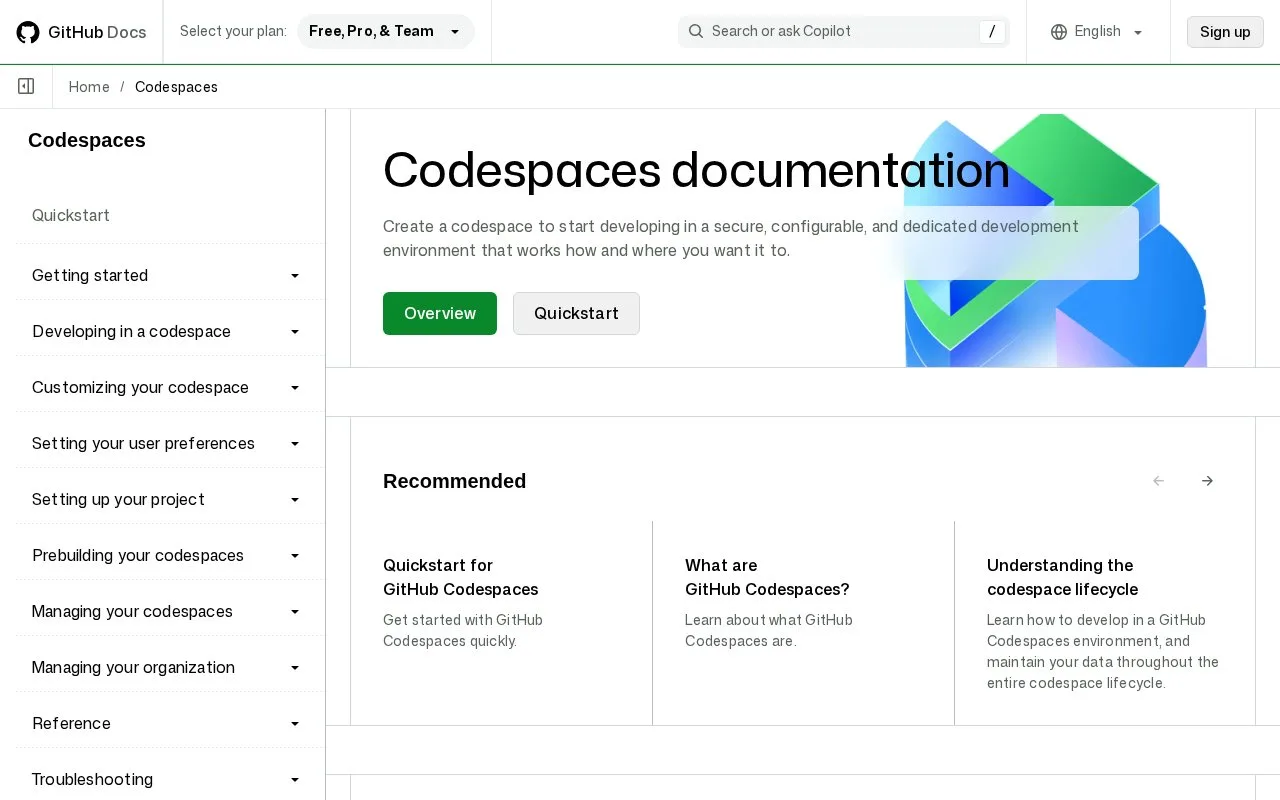
GitHub Codespaces provides cloud-hosted development environments linked to GitHub repositories and branches. A codespace opens in the browser version of Visual Studio Code by default, with an option to use other supported editors. Repository dev-container configuration can define the tools and setup used by the workspace. Developers can run their project in the terminal and use port forwarding to view it in a browser, without installing the project toolchain on their own computer.
From repository to running app
Choose a branch in a GitHub repository, open its Code menu, and select the Codespaces tab to create an environment. The default option is a quick start; New with options lets you select a machine type or a devcontainer.json configuration. The quickstart also shows how to create a codespace from a template repository if you want a small example rather than an existing project. The browser editor includes a terminal. Run the command your repository uses to start its application; GitHub's Node example uses npm run dev, but that command is illustrative. Codespaces detects a listening port and offers a forwarded browser view. The workspace can also be opened in another supported editor, so the browser editor is a default rather than the only way to work. ### Budget for compute and storage
Personal GitHub accounts receive included monthly compute and storage quotas. Active machine time and stored codespace data are measured separately, and usage beyond the allowance is billed. GitHub says organization and enterprise plans do not include the personal free quota. A team should review its billing owner and spending budget before making long-lived or high-spec workspaces routine.
Strengths
- A repository can define a reproducible development environment with a dev-container configuration.
- The browser editor, terminal, and forwarded application port support a project workflow without a local toolchain install.
- Users can select other supported editors instead of being locked to the default browser editor.
Watch out for
- Codespaces consumes both compute time and storage, and usage beyond personal allowances is billable; organization and enterprise accounts do not receive the personal free quota.
Best for
- Opening a GitHub project in a ready-to-code cloud workspace
- Sharing consistent project setup through dev-container configuration
- Previewing a running web application from its cloud development environment
Sources
- Quickstart for GitHub Codespaces - GitHub Docs (Oct 25, 2026)
- Creating a codespace for a repository - GitHub Docs (Oct 25, 2026)
- GitHub Codespaces billing - GitHub Docs (Oct 25, 2026)