
What it does
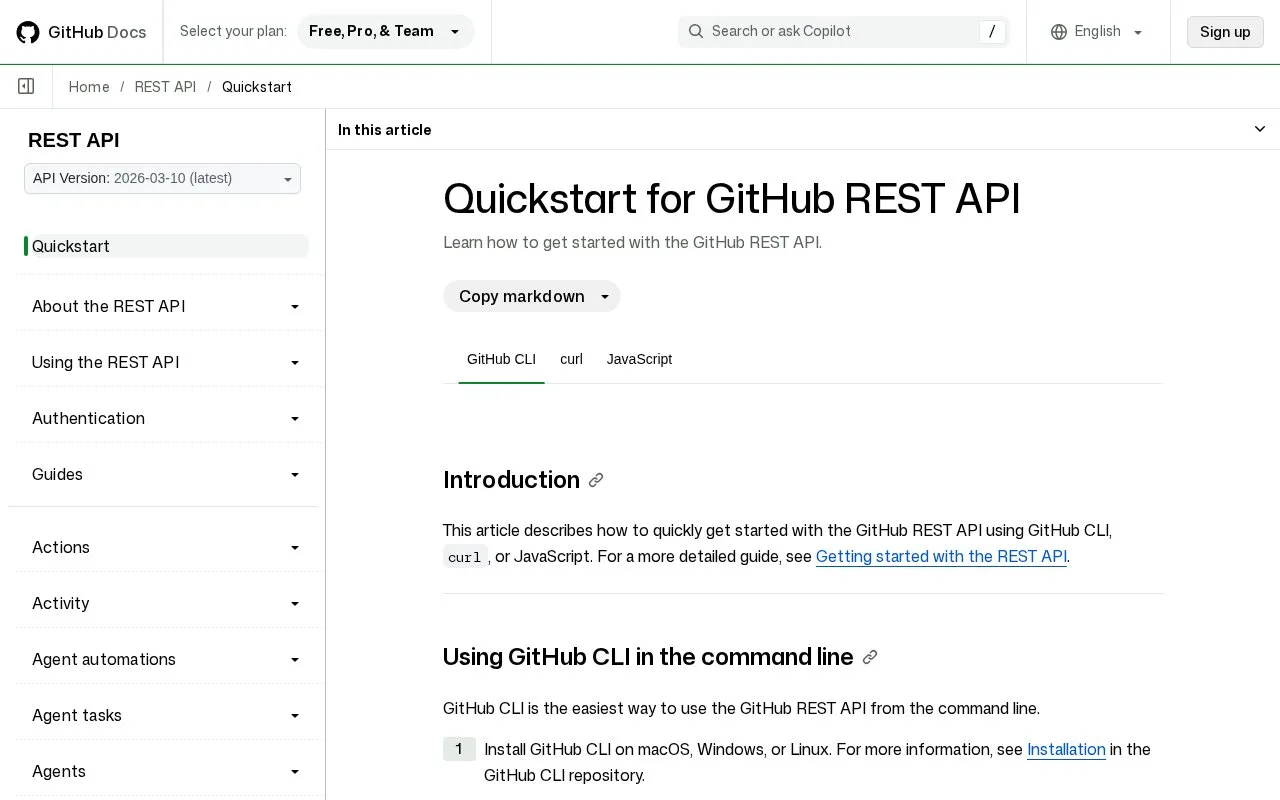
The GitHub REST API lets an application or automation script interact with GitHub repositories, issues, users, checks, and other resources over HTTP. Its documentation describes authentication choices and provides client examples, including Octokit. It is an API service, not a standalone tool for manually sending requests to unrelated APIs.
Choose the endpoint for the GitHub resource you need, then follow its documented method, path, parameters, permissions, and response schema. The quickstart explains that requests can use a personal access token, a GitHub App installation token, or the GITHUB_TOKEN available within GitHub Actions. For JavaScript, the docs show creating an Octokit client with a token; other integrations can send HTTP requests directly.
A practical example is an automation that reads repository metadata after a push or updates a check result. Keep credentials in the hosting environment and grant only the endpoint permissions the workflow needs. GitHub’s API documentation is extensive, so check pagination, rate limits, and endpoint-specific permissions before turning a small script into a recurring integration. The API is part of GitHub’s broader service; this research did not establish a standalone API pricing tier.
Strengths
- The REST API has endpoint documentation and a quickstart for authenticated requests.
- The docs describe personal access tokens, GitHub App tokens, and the Actions `GITHUB_TOKEN`.
- Octokit is documented as a JavaScript client option.
Watch out for
- Authentication and permissions vary by endpoint and token type.
Best for
- Automating repository administration or reading GitHub data from an application
- Building integrations that react to repository or workflow events
Sources
- Quickstart for GitHub REST API - GitHub Docs (Oct 25, 2026)
- Getting started with the REST API - GitHub Docs (Oct 25, 2026)