
What it does
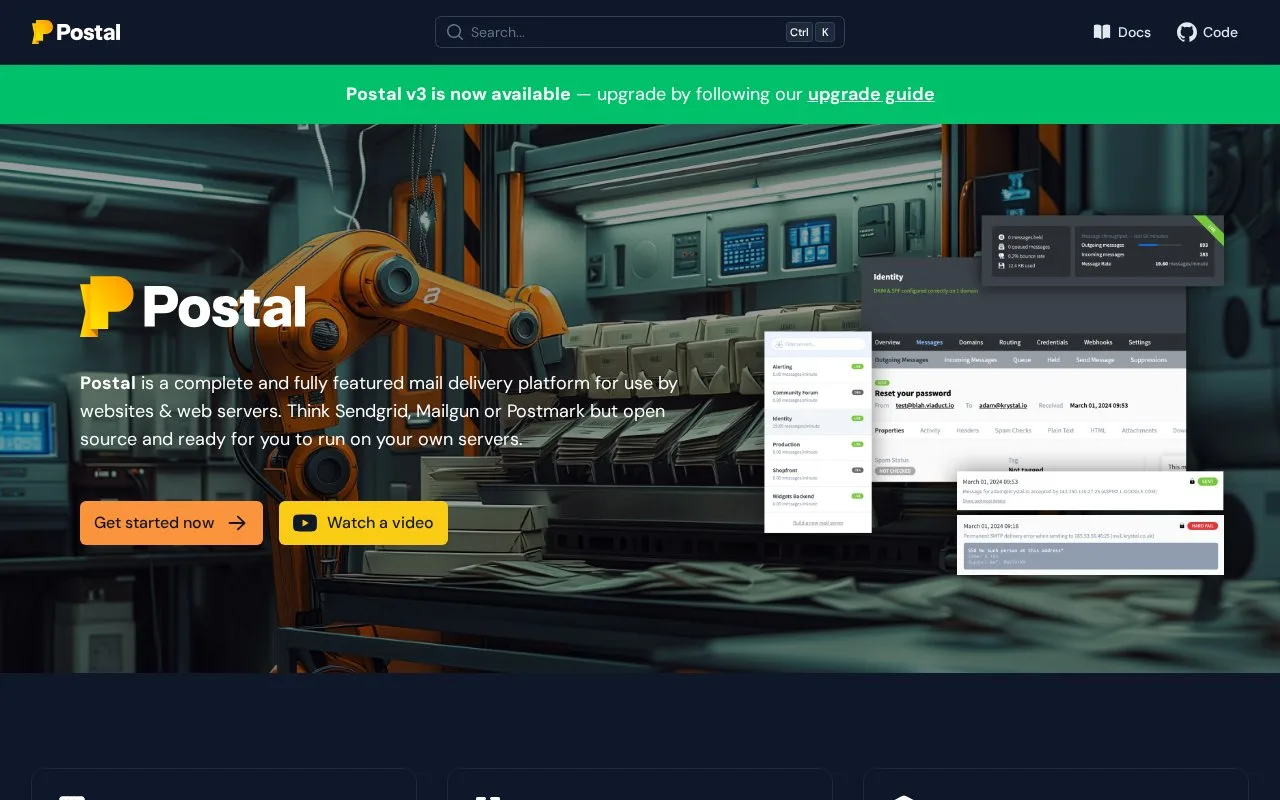
Postal is an open-source platform for running outgoing and incoming email on your own servers. Its web interface manages mail servers, users, message records and queues, with SMTP or HTTP sending. The software is MIT-licensed; you supply the infrastructure and create local administrator access during installation.
Development mode holds outgoing messages inside Postal so they can be inspected without delivery to recipients. That provides a useful first step when connecting an application: check the generated receipt or password-reset message in the interface before moving the sending configuration into normal use.
An organization can contain several mail servers, each with its own credentials, sending limits and retention settings. Tags group message types for investigation. The interface exposes incoming and outgoing queues, historical messages and delivery logs; webhook request history is retained for seven days to help trace event notifications.
Postal also routes incoming messages to HTTP endpoints, other SMTP servers or email addresses. Operating it requires the team's own server infrastructure. The core repository is MIT-licensed, while integrations such as external spam and virus checking have their own setup requirements.
After the installation prerequisites and configuration are ready, the setup guide uses postal initialize to prepare the database and postal make-user to create the first administrator. Sign in to the web interface, create an organisation and mail server, then add the sending domain and publish its DNS records. Create an SMTP or API credential before sending a test message. Postal handles mail transport; contact lists and unsubscribe management belong in the application connected to it.
Strengths
- Development mode supports message inspection without recipient delivery
- Per-server credentials, retention and tags separate delivery operations
Watch out for
- Webhook request history is retained for seven days
- Server operation and email-domain configuration remain the team's responsibility
Best for
- Technical teams running their own application email delivery and inbound routing service
Sources
- Postal - an open source mail delivery platform (Oct 26, 2026)
- Copyright 2017-2024 Krystal Hosting Ltd (Oct 26, 2026)
- GitHub - postalserver/postal: 📮 A fully featured open source mail delivery platform for incoming & outgoing e-mail · GitHub (Oct 26, 2026)
- Postal Installation (Oct 27, 2026)
- Postal Feature List (Oct 27, 2026)
- Postal FAQs (Oct 27, 2026)