What it does
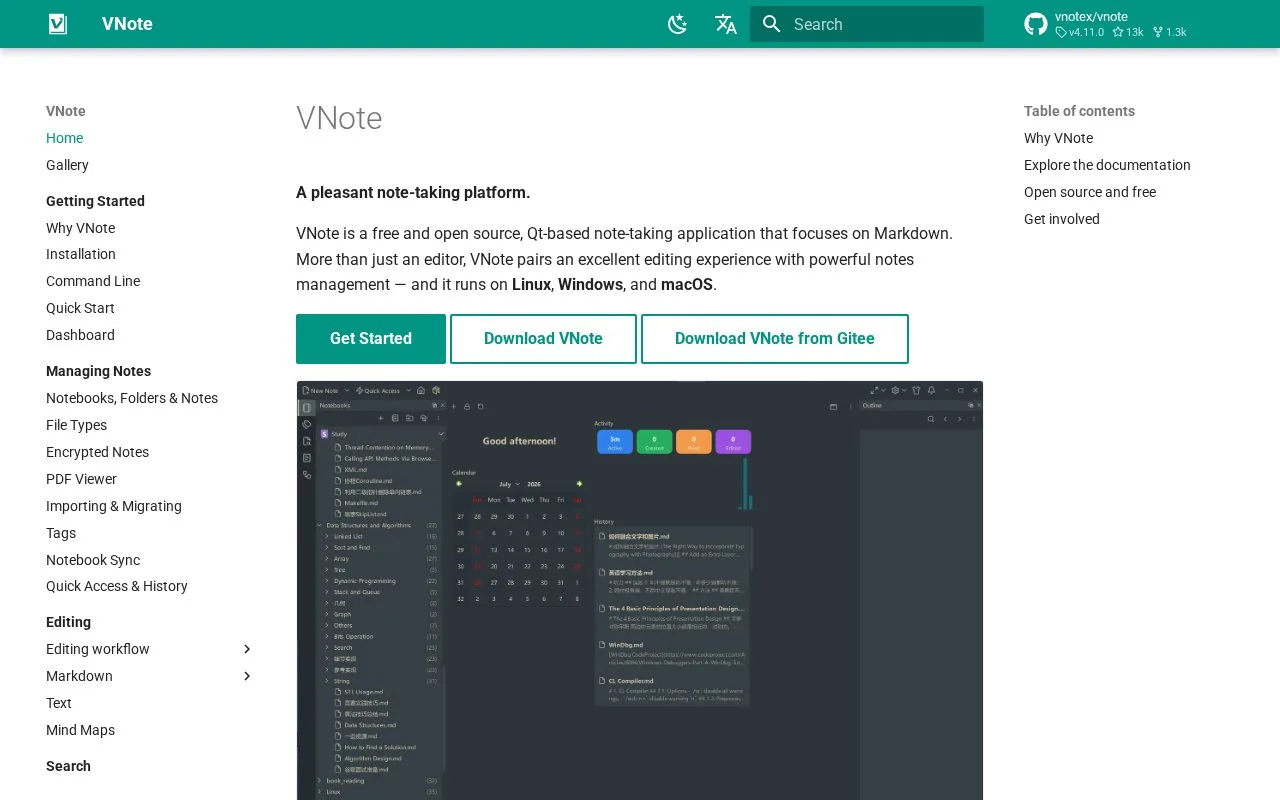
VNote is a free, open-source, Qt-based desktop note-taking application for Linux, Windows, and macOS. Its documentation describes a hierarchy of notebooks, folders, and notes mapped directly onto the file system, with editors for Markdown, Typst, plain text, source code, mind maps, and PDF viewing. The project requires Qt 6.9 or later and no longer supports Qt 5.15 or Windows 7.
Use notebooks as file-backed workspaces
Create a notebook for a subject, make folders for subtopics, and keep notes inside that structure. VNote's notebook guide says the notebook/folder/note hierarchy maps directly to the file system, so the organization is visible outside the app as well. The same documentation lists attachments, tags, encrypted notes, a PDF viewer, mind maps, and search, making it a fit for users who keep more than Markdown prose.
The official repository describes VNote as free and open source and lists Linux, Windows, and macOS builds. Its license file is GNU LGPL v3. The project currently requires Qt 6.9+, and the README says Qt 5.15 and Windows 7 are no longer supported. The official releases page lists v4.11.0 as the latest release checked on 2026-10-25. No installation, notebook migration, or file interoperability was tested.
Strengths
- Notebook organization follows the file system, making the underlying structure transparent.
- The documentation covers Markdown, Typst, code, mind maps, PDF viewing, encrypted notes, and attachments.
- A free, open-source project with desktop versions for Linux, Windows, and macOS.
Watch out for
- The current project requires Qt 6.9 or later and has dropped Qt 5.15 and Windows 7 support.
- VNote's apps target desktop platforms.
Best for
- Organizing technical notes and source material in file-backed desktop notebooks
- Working with Markdown, code, mind maps, and PDFs in one desktop environment
Sources
- VNote | Official Repository (Oct 25, 2026)
- Notebooks, Folders & Notes | VNote Docs (Oct 25, 2026)
- VNote Releases | GitHub (Oct 25, 2026)
- GNU Lesser General Public License v3 | VNote (Oct 25, 2026)