
What it does
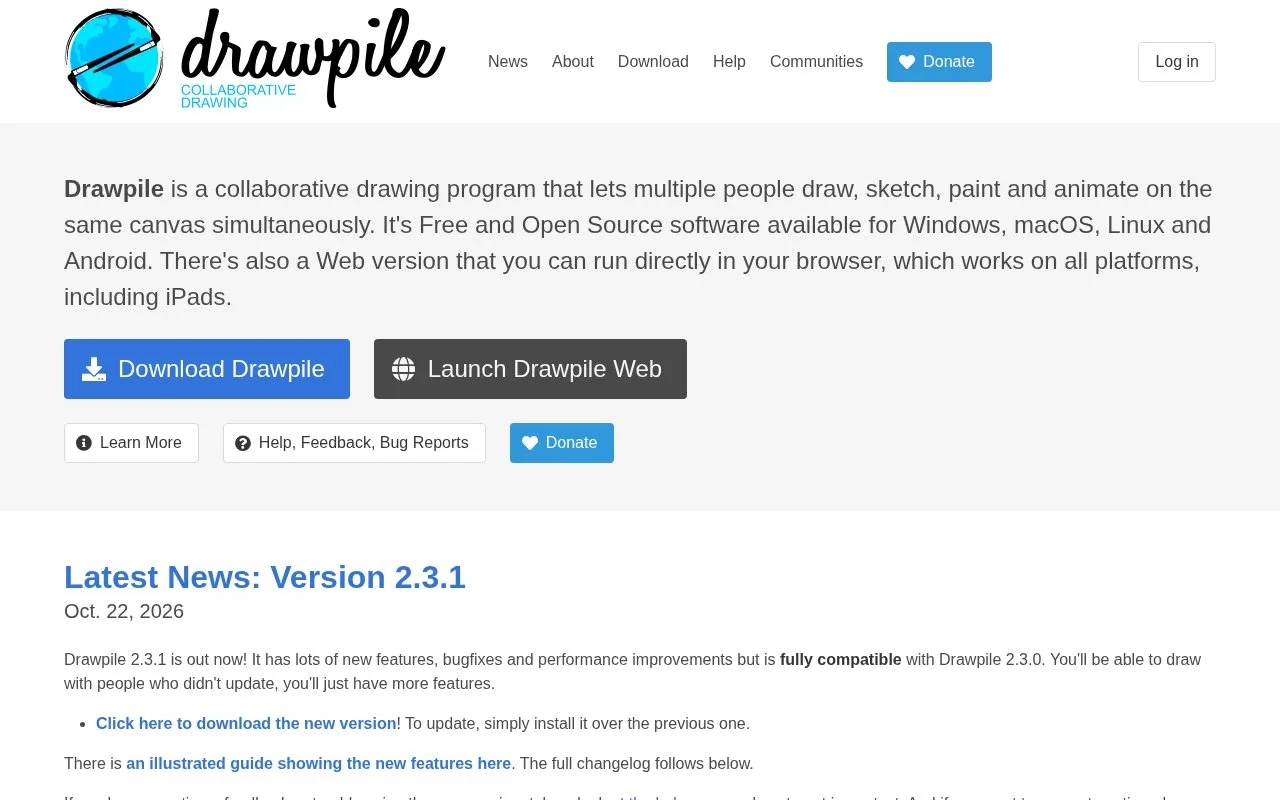
Drawpile is a free, open-source drawing program for sharing a canvas with other people or painting offline. It includes brush editing, layer groups, clipping and animation tools. Desktop and Android downloads are available, with a browser version for other devices; the main hosting flow can continue without an account.
Invite people to a canvas
Open Host Session, click Host and accept the server rules. You can log in or continue without an account, then share the invitation. To start from existing artwork, open the file first and choose Session > Host.
Sessions use a password by default. Switching from Personal to Public opens the session more widely and brings moderation responsibilities. A hosted session ends after everyone leaves, with a short opportunity to reconnect.
Animation on the shared drawing
Enable the Timeline dock, switch to Frame View and add a track. Keyframes can point to layers or layer groups; onion skins show nearby frames. The Flipbook controls playback range, speed and crop area, allowing several separate animations on one canvas.
ORA and PSD files let you continue the artwork in another drawing application. Drawpile also works offline if collaboration is not needed.
Strengths
- Built-in brushes can be edited and supplemented with custom ones
- Clipping groups, masks and alpha lock support layered colouring
- Desktop, Android and browser clients are available
Watch out for
- Public sessions require active moderation
- A session hosted on the built-in local server cannot accept browser clients
Best for
- Friends drawing together on a shared canvas
- Groups making several short animations in one session
Sources
- About Drawpile (Oct 27, 2026)
- Drawpile: hosting sessions (Oct 27, 2026)
- Drawpile animation guide (Oct 27, 2026)