What it does
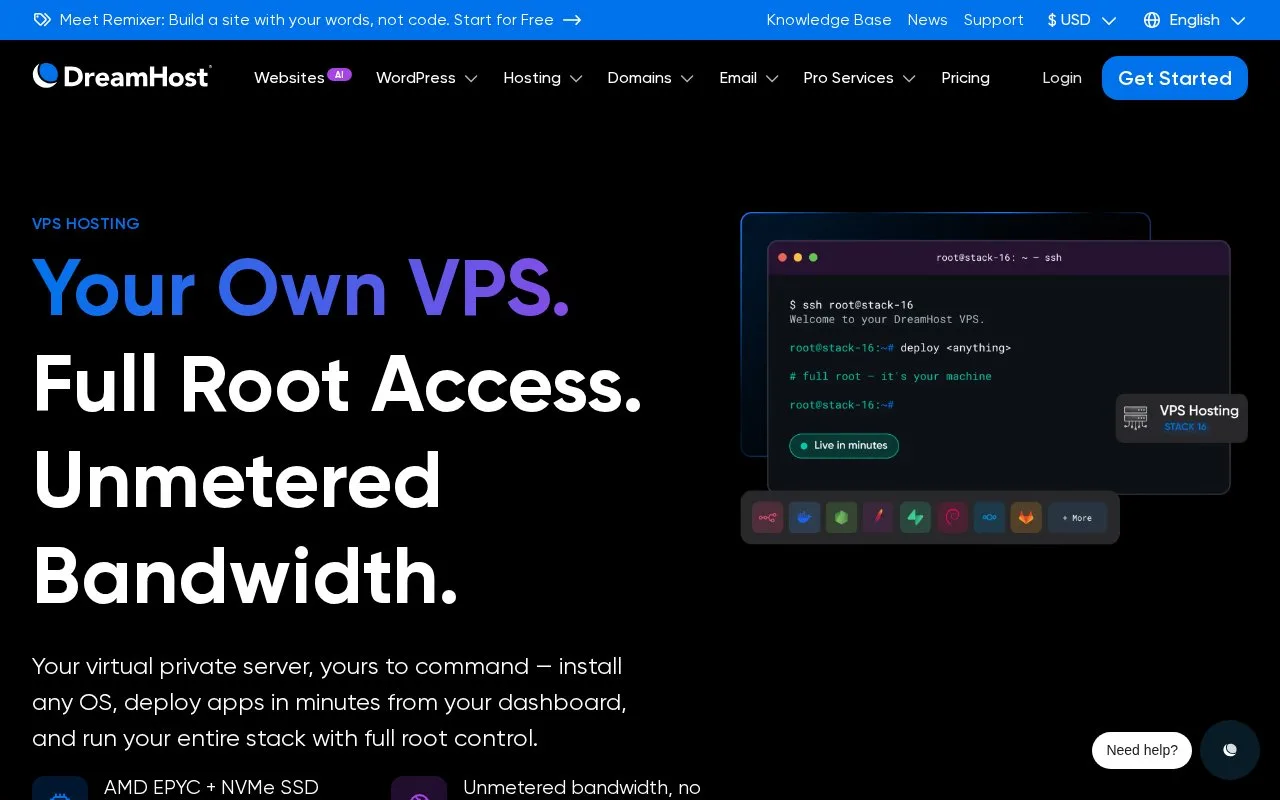
DreamHost VPS gives customers root access to a Linux environment while DreamHost maintains the underlying hardware and network. During provisioning, choose a base operating system or an optional pre-installed application image, set the access method, and optionally associate a domain. After the server is provisioned, administration of the Linux environment remains with the customer.
Choose the server image before ordering
The documented flow begins in the DreamHost panel: select a VPS plan and billing term, choose a base OS or app image, set up secure access, and optionally connect a domain. Once provisioning finishes, connect over SSH and manage the software stack yourself. This is a reasonable fit for a custom application or development environment when you want root-level control rather than a managed runtime.
The choice made at provisioning matters. DreamHost says the base OS or app image cannot be changed after launch without reprovisioning, and it does not store the SSH credentials selected during setup. Save the credential material securely before completing the order.
Strengths
- The plan page specifies full root access and includes Linux OS and application-image choices.
- DreamHost maintains the hardware and network while leaving the guest operating system under customer control.
Watch out for
- The customer is responsible for configuring, maintaining, and securing the Linux environment.
- Changing the selected OS or app image after launch requires reprovisioning, and DreamHost says setup credentials are not stored for later recovery.
Best for
- Self-hosting a custom application on a Linux server with root access.
- Developers who want provider-maintained hardware but prefer to manage server software themselves.
Sources
- VPS Hosting with Full Root Access | DreamHost (Oct 25, 2026)
- Configuring and connecting to a VPS - DreamHost Knowledge Base (Oct 25, 2026)
- VPS overview - DreamHost Knowledge Base (Oct 25, 2026)