
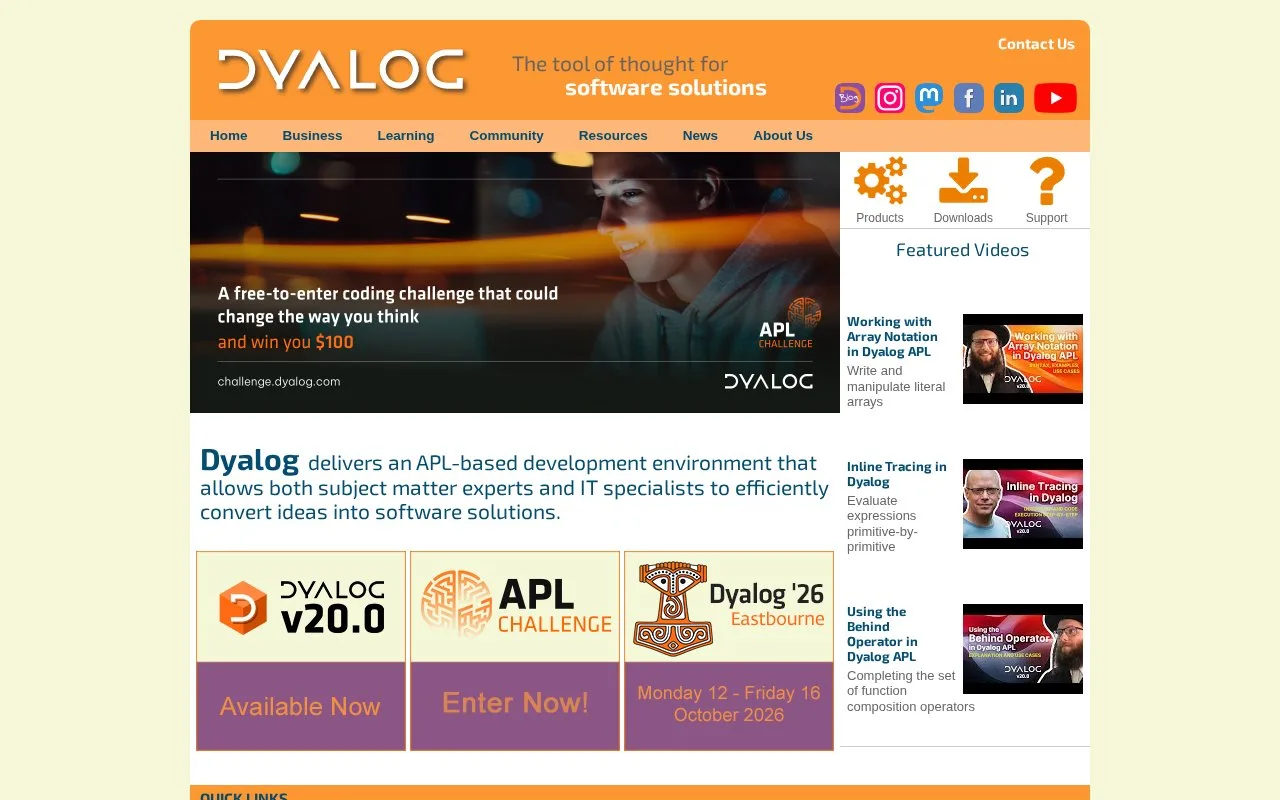
What it does
Dyalog combines the APL language and its development environment for creating array-oriented software. Developers can work in Dyalog's Windows IDE or use RIDE, its cross-platform development interface, to edit, run, inspect, and trace APL sessions. Official manuals cover language construction, debugging and tracing, platform-specific setup, and interfaces to other software. Dyalog offers a free Basic Licence for personal and non-commercial use, while commercial development and some forms of deployment require separately licensed use.
Start with APL, then choose the interface
Dyalog's getting-started material is aimed at APL newcomers and points to a free online TryAPL environment, tutorials, videos, and a self-study course. For local development, install the Dyalog environment and choose the Windows IDE or RIDE. The RIDE manual describes its cross-platform session interface, installation, editor, and trace windows; the documentation centre links operating-system-specific installation and UI guides.
A useful first task is to work through an APL example in a session, then use the editor and trace tools to inspect how an expression behaves. Dyalog's manuals cover language syntax and program construction, while the separate tools documentation covers interfaces such as .NET, SQL, and HTTP. APL relies on its own symbols, so the official fonts-and-keyboards guidance is useful when setting up a local workstation.
Licensing is an important part of choosing Dyalog. The Basic Licence is granted with a free download for personal, educational, experimental, and other non-commercial use; it does not permit commercial use. Commercial development uses an annual licence, and distributing or sharing applications can require an additional run-time licence. The price page links detailed fee schedules rather than establishing every current amount in the text reviewed.
Strengths
- The product includes a Windows IDE and the cross-platform RIDE interface, with separate platform-specific manuals.
- Official learning material includes novice tutorials, an interactive TryAPL environment, and an APL self-study course.
- The documentation covers session editing and tracing as well as interfaces to external software.
- A free Basic Licence supports personal and non-commercial learning and experimentation.
Watch out for
- The free Basic Licence does not permit commercial use; commercial development and some deployment patterns require additional licences.
- Entering APL symbols can require platform-specific fonts or keyboard setup.
Best for
- APL learners who want an integrated editor and session environment with official beginner material
- Developers building array-oriented applications in Dyalog APL
- Teams using the Windows IDE or RIDE to inspect, trace, and develop APL sessions
Sources
- Home - Dyalog (Oct 25, 2026)
- Getting Started - Dyalog (Oct 25, 2026)
- Documentation Centre (20.0) - Dyalog (Oct 25, 2026)
- Prices and Licences - Dyalog (Oct 25, 2026)
- Ride User Guide (Oct 25, 2026)