
What it does
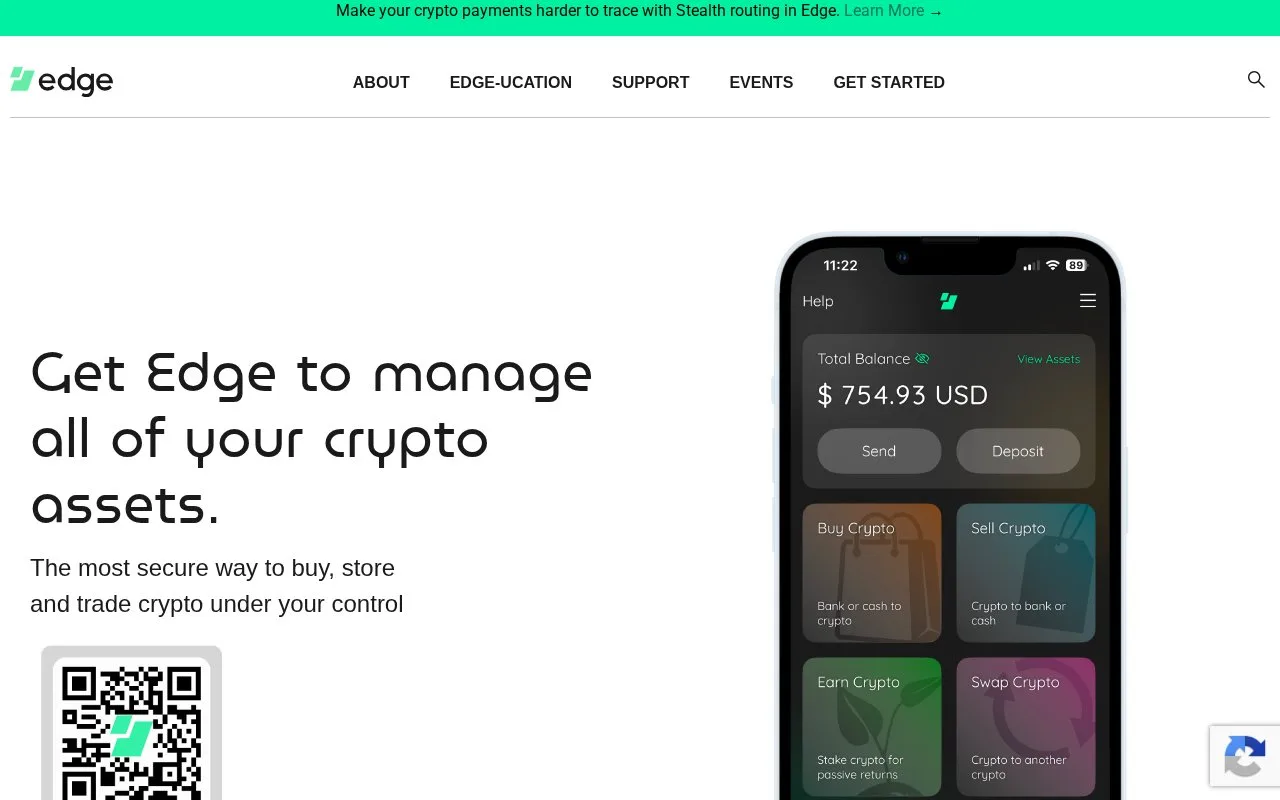
Edge is a mobile wallet for managing multiple cryptocurrencies and using integrated buy, sell or swap providers. A limited guest mode starts with a PIN; full account backup uses a username and password. Optional recovery questions can help restore access only when they and the recovery token were set up beforehand.
Edge uses an account-style login for a self-custody wallet. The company says wallet information is encrypted on the device before its automatic backup reaches servers. Signing in on another device uses the username and password, rather than an email address as the account identifier.
Complete the account backup
Get Started creates a guest account after a four-digit PIN is chosen. Guest functions are limited. To complete the backup, choose Create Username & Password or open Back Up Account from the notification area. Record the resulting credentials and finish the confirmation step.
A PIN or biometric login is convenient on an existing installation, but it is not the same as the password needed to restore access elsewhere. Edge cannot look up or reset the password on your behalf.
Set up the optional recovery route in advance
Open the top-right menu, then Account Settings > Set up Password Recovery. Enter the password, choose two questions and confirm their case-sensitive answers. Save the recovery token through the offered email or storage method and verify that you received it. The token is shared by you from the app; it is not an account-reset email sent by Edge.
Recovery needs the username, saved token and correct answers. If those were never set up and there is no remaining PIN, biometric or password access, support cannot decrypt the account. Do not assume that a familiar login screen provides the same recovery options as a bank account.
The app is free to download, and its mobile code uses the BSD 3-Clause license. Blockchain transfers and integrated purchases or swaps have their own fees and availability. Check the specific asset, provider and quote rather than treating the free download as a promise of free transactions.
Strengths
- Automatic encrypted backup supports access from more than one mobile device.
- Optional recovery questions provide a documented recovery route when prepared in advance.
Watch out for
- Recovery questions require the previously saved token and exact answers.
- A PIN alone does not replace the credentials needed after reinstalling or changing devices.
Best for
- People who prefer a username-and-password mobile wallet setup
- Users managing several supported crypto assets in one app
Sources
- Edge mobile wallet and encrypted-backup overview (Oct 27, 2026)
- Edge BSD 3-Clause license (Oct 27, 2026)
- Edge mobile wallet repository (Oct 27, 2026)
- Edge account and guest-mode setup (Oct 27, 2026)
- Set up Edge password recovery (Oct 27, 2026)
- Edge lost-credential recovery limits (Oct 27, 2026)
- Official Edge iOS download listing (Oct 27, 2026)