
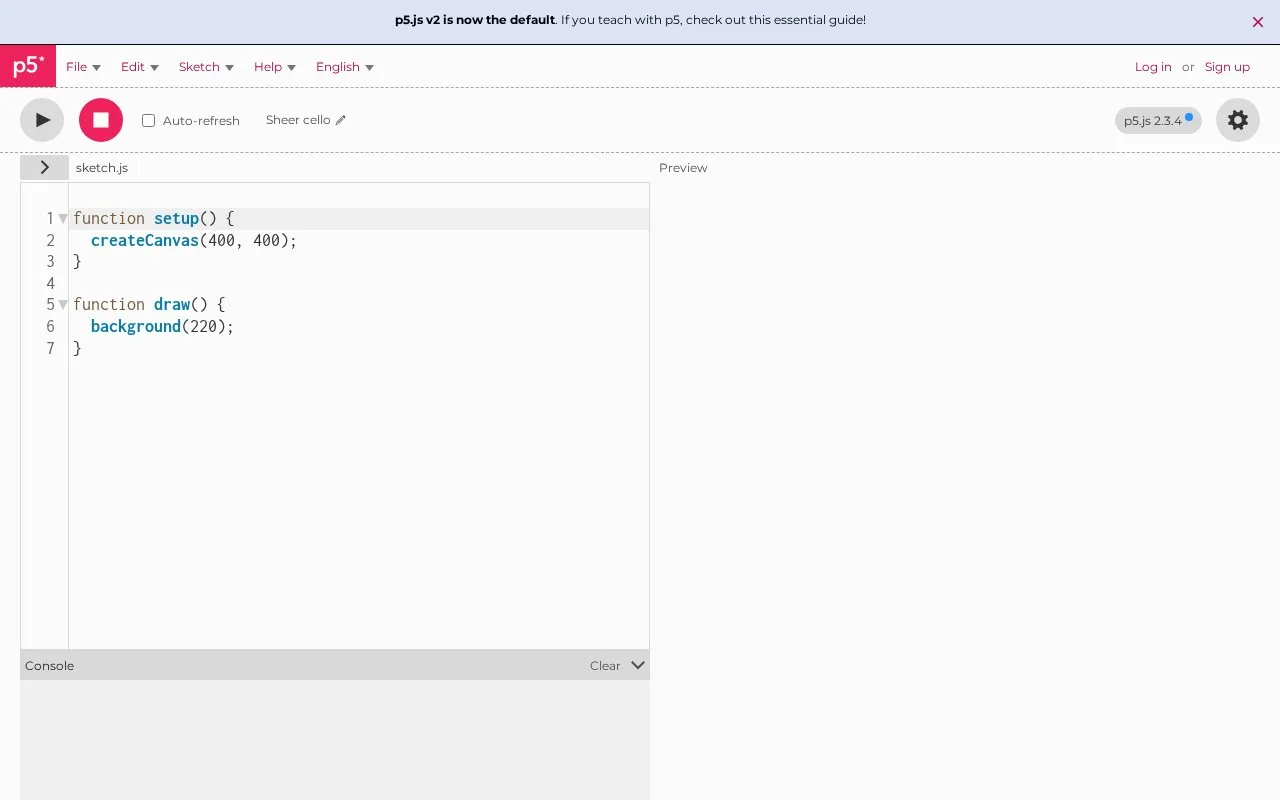
What it does
The p5.js Web Editor is a browser-based workspace for writing p5.js sketches, the JavaScript programs used for creative coding with visuals and interaction. It is designed for artists, students and educators who want to start a sketch without installing a local toolchain, and its project README describes creating, sharing and remixing sketches on the site. The editor is free and open source, but its purpose is narrower than a general web application IDE.
Start with a sketch in the browser
Open the p5.js Web Editor and work on a p5.js sketch in the browser. The project README says the editor is a website for creating sketches and supports sharing or remixing them without downloading or configuring a local environment. This makes it approachable for a classroom exercise or a small visual experiment: write the sketch code, run it in the editor's browser environment, then revise or share the result.
The editor is deliberately focused on p5.js rather than on managing arbitrary JavaScript applications, build systems or server-side projects. That narrower scope is part of the fit: a learner can concentrate on the sketch and its visual output, while a larger web application still needs its usual development environment. The p5.js documentation linked by the project provides tutorials and a reference for the library used by those sketches.
The editor project is free and open source under the GNU Lesser General Public License. The public HTML fetch of the live editor returned only its title, so this entry relies on the project README and license for product details; current interface controls, account requirements and saved-project limits were not verified.
Strengths
- Sketches can be created, shared and remixed through a website without local installation or configuration.
- The focused environment is suitable for teaching and experimenting with visual JavaScript sketches.
- The editor's source is publicly available under the GNU Lesser General Public License.
Watch out for
- The editor is designed for p5.js sketches rather than general JavaScript applications or larger build pipelines.
Best for
- Artists and designers prototyping interactive visuals with p5.js.
- Educators teaching creative coding without requiring students to install a development environment.
- Beginners who want to remix example sketches and learn the p5.js library in a browser.
Sources
- p5.js Web Editor (Oct 25, 2026)
- p5.js Editor (Oct 25, 2026)
- Getting Started with p5.js (Oct 25, 2026)
- GNU Lesser General Public License (Oct 25, 2026)