
What it does
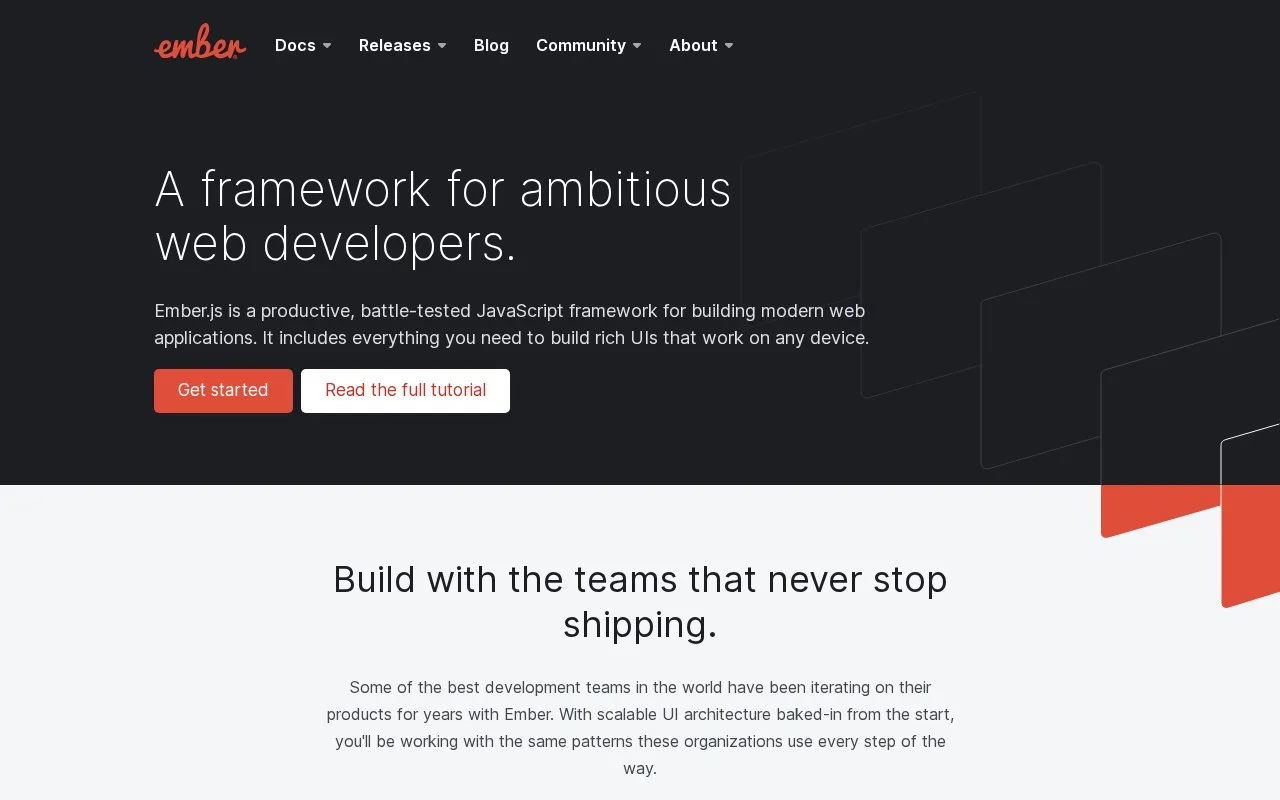
Ember.js is a JavaScript framework for web applications, paired with Ember CLI for creating, developing, and building projects. The current getting-started guide walks through installing the CLI, creating an application, defining a route, adding a UI component, and preparing a deployable build. Its conventions can help teams organize a substantial application, while developers should be comfortable learning the framework's project structure and release-specific guides.
The Ember Quick Start walks through a small application rather than a list of isolated features: install Ember CLI, create an app, define a route, build a UI component, and produce a build for deployment. The guide offers npx ember-cli alternatives for readers who do not want a global installation. These commands and steps are documentation examples, not actions performed for this listing.
A sensible trial is to create one route for a focused feature and add a component that renders its interface. This exercises Ember's routing and component workflow before a team commits an existing application to the framework. The guide is versioned with the current release and should be read alongside the matching CLI documentation when setup details matter.
Ember.js is MIT-licensed. Its conventions are useful when an application benefits from a consistent project structure, but teams used to minimal libraries may find the framework's CLI and established patterns more prescriptive. It is an application framework, not a hosted site builder or an editor.
Strengths
- The official Quick Start connects app creation, route definition, UI components, and production build steps.
- The guide documents an `npx` path as an alternative to installing Ember CLI globally.
- Ember provides a framework and CLI workflow rather than only a component library.
Watch out for
- The project expects developers to learn the framework's conventions and CLI workflow.
- Guides are release-specific, so setup instructions should be matched to the project version.
Best for
- Teams building substantial JavaScript applications that benefit from consistent framework conventions.
- Developers who want routes, components, and build workflow covered by one framework ecosystem.
- Projects that can align their tooling with Ember's release-specific guides.
Sources
- Ember.js Framework for Web Applications (Oct 25, 2026)
- Quick Start (Oct 25, 2026)
- emberjs/ember.js (Oct 25, 2026)
- MIT License (Oct 25, 2026)