
What it does
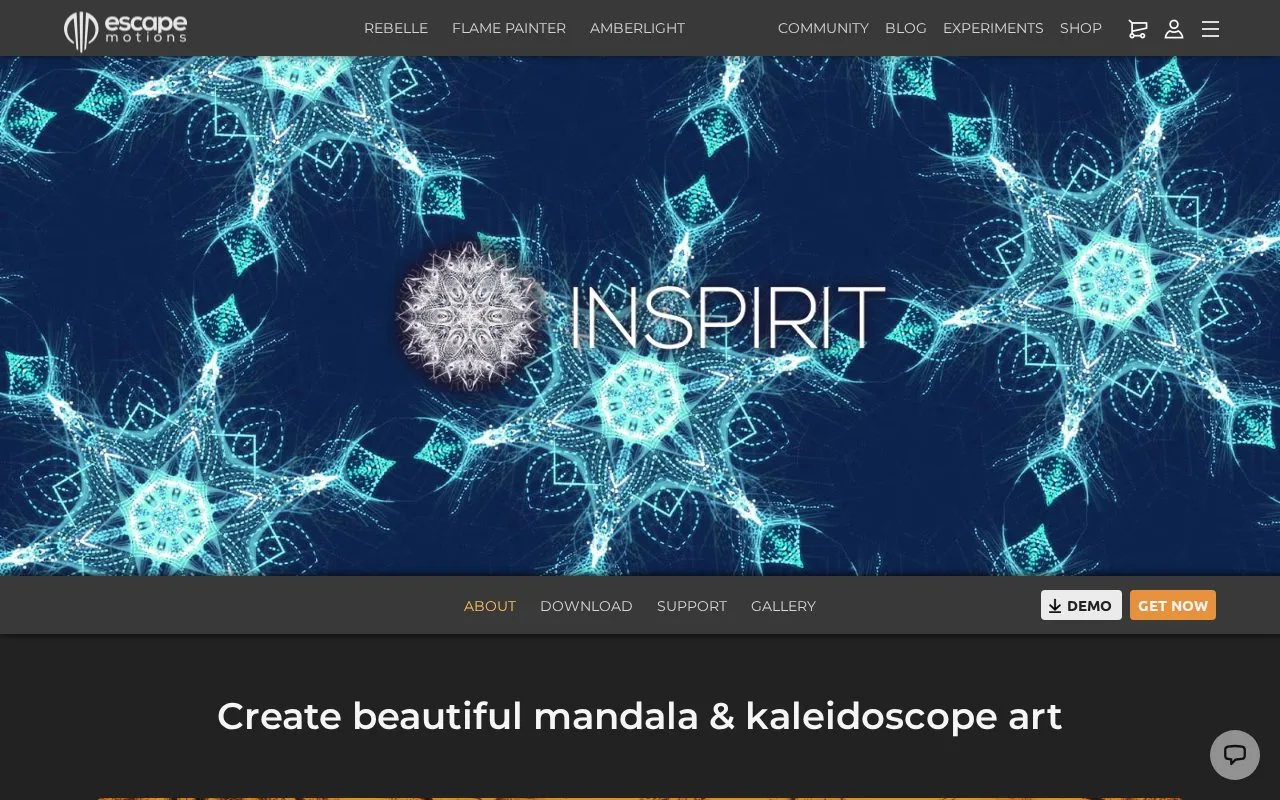
Inspirit turns brush strokes into evolving symmetric patterns, with mandala and kaleidoscope modes, gradients and glow effects. Desktop and iOS editions have different saving options.
Choose a visual mode, draw a few strokes and adjust their colour treatment as the pattern develops. On desktop, the Brush Editor changes the marks themselves, and project saving keeps the work available for another session.
Desktop Export Image produces PNG, with image sizes up to 4K. The iOS edition instead exports a screen-resolution JPG and does not save projects. It also has fewer kaleidoscope modes and no Brush Editor.
The desktop software is a one-time purchase and needs internet activation. Its animated display should not be treated as a video-export feature: the support page still lists video export among future plans.
Strengths
- Symmetry modes transform a few marks into a changing pattern
- Desktop project saving preserves work beyond a single exported image
Watch out for
- iOS has no project saving and exports only at screen resolution
Best for
- Exploring symmetric brush patterns and mandala imagery
Sources
- Inspirit overview and edition comparison (Oct 27, 2026)
- Inspirit support FAQ (Oct 27, 2026)