
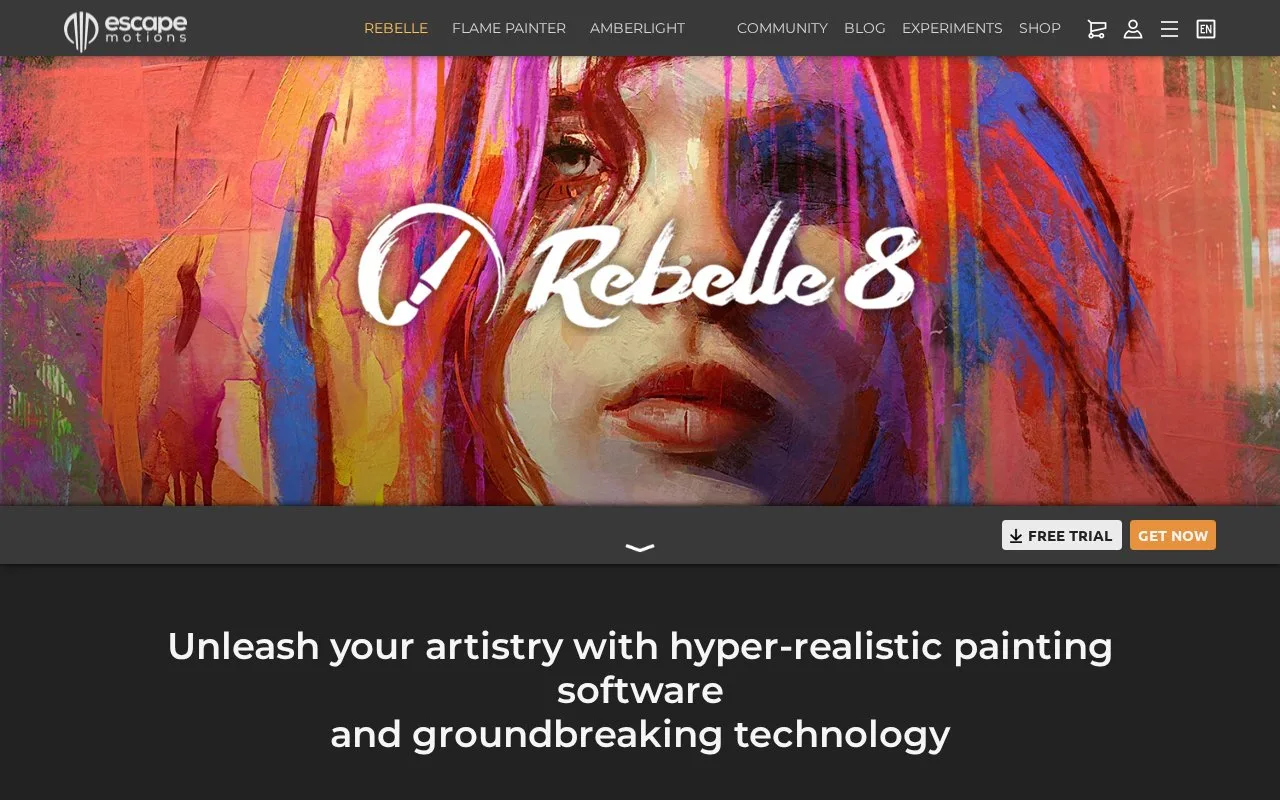
What it does
Rebelle is a Windows and Mac painting application that simulates oils, acrylics, watercolour and dry media. Standard and Pro editions share the painting tools, while Pro adds features such as pigment mixing, advanced lighting and expanded Photoshop-file support.
File > New sets the image size and canvas texture, colour and scale. For watercolour, Wet the Layer moistens the entire layer and Show Wet reveals where water remains. Dry the Layer stops that wet interaction; Pause Diffusion freezes the simulation while you work elsewhere.
Save in REB format to retain the full painting state. File > Save As produces formats such as PNG, JPEG, TIFF or PSD; these do not preserve all of Rebelle’s internal paint information. Hide Canvas with its eye icon before saving a transparent PNG.
Both editions use a lifetime licence with one year of updates. Pro adds Bristle Brushes, pigment mixing, NanoPixel export, advanced PSD import and export, and colour management. After purchase, create or use an Escape Motions Community account and enter its credentials during online activation. A downloadable trial is available; the separate browser experiment is an early prototype rather than the current desktop application.
Strengths
- Layer wetness can be viewed, dried or paused while painting.
- The native REB file retains painting information that ordinary image exports discard.
Watch out for
- Pigment mixing, colour management and advanced PSD support require Pro.
- Activation requires an internet connection and an Escape Motions Community account.
Best for
- Watercolour painting
- Artists exploring digital wet media
Sources
- Rebelle: Real media paint software (Oct 27, 2026)
- Getting Started: Installation and Registration: Rebelle 8 Manual (Oct 27, 2026)
- Creating, Opening and Saving Paintings: Rebelle 8 Manual (Oct 27, 2026)
- Working with Water: Rebelle 8 Manual (Oct 27, 2026)
- Rebelle: Experimental online paint software (Oct 27, 2026)