
What it does
Everhour adds time tracking, budgets, reports, and invoicing to workflows in project-management tools such as Asana, ClickUp, Basecamp, Jira, Monday, GitHub, Trello, and Linear. A task can be timed from the connected tool, and the service can report hours and budget status. The service offers a free trial and paid team plans.
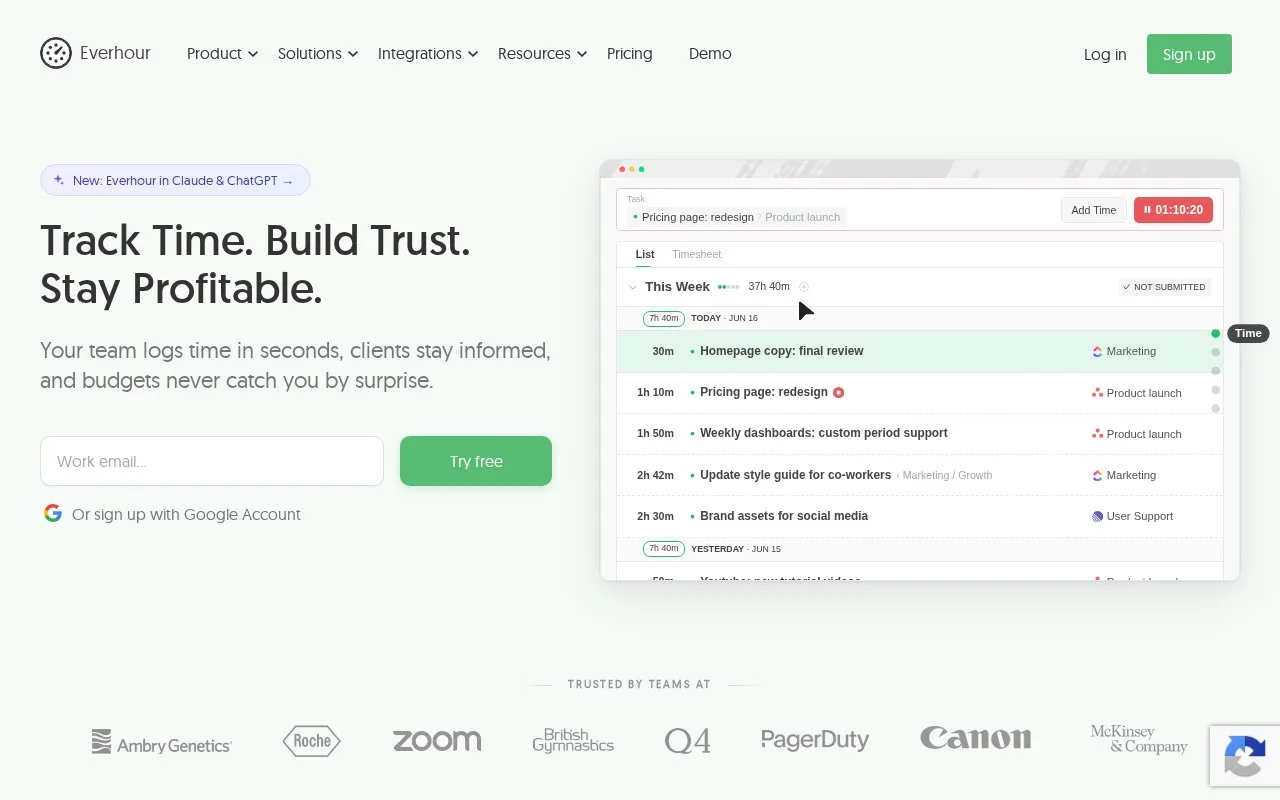
Everhour is most useful when a team already manages tasks in another project tool and wants to log time without moving the task list. The product page shows a task-oriented timer and integrations with several project tools. A hypothetical design team could start a timer on a redesign task, then review time and budget together in an Everhour report.
The pricing page lists a free trial and a paid Team plan with a five-seat minimum; larger organizations are directed to a custom plan. The product also includes budgeting, reports, and invoicing features. No integration was connected or timer run, so the described workflow is based on the vendor’s published product and pricing pages.
Strengths
- Integrates time tracking with several established project-management tools.
- Combines reports with project budgets and invoicing features.
- Offers a free trial without requiring a credit card, according to the pricing page.
Watch out for
- The paid Team plan has a five-seat minimum.
- Everhour’s strongest workflow depends on connecting an existing project-management tool.
Best for
- Agencies tracking time against work already organized in project-management apps
- Teams comparing time spent against project budgets
Sources
- Time Tracking with Billing & Budget Management | Everhour (Oct 25, 2026)
- Everhour Pricing: Free Time Tracking or Full-Featured Team Plan (Oct 25, 2026)