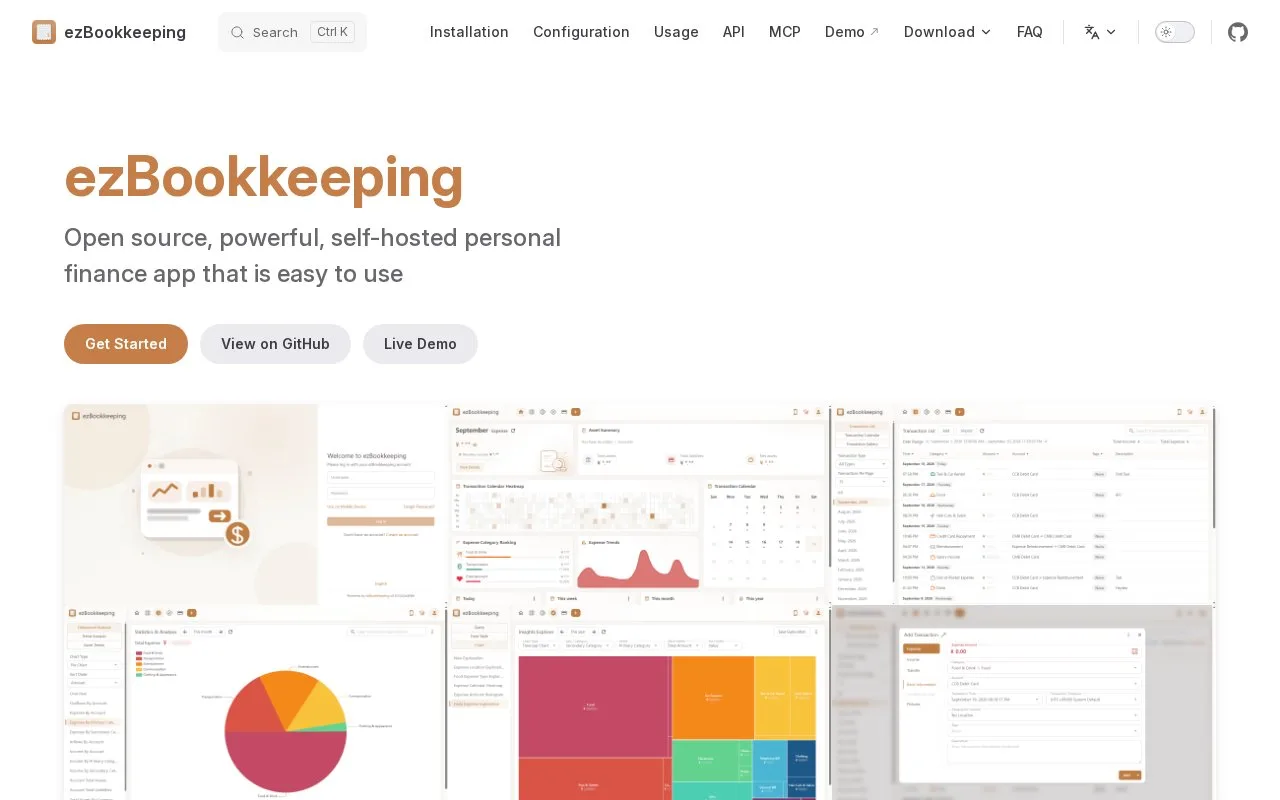
What it does
ezBookkeeping is a self-hosted personal finance application for browsers and mobile screens. Its records can include two-level accounts and categories, transaction pictures, locations and scheduled entries. The MIT-licensed software is free to run, and you create a user account on your own installation.
Set up the account structure
After deploying ezBookkeeping, open it in a browser and register a user. Choose your language, default currency and first day of the week. Then open Accounts > Add to enter an account name, type and initial balance.
You can create default categories during registration or build them later under Transaction Categories. Every transaction needs a secondary category beneath a main heading. For example, Groceries can sit under Household, while a project tag identifies expenses for a particular move.
Review an import before saving it
In the desktop view, open Transaction Details > Import, select the file type and file, then choose Next. Match the incoming accounts, categories and tags to your own. Invalid rows appear in red; use the edit controls to correct them and select the rows to import. Supported inputs include CSV, Excel, OFX, QFX and QIF, with different fields available in each format.
To take records out, use User Settings > Data Management > Export Data on desktop, or Settings > Data Management on mobile. CSV and TSV exports are available.
Strengths
- Credit card statement dates enable current and previous billing-cycle filters
- Reconciliation Statement shows the balance after each transaction and can calculate a closing-balance adjustment
Watch out for
- Imports use the desktop interface
- Charts exclude transactions whose account currency is missing from the configured exchange-rate data
Best for
- People maintaining their own browser-based household ledger
Sources
- ezBookkeeping features (Oct 27, 2026)
- ezBookkeeping basic usage (Oct 27, 2026)
- ezBookkeeping export and import (Oct 27, 2026)
- ezBookkeeping MIT licence (Oct 27, 2026)