
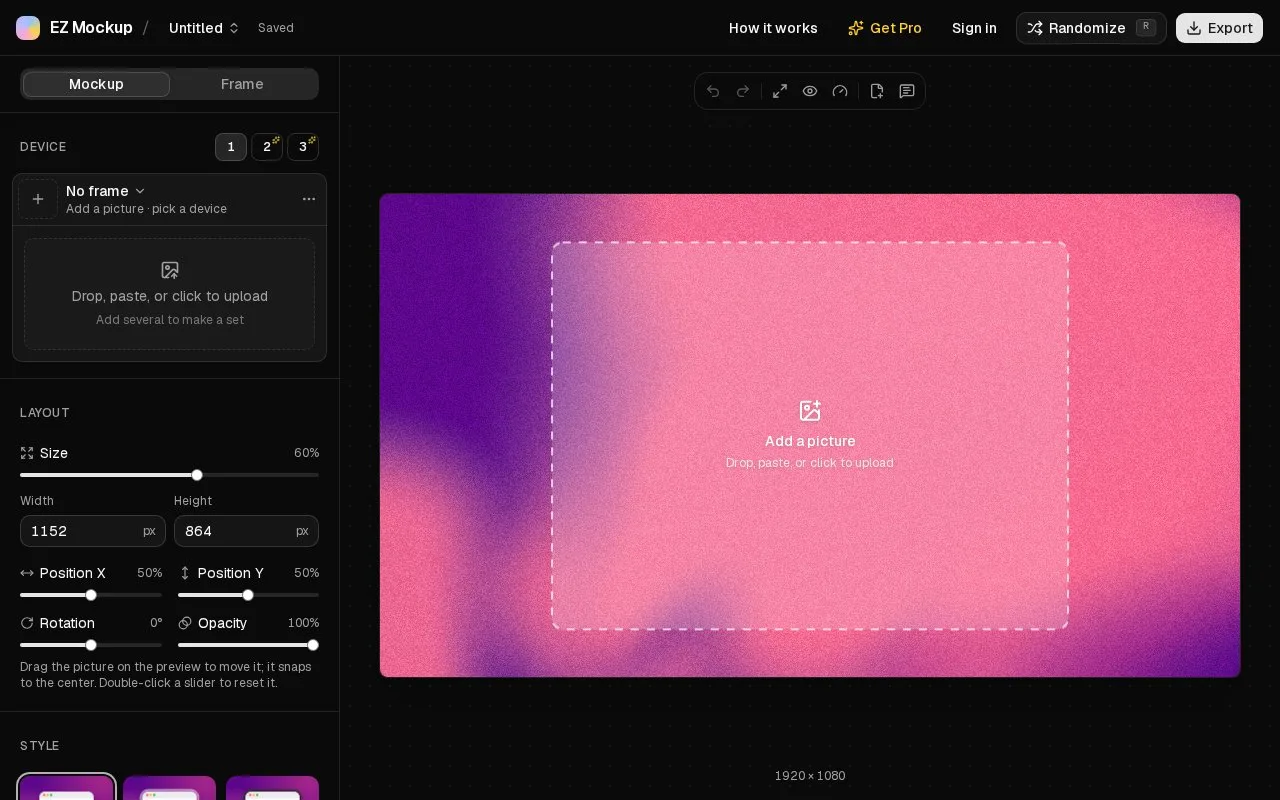
What it does
EZ Mockup styles screenshots with device frames, gradients, background images and adjustable lighting, position and tilt. Single-device still images are free without signup or a watermark. Non-renewing Pro passes and export packs add multi-device compositions, video, 3D models and batch ZIP output.
Drop or paste a screenshot, choose a device and adjust its size, position, corner radius and tilt. From picture extracts accent colours for a matching gradient, while a draggable light sets shadow direction. A set can share one background or use a different background per image.
| Access | Export allowance |
|---|---|
| Free | Unlimited single-device still images at up to 4x |
| Five-export pack | Five Pro export jobs, with no expiry |
| Seven-day pass | Unlimited Pro exports for seven days |
| Thirty-day pass | Unlimited Pro exports for thirty days |
A Pro export can be a video, GIF, multi-device image or ZIP of up to 50 mockups. Compositions support up to three devices, with position, layer and opacity controls. They can be previewed free, but multi-device export needs Pro. Still formats include PNG, JPG and WebP; paid motion output includes MP4, WebM and GIF.
Pro purchases require Google sign-in and never renew automatically. Browser editing stays on the device, while the optional agent connection uploads its chosen screenshots for server rendering. Work is lost when the editor tab closes or reloads, so export files you need to keep. The terms permit commercial use of finished mockups, including client work, but prohibit extracting or redistributing the underlying frame assets.
Strengths
- Offers free single-device still exports without signup or a watermark.
- Uses non-renewing Pro passes and export packs for occasional paid work.
Watch out for
- Multi-device export, motion, 3D models and batch ZIP output require Pro.
- Editor work is lost when the tab is closed or reloaded.
Best for
- Product launches that need a short burst of advanced mockup output.
Sources
- EZ Mockup — Free Gradient Mockup Generator for Screenshots (Oct 27, 2026)
- Terms and Conditions · EZ Mockup (Oct 27, 2026)