
What it does
Flutter is Google's UI framework and SDK for building applications across mobile, web, desktop, and other supported targets. Its widget system defines the interface, while the Flutter CLI scaffolds, runs, and builds an application. The official create-app guide shows a VS Code workflow that uses `flutter create`; platform-specific SDK setup and release configuration still depend on the targets a project chooses.
The official guide can bootstrap a new Flutter app from VS Code, which runs flutter create for the project and then opens the generated code. A useful first task is to build one small screen and run it on a single target before adding plugins or enabling several platform builds. The Flutter docs also provide a CLI route, so the editor is a choice rather than a requirement. These setup instructions are documented examples, not commands executed for this listing.
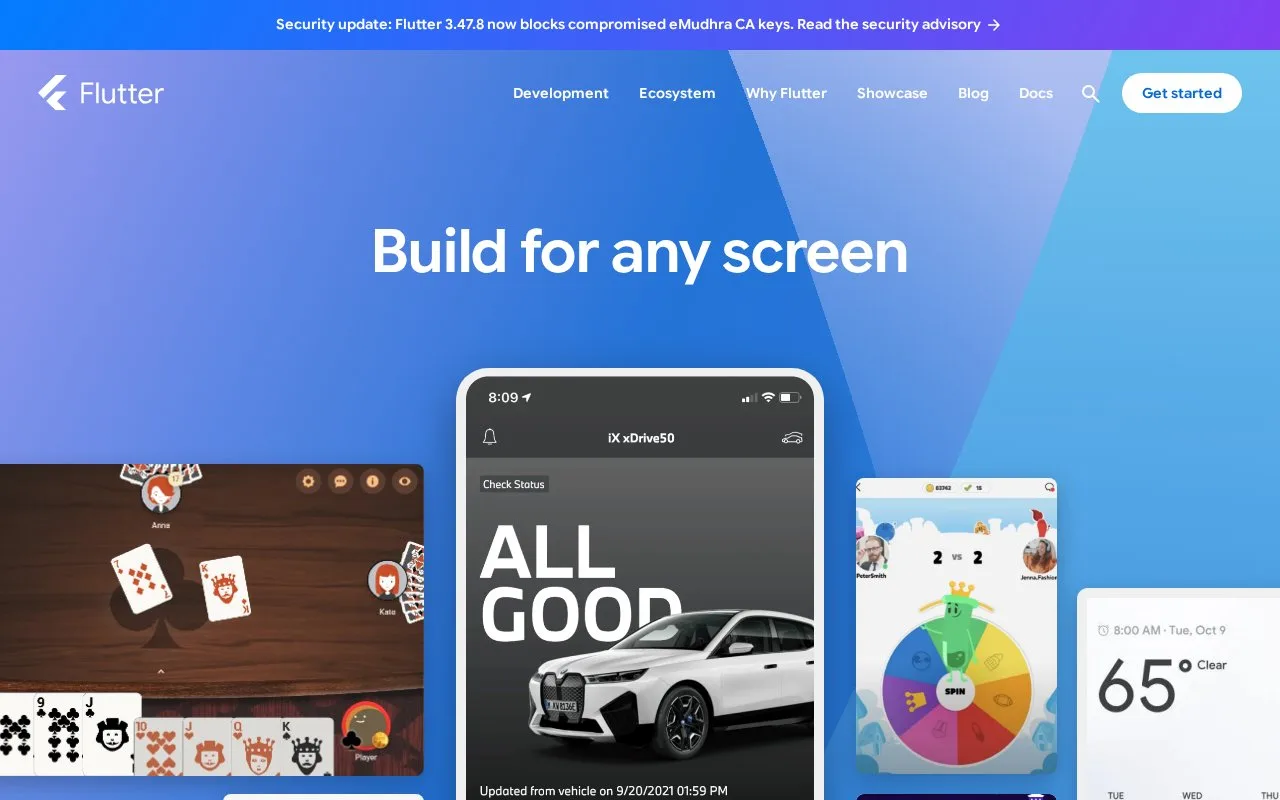
Flutter uses widgets as its primary UI building blocks and packages the SDK with tooling for development and release builds. The same application code can target multiple supported platforms, but a cross-platform source tree does not remove every platform-specific requirement: install and configure the SDKs needed for each target, and test the actual builds you intend to ship.
The Flutter framework is BSD-3-Clause licensed. It is a UI toolkit, not a code editor or a hosting service. Flutter applications use Dart, while this listing describes the Flutter framework and its build workflow rather than the Dart language itself.
Strengths
- The create-app guide shows a direct project scaffolding flow through `flutter create`.
- The framework provides a shared widget-based UI model across supported application targets.
- Official documentation covers setup, widgets, and running an app from multiple development environments.
Watch out for
- Each release target still requires the corresponding platform setup and validation.
- Teams need to learn Flutter's widget model and keep the SDK and platform toolchains aligned.
Best for
- Teams building application interfaces for several platforms from a shared codebase.
- Developers who want a widget-based framework and integrated run/build tools.
- Projects that can install and test the platform toolchains required for their chosen targets.
Sources
- Flutter - Build apps for any screen (Oct 25, 2026)
- Flutter documentation (Oct 25, 2026)
- Create a new Flutter app (Oct 25, 2026)
- flutter/flutter (Oct 25, 2026)
- BSD 3-Clause License (Oct 25, 2026)